Tapfiliate Integration for Magento 2 - User Guide
Extension Installation
For Magento Marketplace Customers
- Find the Composer name and version of the extension in the extension's composer.json file.
- Login to your SSH and run:
composer require meetanshi/magento2-tapfiliate-integration
- Enter your authentication keys . Your public key is your username; your private key is your password.
- Wait for Composer to finish updating your project dependencies and make sure there aren't any errors.
- To verify that the extension installed properly, run the command:
php bin/magento module:status Meetanshi_TapFiliate
- By default, the extension is probably disabled.
- Enable the extension and clear static view files:
php bin/magento module:enable Meetanshi_TapFiliate--clear-static-content
php bin/magento setup:upgrade
- For Magento version 2.0.x to 2.1.x -
php bin/magento setup:static-content:deploy
- For Magento version 2.2.x & above -
php bin/magento setup:static-content:deploy --f
php bin/magento cache:flush
For Meetanshi Customers
- Extract the zip folder and upload our extension to the root of your Magento 2 directory via FTP.
- Login to your SSH and run below commands step by step:
php bin/magento setup:upgrade
- For Magento version 2.0.x to 2.1.x -
php bin/magento setup:static-content:deploy
- For Magento version 2.2.x & above -
php bin/magento setup:static-content:deploy --f
php bin/magento cache:flush
Configuration
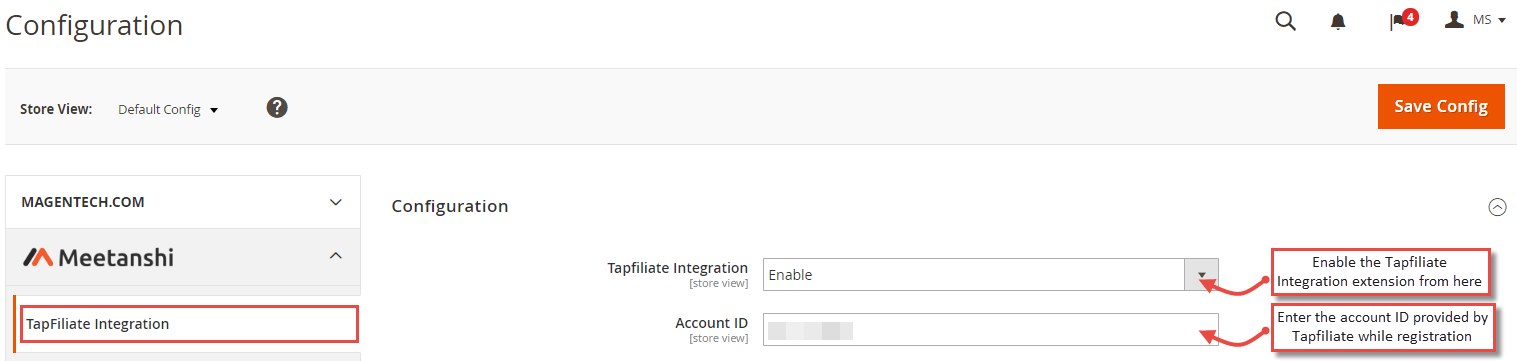
To configure the Tapfiliate Integration for Magento 2 extension, login to Magento 2, move to Stores > Configuration > Meetanshi > Tapfiliate Integration where you can find various settings enable the extension.
- Tapfiliate Integration: Enable or disable the extension from here.
- Account ID: Enter your Tapfiliate account ID. Follow https://support.tapfiliate.com/en/articles/1353356-your-account-id to get your account ID.
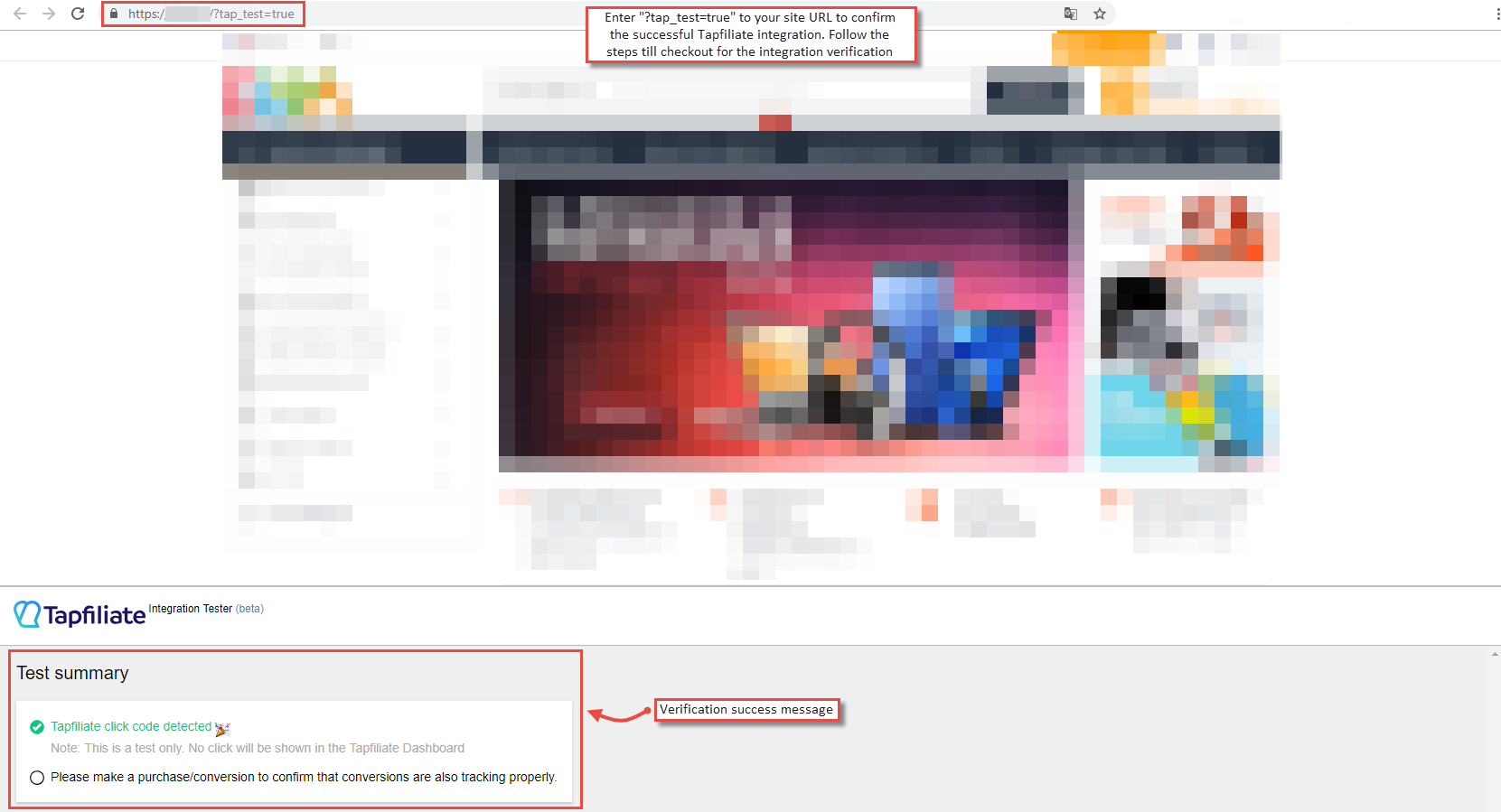
Tapfiliate Integration Success Message
After configuring the extension, enter https://yoursite.com/?tap_test=true to confirm the successful integration of Tapfiliate with Magento 2. Follow the steps till checkout for the Tapfiliate verification success message.
Data Tracking in Tapfiliate Dashboard
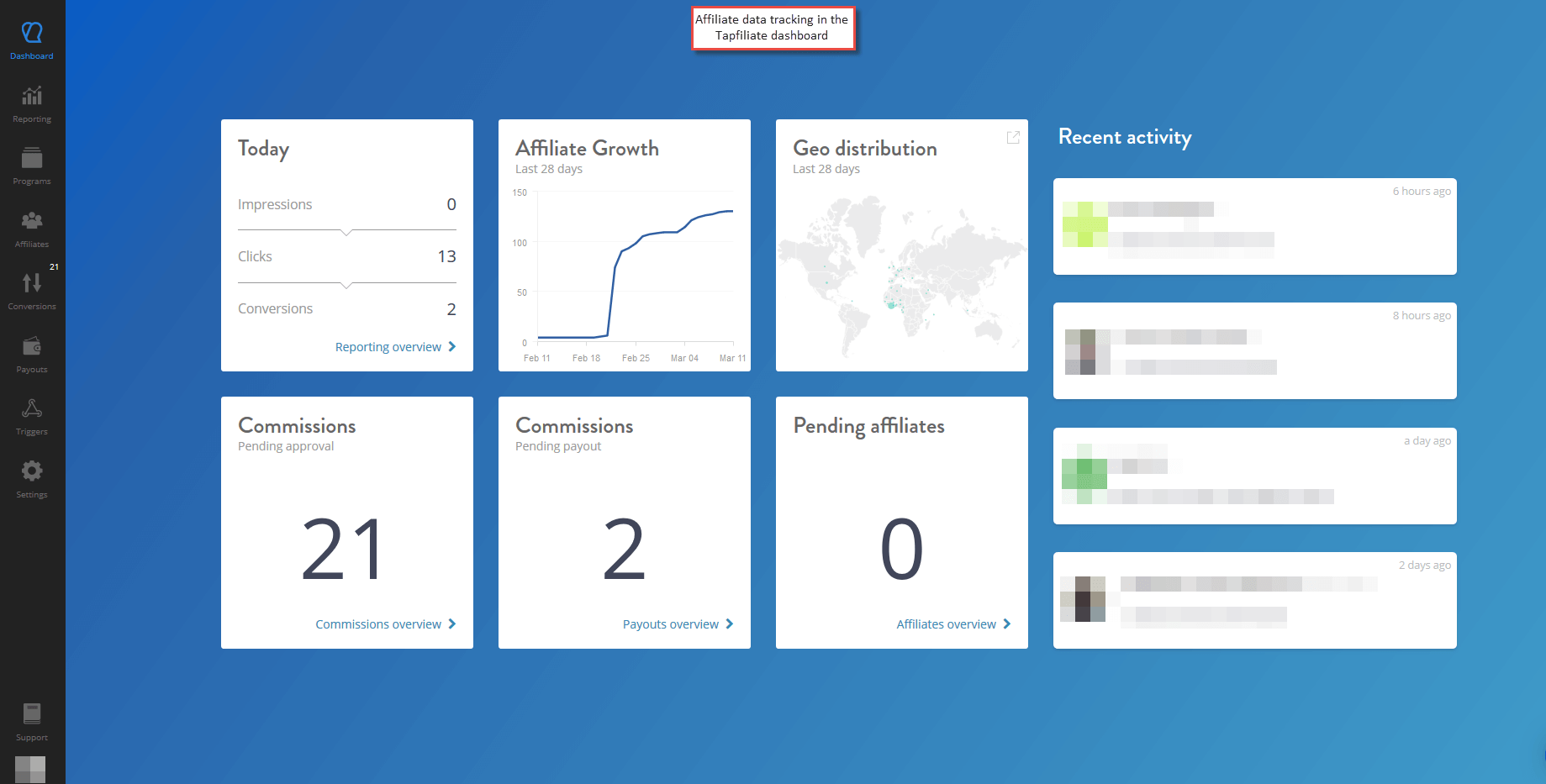
You can check the affiliate data tracking in Tapfiliate dashboard.