Delete Account for Magento 2 - User Guide
Extension Installation
- Extract the zip folder and upload our extension to the root of your Magento 2 directory via FTP.
- Login to your SSH and run below commands step by step:
php bin/magento setup:upgrade
- For Magento version 2.0.x to 2.1.x -
php bin/magento setup:static-content:deploy
- For Magento version 2.2.x & above -
php bin/magento setup:static-content:deploy --f
php bin/magento cache:flush
- That's it.
Configuration
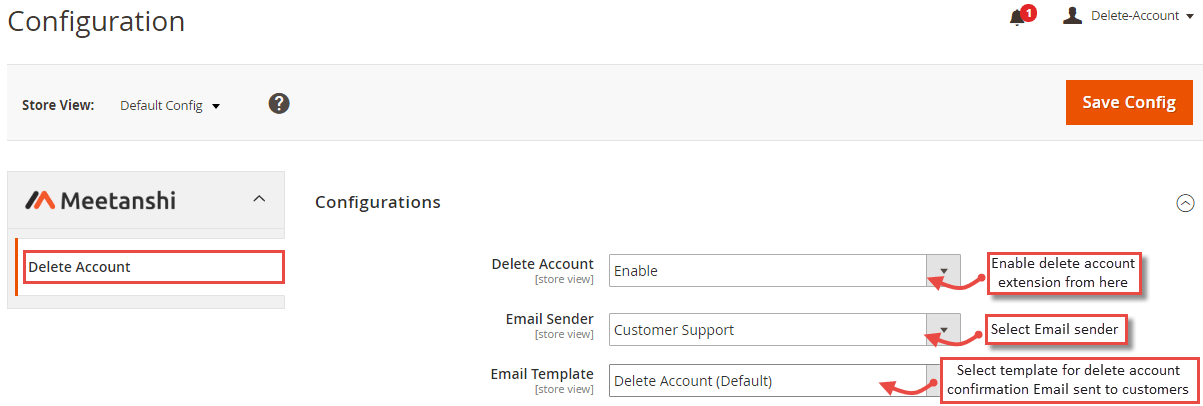
To configure the Delete Account for Magento 2 extension, log in to Magento backend, move to Stores > Configuration > Delete Account where you can find various settings to configure the extension.
- Delete Account: Enable or disable the Delete Account extension from here.
- Email Sender: Select the Email sender from the drop-down list.
- Email Template: Select template for delete account confirmation Email sent to customers.
Delete Account in Frontend
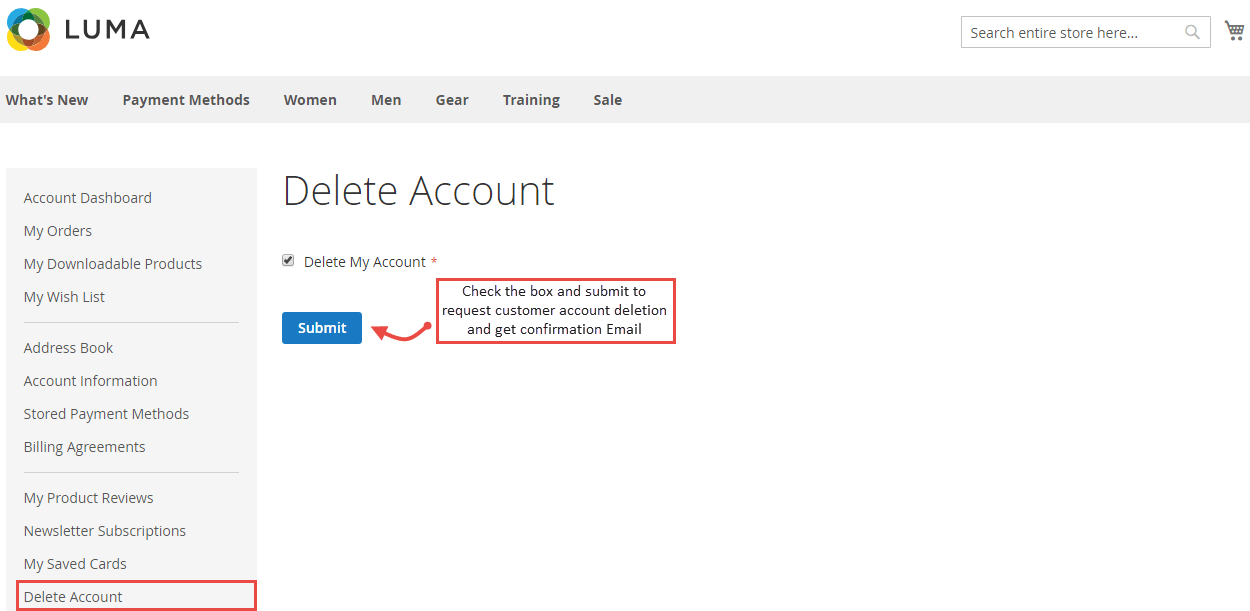
Once you have configured the extension successfully, customers will be able to delete their account from " My Account " section as shown below. Check the "Delete My Account" checkbox and submit the account deletion request.
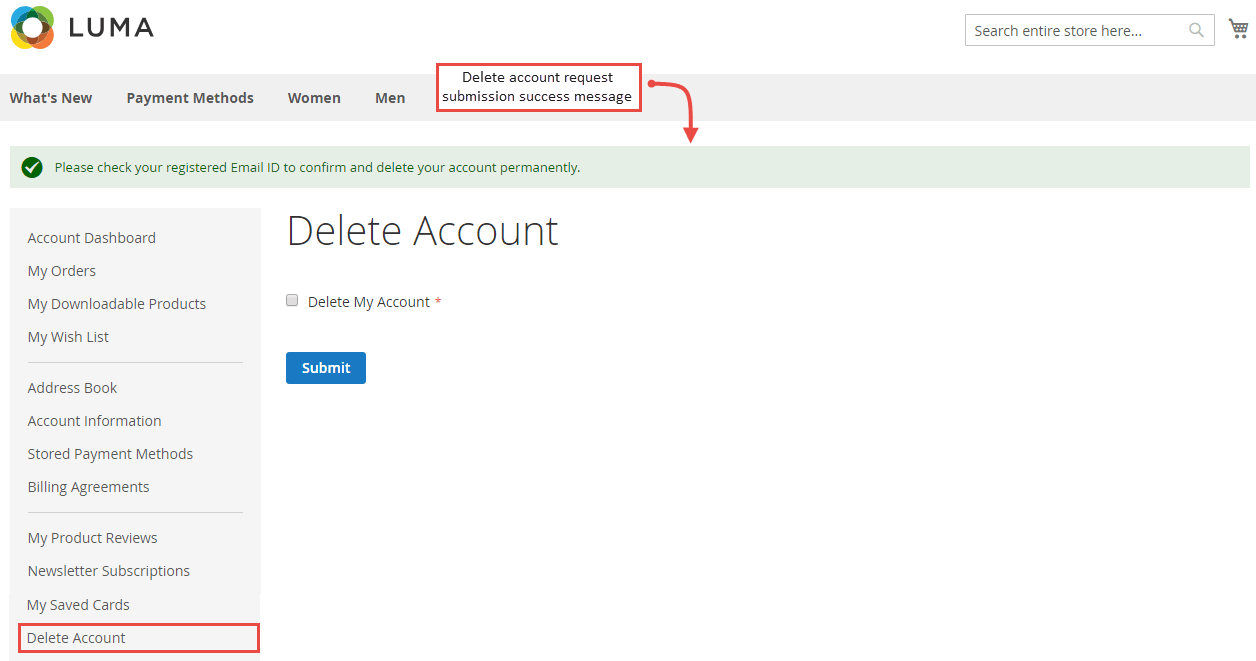
- The following submission success message will be displayed.
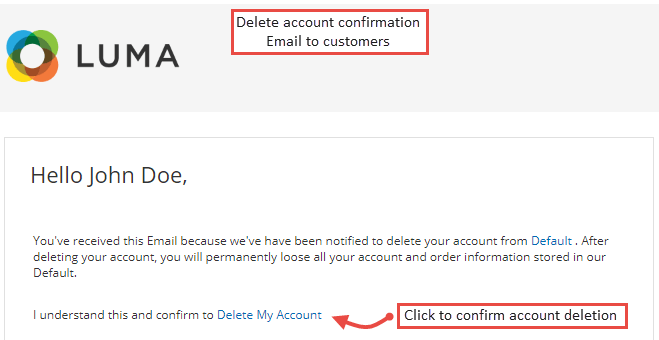
- Delete Account Confirmation Email
Once the customers submit the delete account request, delete account confirmation Email will be sent with a confirmation link. On clicking this link, the account will be deleted permanently.