

Do you hop across dozens of online tools all day to get things done? Well, using the best SEO bookmarklets can ease your job.
Search engine optimization (SEO) is not a single-step process.
The SEOers need to keep track of many things — from on-page to off-page and from technical to non-technical aspects. For that, marketers use over 12 different tools on average, according to Jami from HubSpot.
Switching from one tool to another for performing basic SEO tasks can be cumbersome for busy marketers.
I must say, “The pain is real!”
If you can relate to this, then SEO bookmarklets are for you! In this blog post, I am going to share some of the best SEO bookmarklets that can ease your everyday tasks and boost your productivity.
In our recent post, we picked the best free SEO tools that you’d love to check out!
What is a Bookmarklet?
A bookmarklet is a bookmark of a JavaScript code instead of a webpage, which acts as a quick button to perform a certain action.
Bookmarklet = Bookmark + Applet
Instead of taking the user to a certain URL, these bookmarklets trigger certain scripts and act as a micro-app or browser extension. They are also known as Favlets, Bookmark Applets, or JavaScript Bookmarks. They are lightweight and are supported by all major browsers.
For example, the following code: javascript:window.open(window.location.href) can open the current tab in a new tab.
We can bookmark this code to perform the function through a single click.
Just go to Bookmarks > Bookmark Manager > Add New Bookmark, add the bookmark name, and simply paste the JavaScript in the URL field.

Or you can also drag the links (provided below) to the bookmarks bar and create bookmarklets.

Read this blog post till the end to find fifty such helpful bookmarklets for SEO.
50 SEO Bookmarklets Experts Actually Use
We’ve got bookmarklets for everything you need for SEO!
Listed below are some of the best SEO bookmarklets that’ll help you do SEO like a pro!
I. On-Page SEO Bookmarklets
There are plenty of factors to consider while optimizing on-page SEO — from title length to page loading speed. I’ve handpicked some of the best on-page SEO bookmarklets to assist you through the on-page optimizing process.
1. All-in-one SEO Tool
The SEO bookmarklet by Troy Meier comes with plenty of features to quickly check the on-page SEO elements of a webpage. The bookmarklet opens a pop-up displaying on-page factors such as title, meta description, sitemap, robots.txt, and canonicals. It also contains quick links to other useful tools, making it a complete on-page SEO toolset.

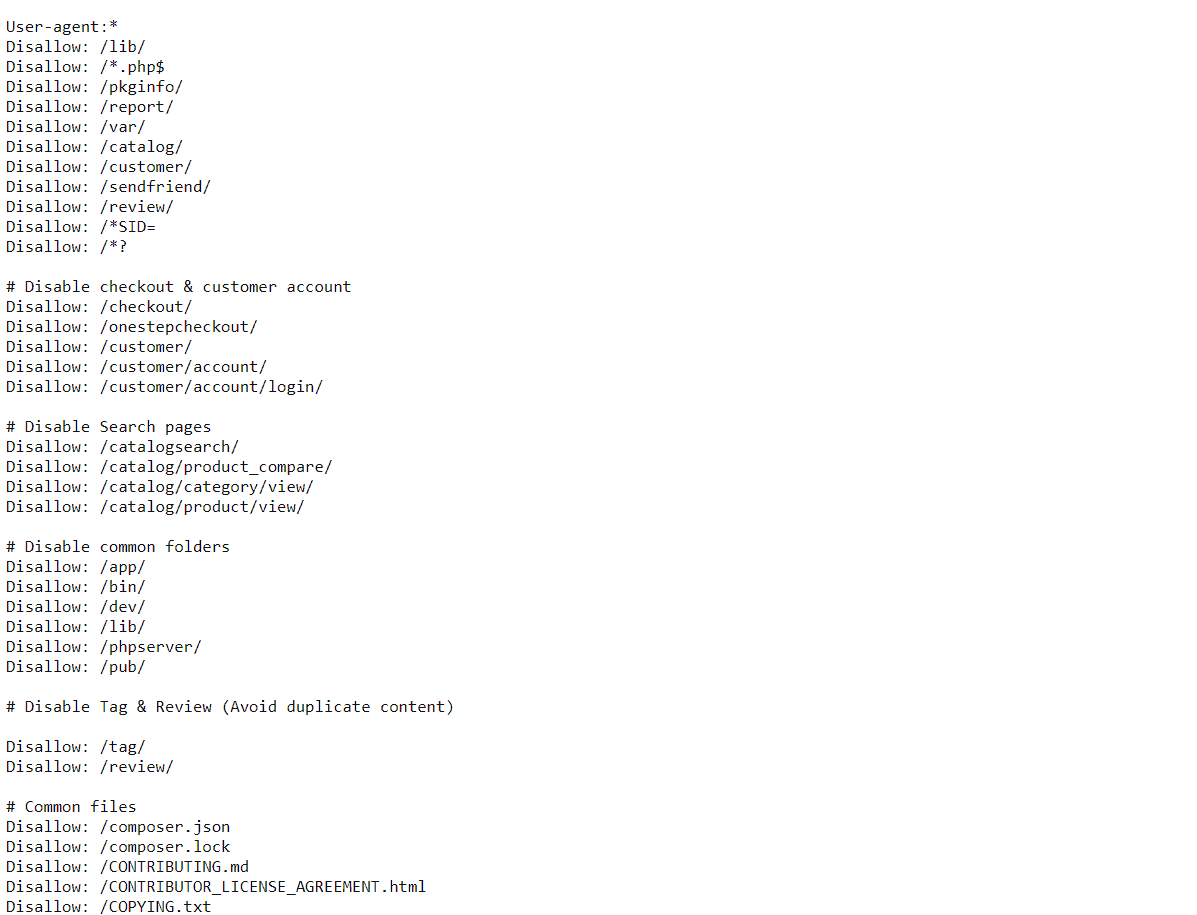
2. Access Robots.txt
This bookmarklet will directly take you to the robots.txt file of that webpage, where you can check whether the page is blocked for crawling or not. Take the following screenshot, for example:
3. Access Sitemap
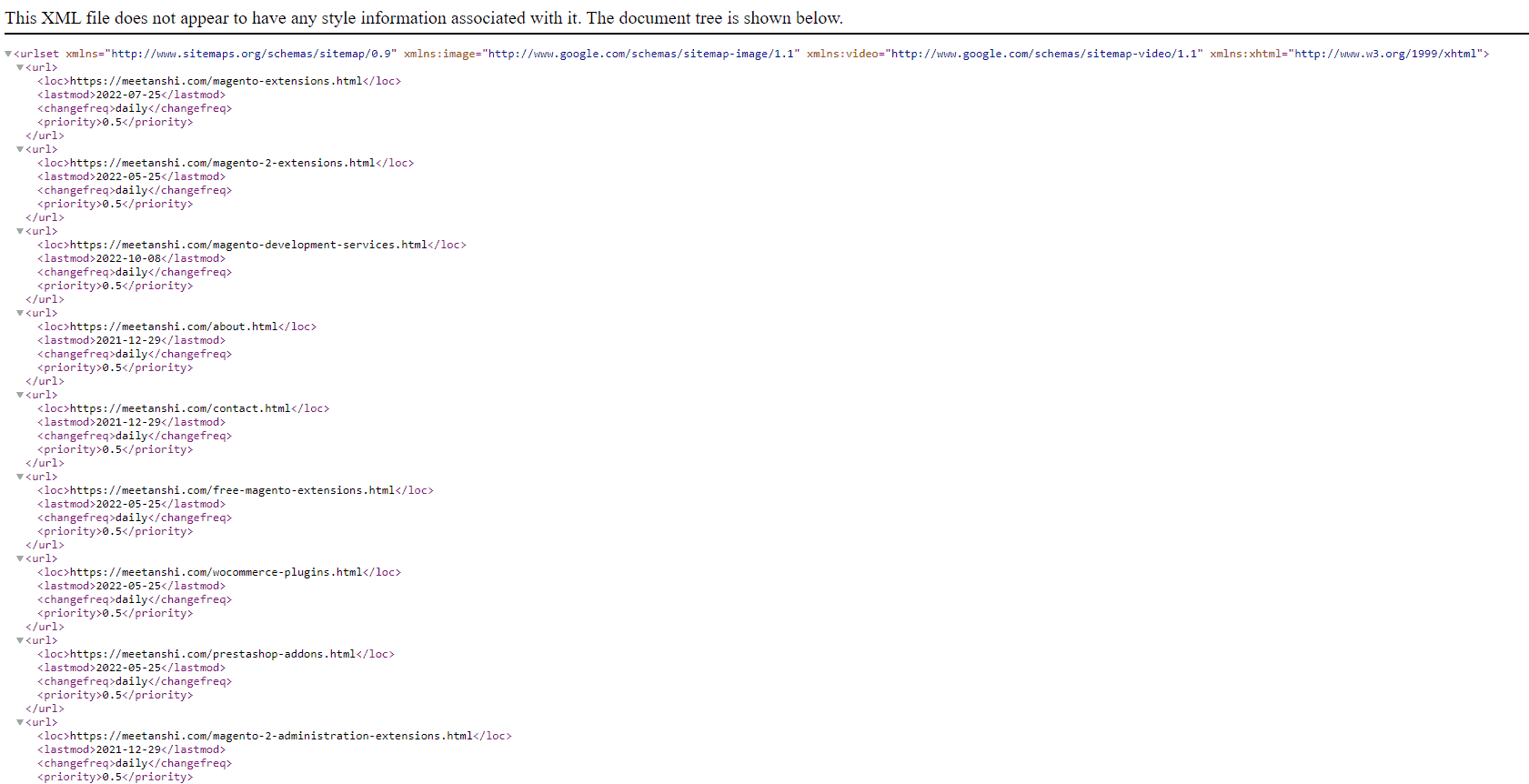
This SEO bookmarklet is helpful for quickly accessing the sitemap of a website. Clicking on the bookmarklet will directly take you to the website-domain.com/sitemap.xml file.
4. Canonical URL Check
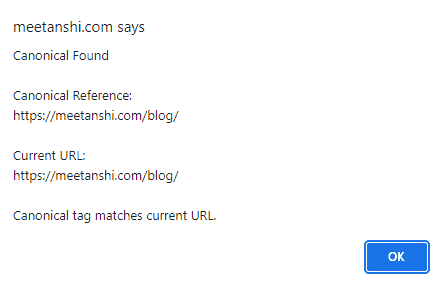
Websites use canonical tags to direct the search engine crawlers to the original page URL. Checking canonical tags is an essential part of the on-page SEO checklist. This JavaScript bookmarklet for SEO lets you quickly check the canonicalization status of the current page.
5. Convert Links to Hrefs
Checking your competitor’s posts? Use this SEO bookmarklet to convert all the links on the page to naked URLs and quickly find out their linking strategy.
This JavaScript bookmarklet for SEO lets converts regular links to naked URLs.
6. Image to ALT Converter
Do you manually check ALT tags? Well, then, this SEO bookmarklet is for you!
This little piece of JavaScript lets you check the ALT tags of all the image elements on the page with a single click. The bookmarklet converts the images into ALT texts, which can be useful while manually auditing web pages.
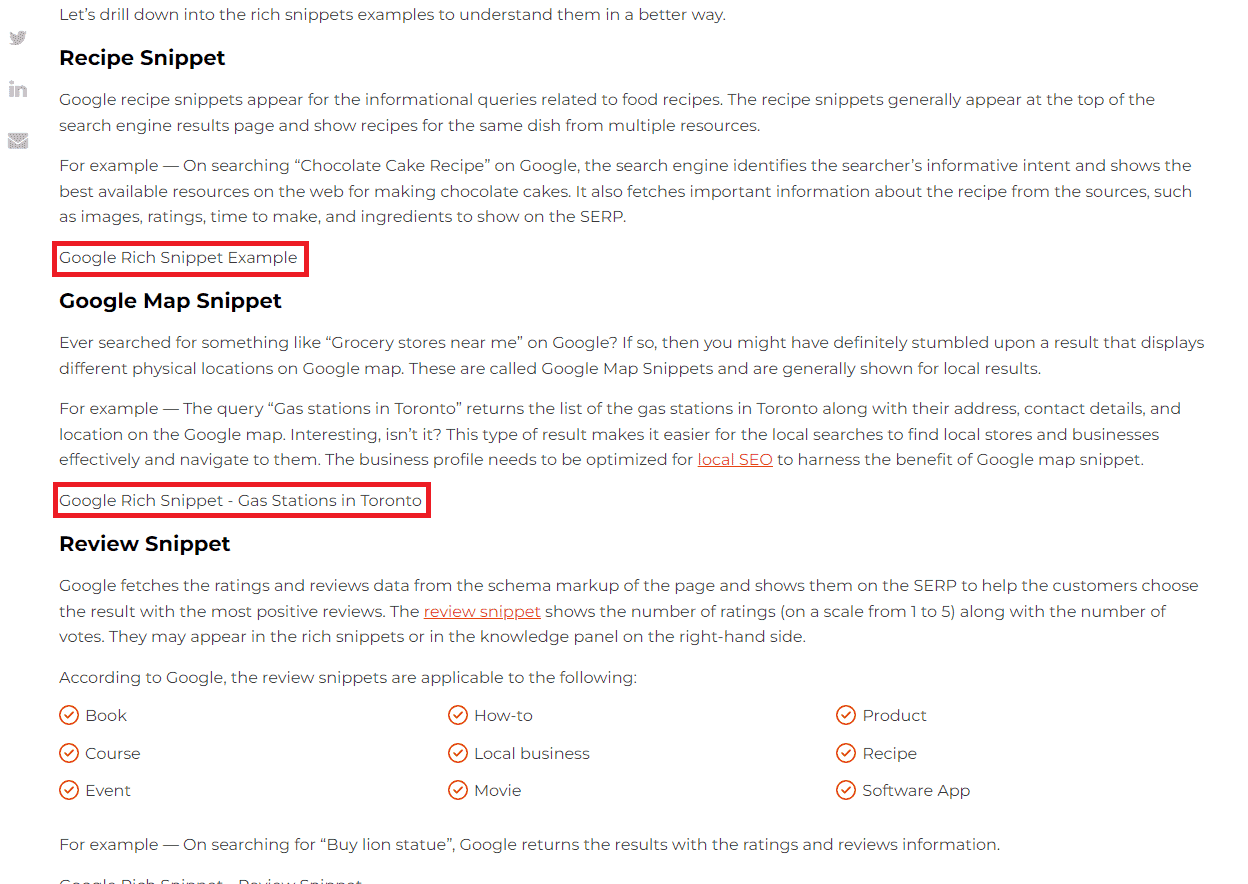
7. Keyword Highlighter
This bookmarklet will allow you to highlight specific words and phrases on the webpage. It also works with multiple keywords and phrases, which can be useful in reverse engineering your competitor’s content, or while optimizing content for SEO.
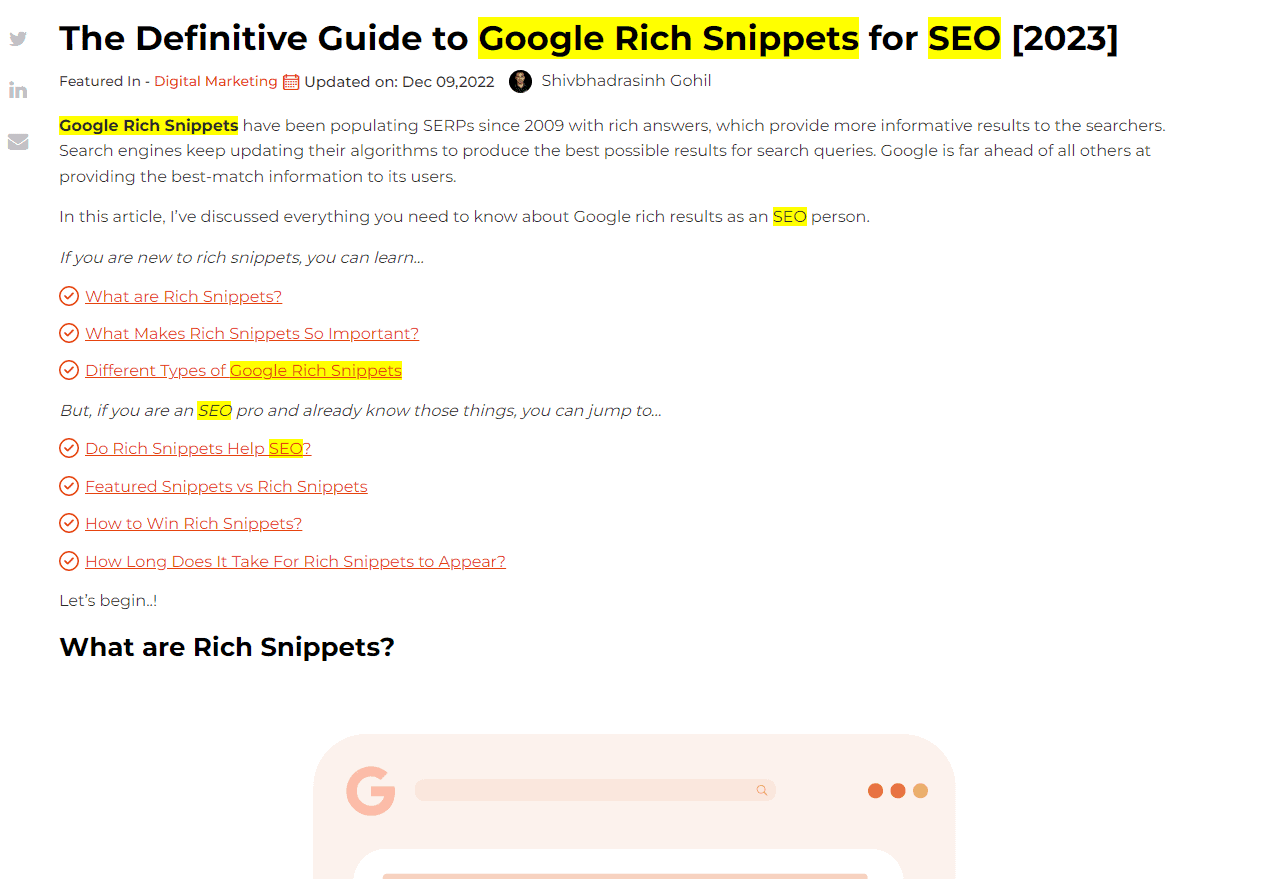
8. Highlight Headings
The heading tags: h1, h2, h3, and so on… are important from both SEO & UX perspectives. They help form the context of the webpage and help the search engines understand the webpage. Using a logical hierarchy of header/heading tags is an essential part of on-page SEO analysis.
This Chrome bookmarklet for SEO quickly highlights the heading and shows the tags used.
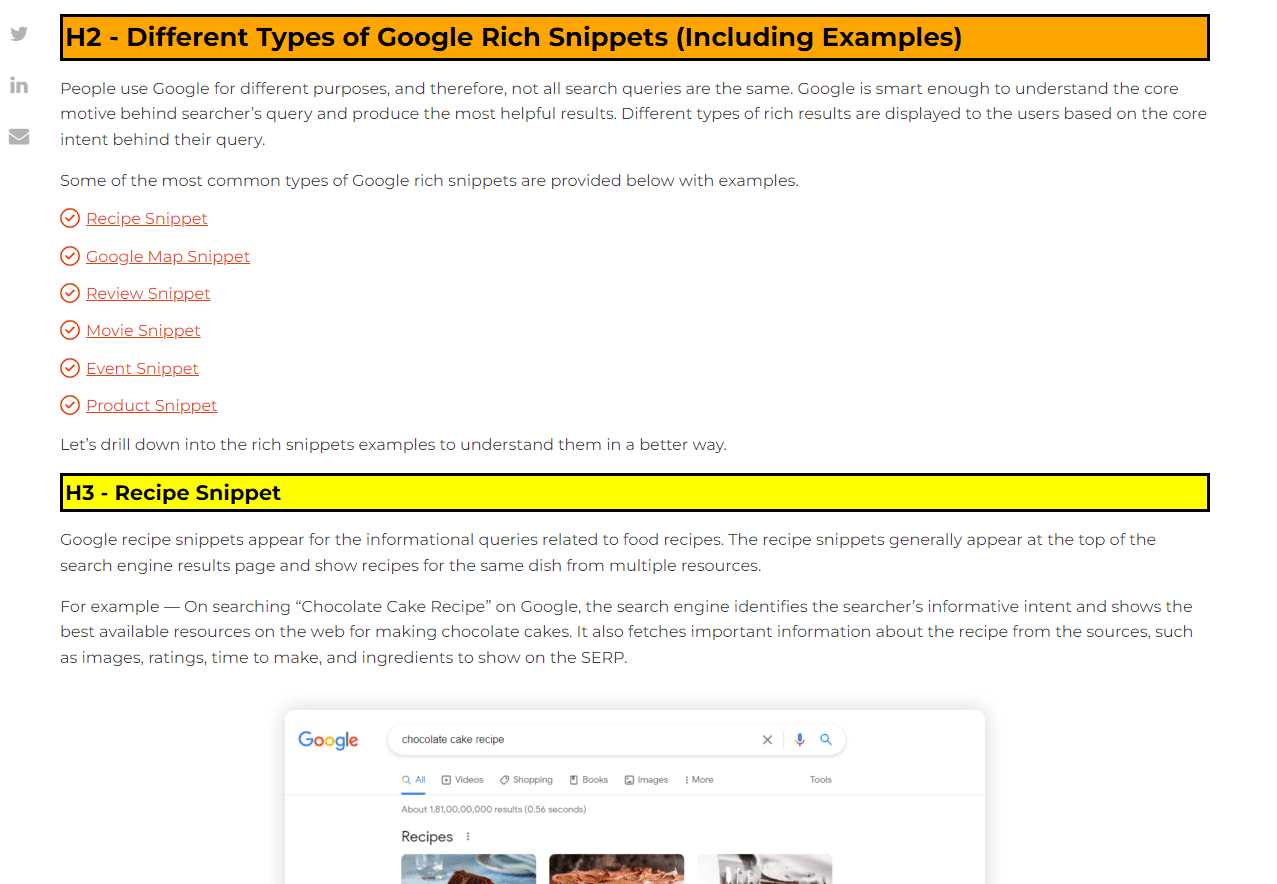
9. Find Broken Images
This SEO bookmarklet is pretty simple. It checks for broken source links in the <img> tags and displays them if any. It can be useful when you are running an on-page SEO audit.
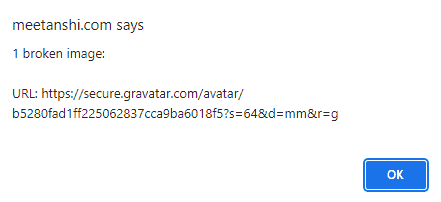
10. Highlight Links (Follow, NoFollow, Sponsored)
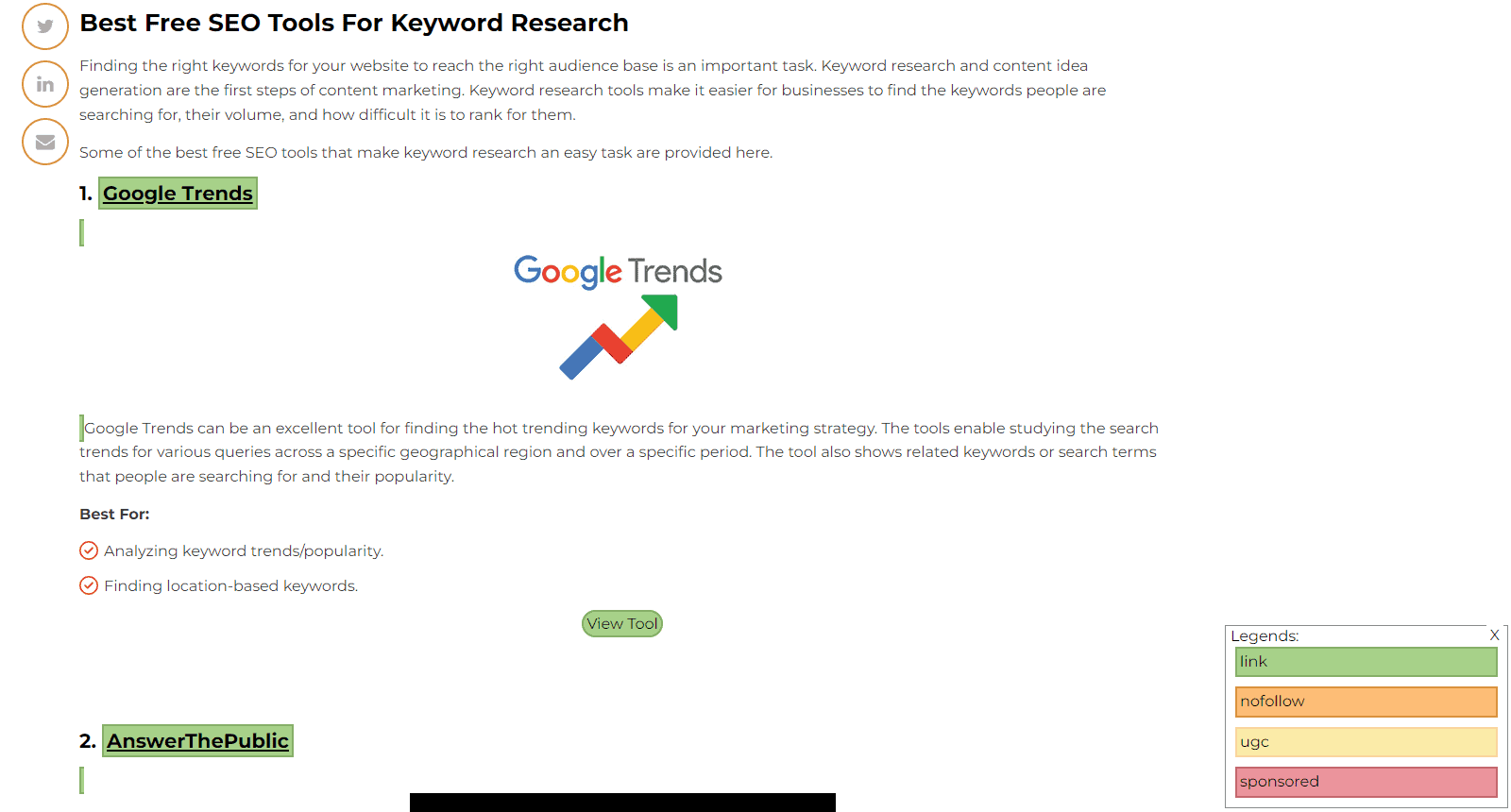
This one is my favourite SEO bookmarklet that highlights all the links on the webpage in different colours according to their rel attribute. This can be useful when you are auditing your posts/pages individually.
11. Mobile-Friendly Test
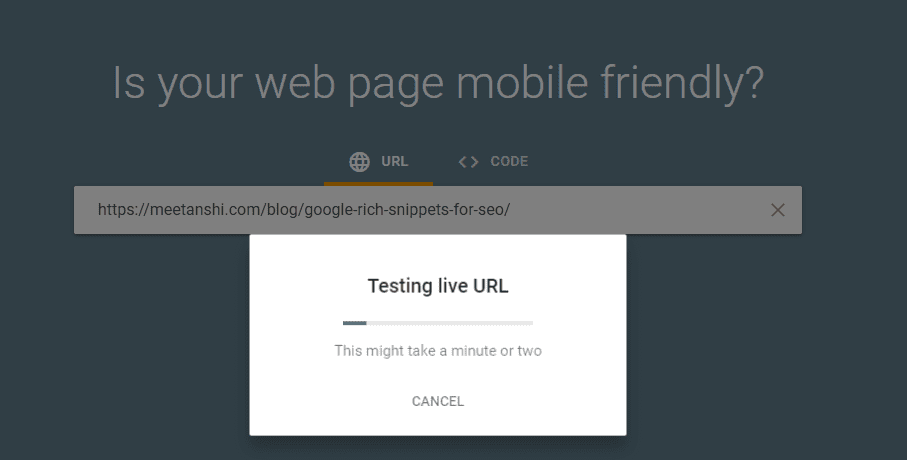
Checking mobile-friendliness is an important part of technical SEO. You can use this tiny JavaScript bookmarklet for SEO to quickly check if the current URL is mobile-friendly. This can save you from manually copying and pasting the webpage URL into Google’s mobile-friendly test.
12. GTMetrix Test
I bet you’re still using the GTMetrix tool manually through URL copy-paste.
Well, not after using this SEO bookmarklet.
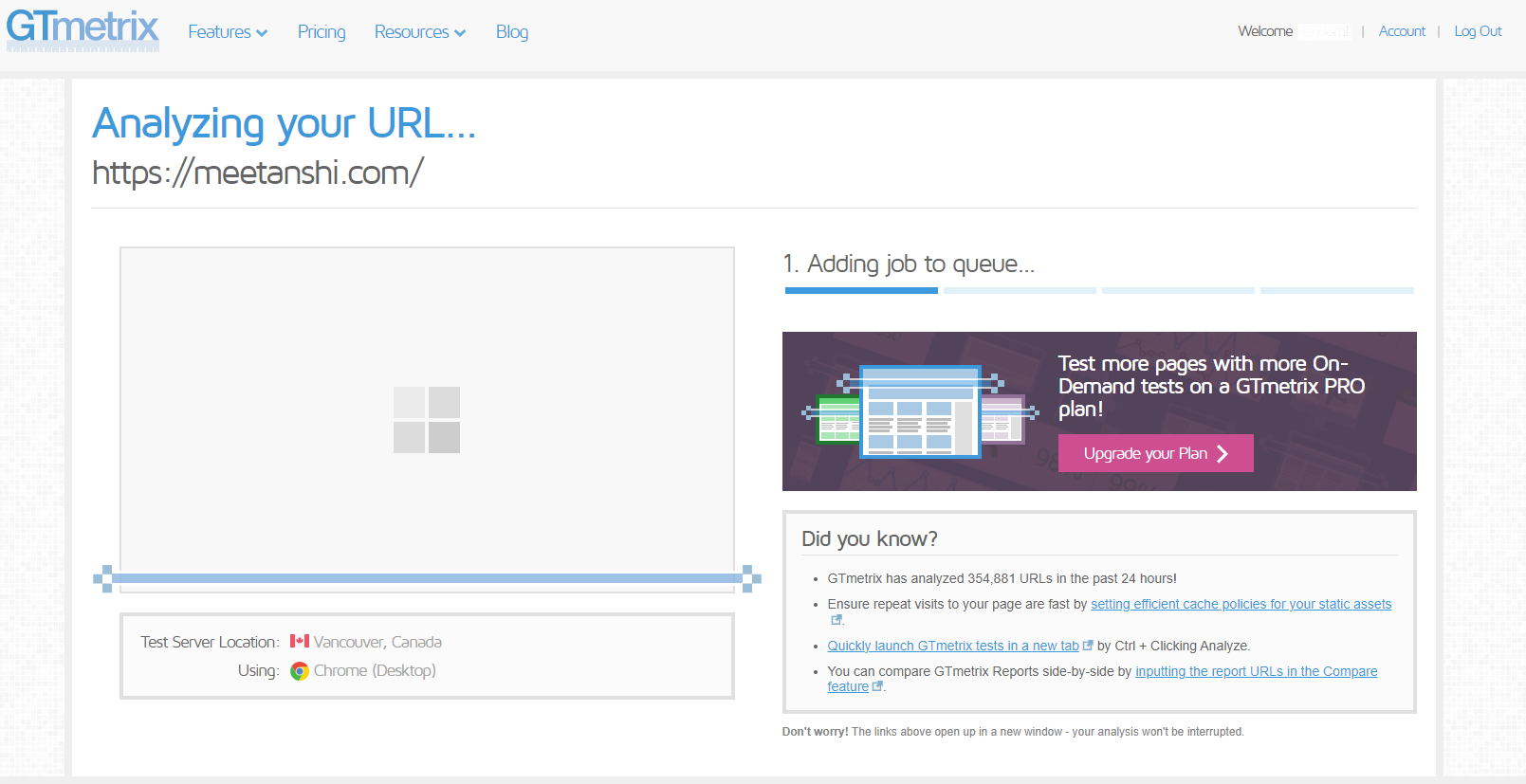
This amazing little piece of JavaScript code lets you open the current URL in GTMetrix with a single click. This can save a lot of time for you and improve your productivity.
13. PageSpeed Insights Test
Well, if you don’t prefer using the GTMetrix tool for performance analysis, then here is a PageSpeed Insights test bookmarklet for you.
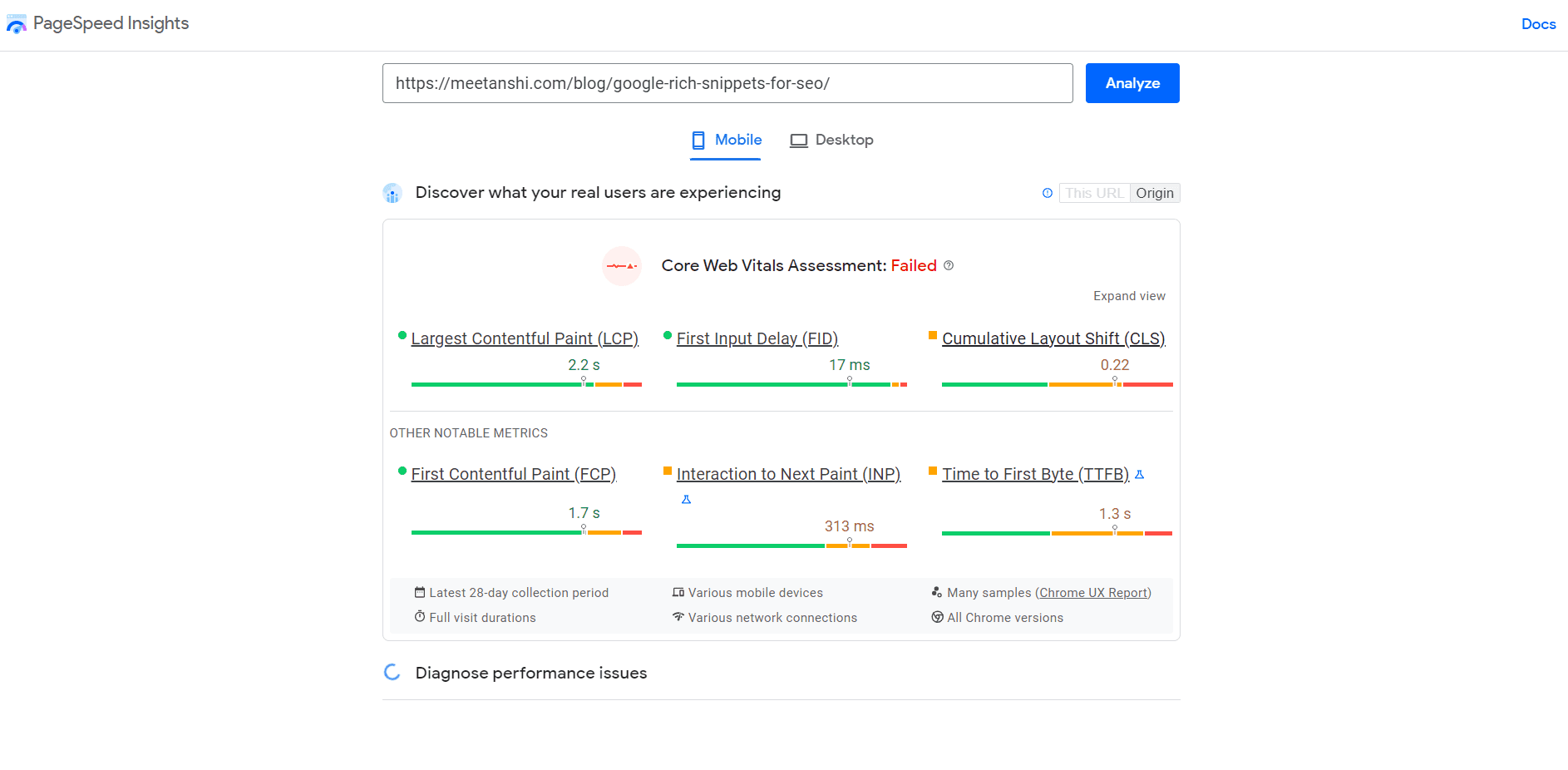
This bookmarklet opens the current page directly in PageSpeed Insights by Google. No manual URL copy-paste effort is required!
14. Rich Results Test
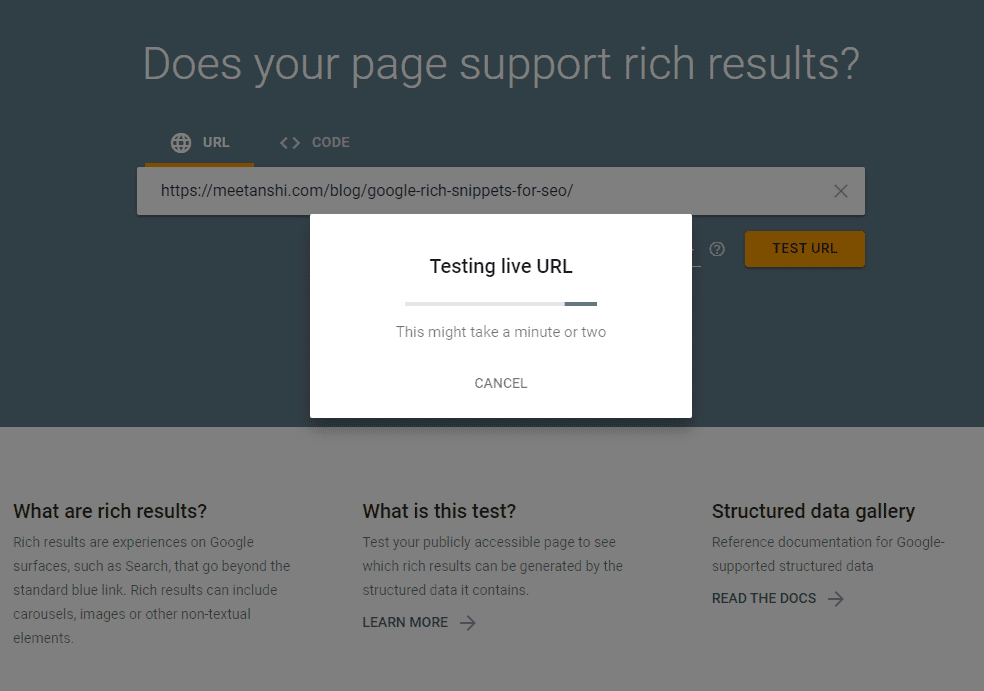
This SEO bookmarklet directly opens the current webpage in the Google Rich Results test in a new tab so that you don’t have to manually do that!
15. DOM Analyzer
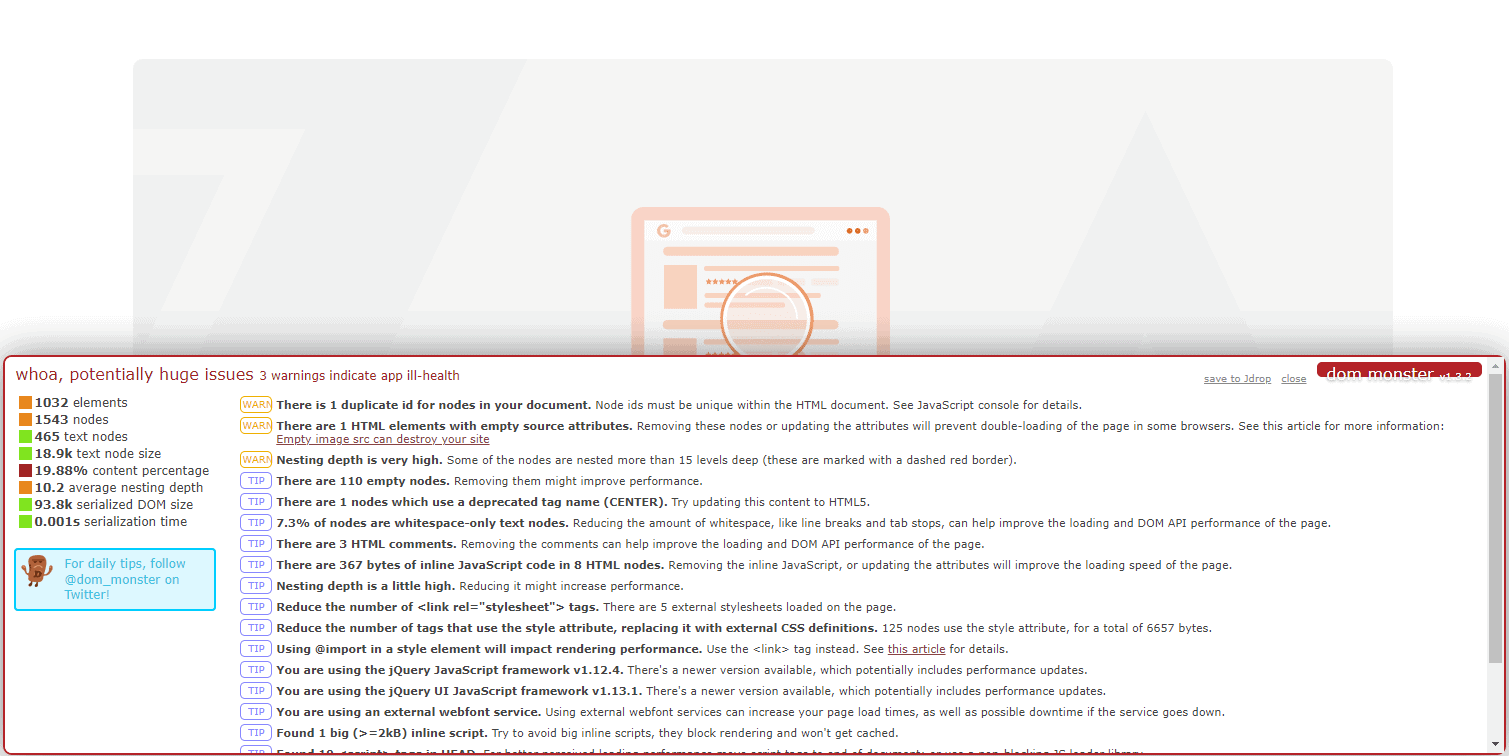
Here comes one of my favourite SEO bookmarklets — the DOM Analyzer.
This bookmarklet will perform a Document Object Model analysis of the webpage and will find the potential issues. It can provide you with some quick suggestions to simplify web pages, making it easy for search engines to understand them.
16. Word Counter
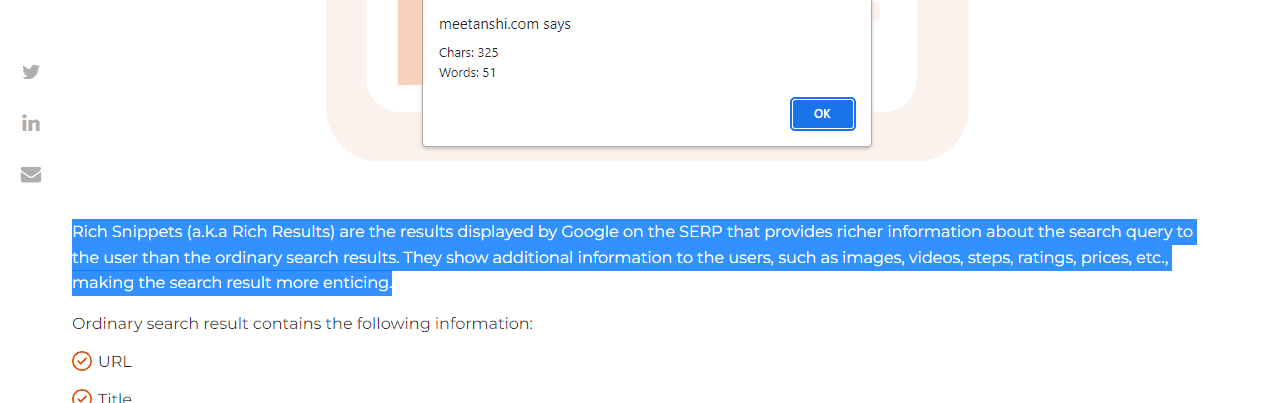
Do you frequently use online tools to count the number of words? Well, you won’t after using this JavaScript bookmarklet!
Add this word counter bookmarklet to your browser, which quickly shows the number of characters and words in the selected content.
17. Content Readability Checker
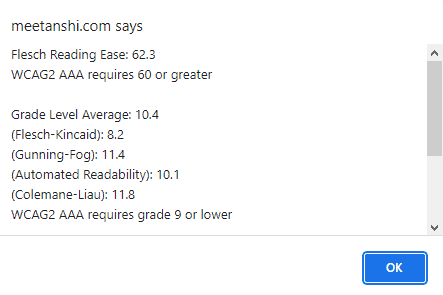
This SEO bookmarklet is pretty useful for writers out there.
It is helpful for analyzing the readability of the content on different scales that include Flesch Reading Ease, Gunning Fog, Automated Readability, and Coleman Liau.
18. View Meta Data
Simple but pretty useful, this SEO bookmarklet lets you quickly glance at the page title and other metadata.

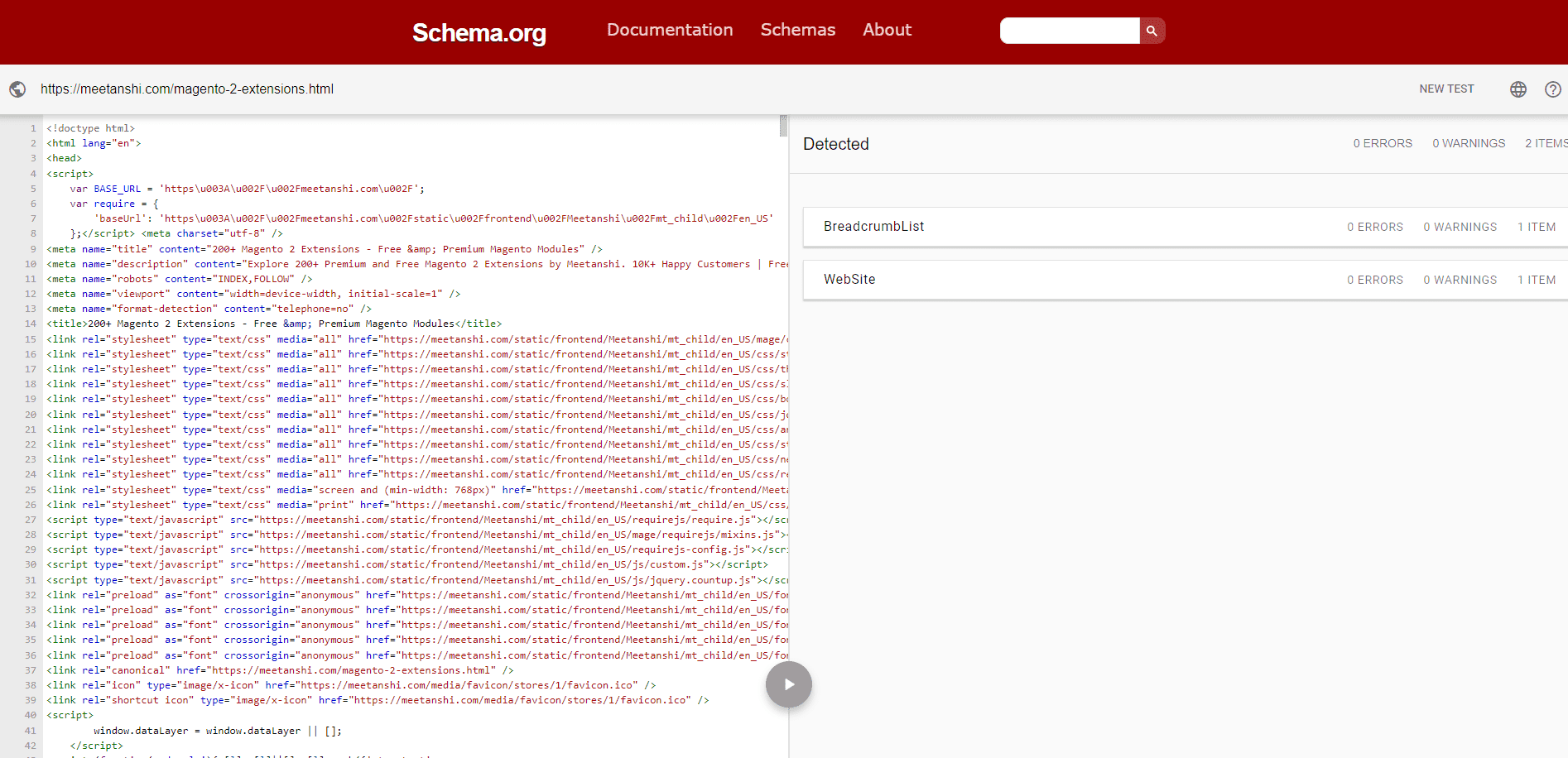
19. Schema Markup Validator
This useful JavaScript bookmarklet for Chrome loads the current page directly in the Schema markup validator tool.
II. Search Engine Bookmarklets
Do you frequently use Google search operators or advanced searches for SEO? Then, this section of SEO bookmarklets will be damn too useful to you. I have listed some of the highly useful bookmarklets for search engines that will save a lot of time for you!
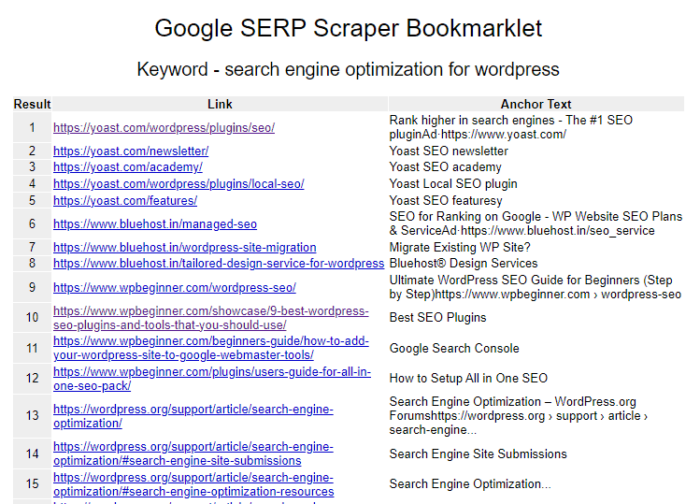
20. Google SERP Scraper
Just like the name suggests, this JavaScript bookmarklet for SEO scrapes the entire Google SERP page along with links and anchor texts. It also allows you to export the data to CSV through a single click.
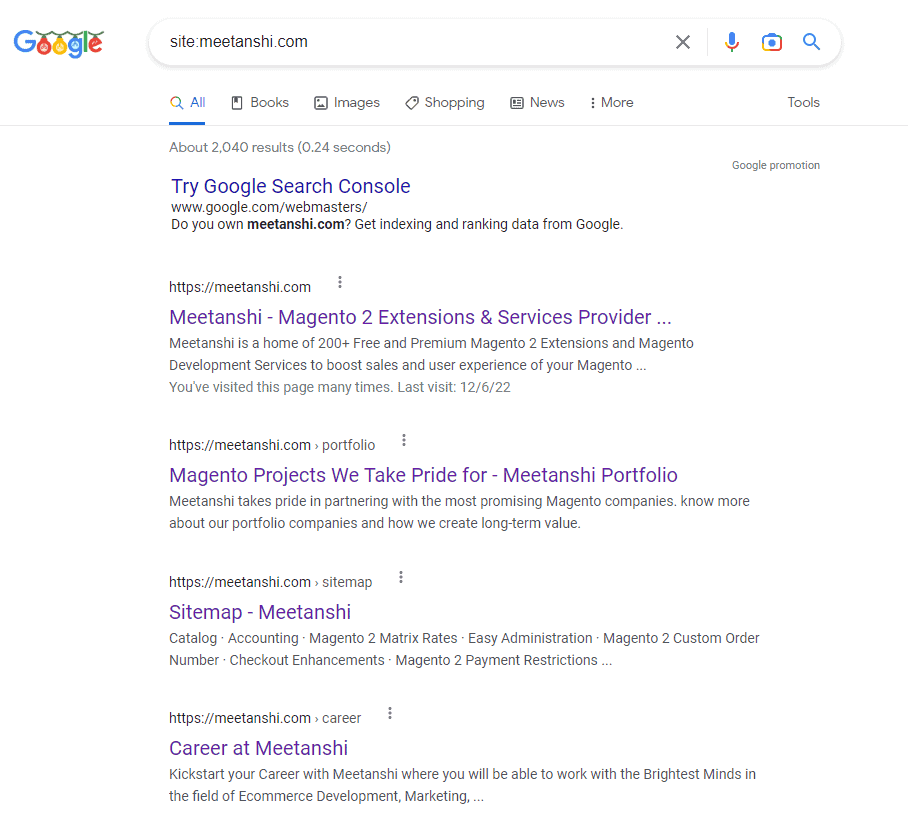
21. Find all Indexed Pages on Google
This SEO bookmarklet uses the site Google search operator to find all the indexed pages of a specific website on Google. This can help you estimate the size of the website based on the number of indexed pages.
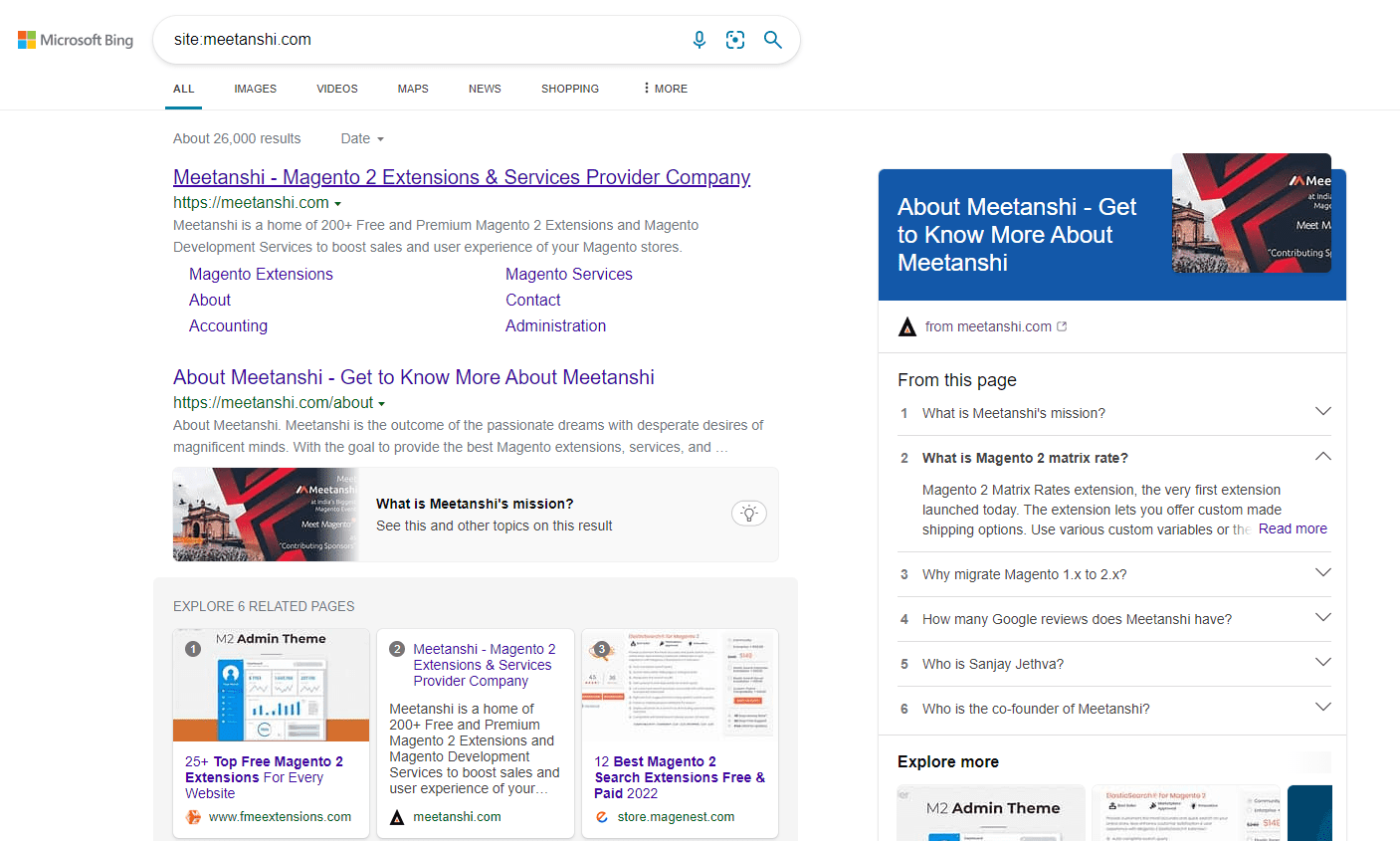
22. Bing Site Index Search
Similar to the Google site index search bookmarklet, this JavaScript bookmarklet for SEO lets you find the number of web pages of the website indexed by Bing.
23. Google Index Status of Current URL
Want to know if the current page is indexed by Google or not?
Use this bookmarklet that searches for the current URL in Google using the site search operator.
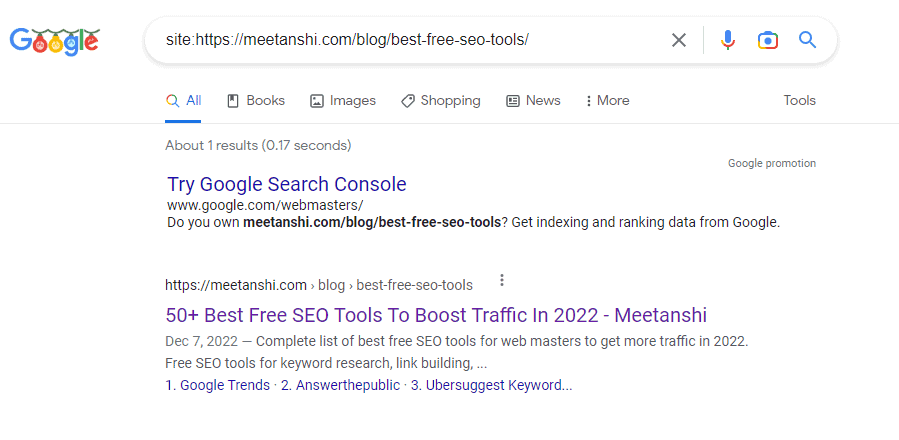
24. Search Selected Text on Google
This Google bookmarklet will make it easy for you to search the content on Google. Just select any text on the page and click on the bookmarklet to search. It can be pretty useful for finding quick references or sites copying your content.
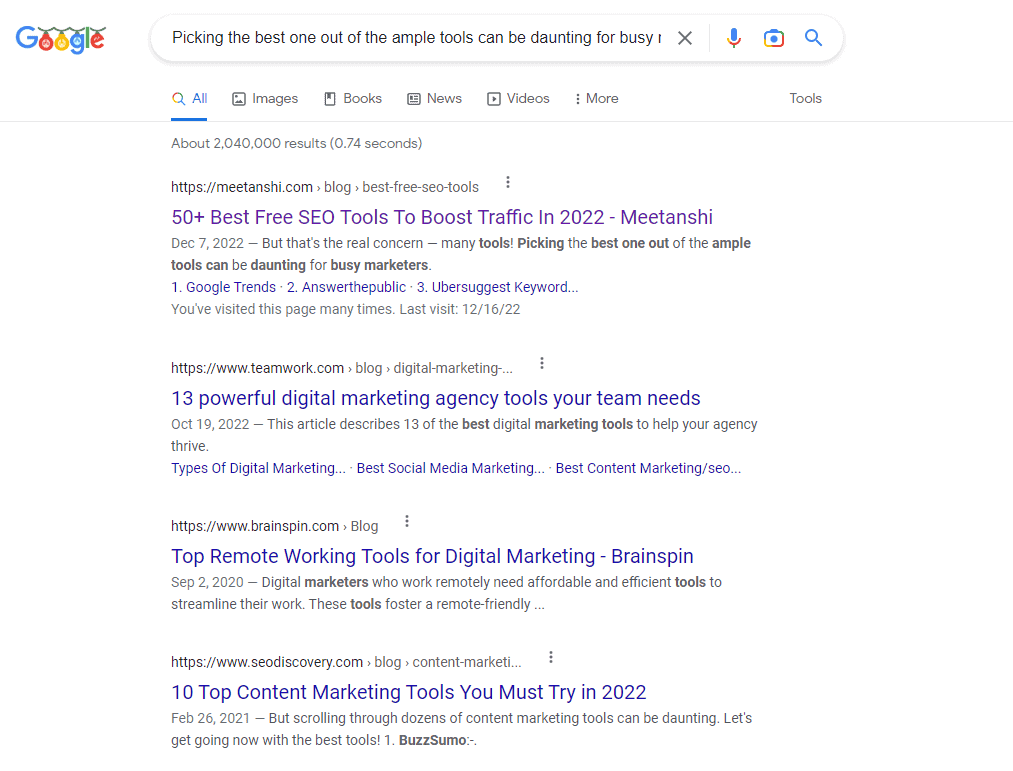
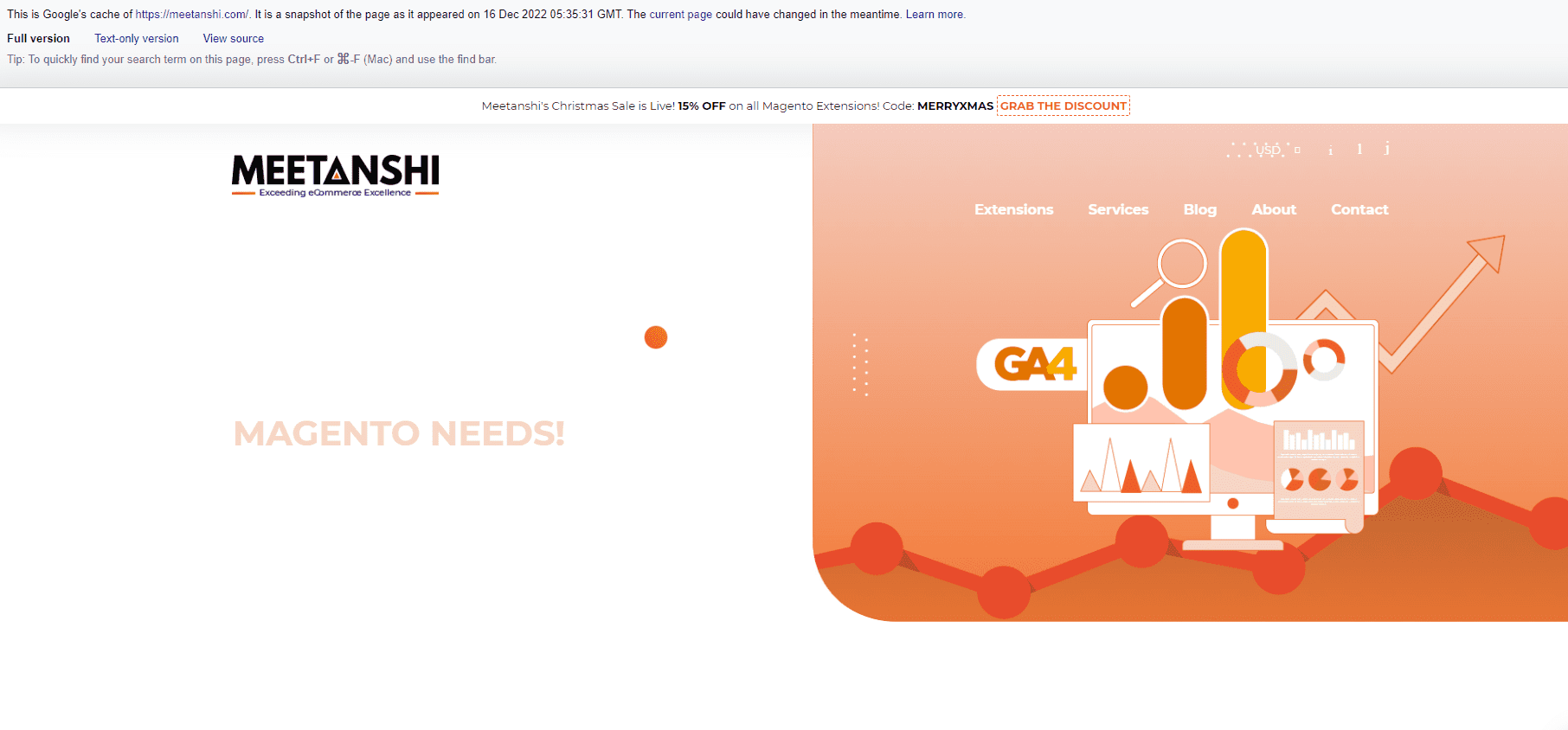
25. View Cached Page
Using this Google SEO bookmarklet, you will be redirected to the last cached version of the webpage in Google. This can help you analyze your webpage from the Googlebot’s perspective and provide you with points of improvement.
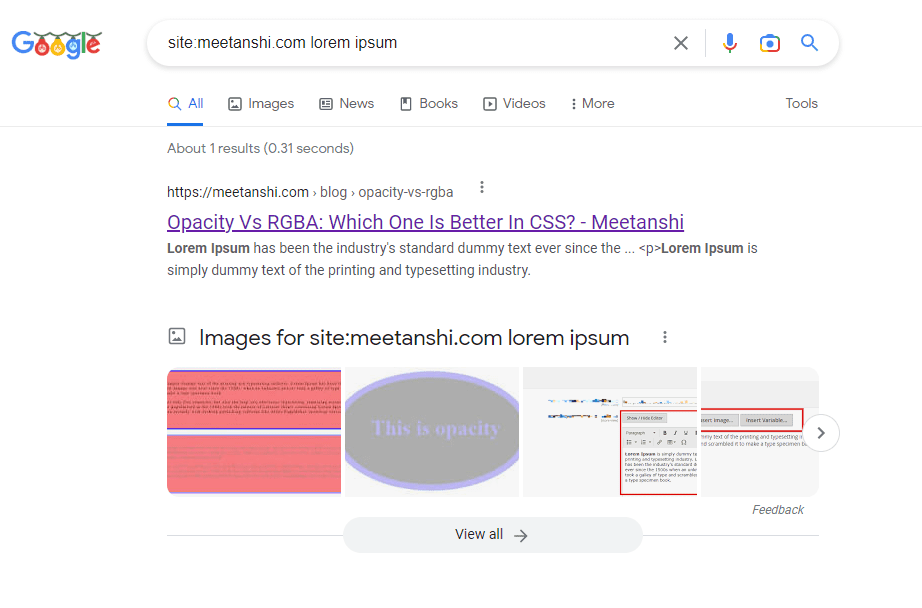
26. Lorem Ipsum Test
If you have newly launched your site, then there are chances some pages on your website may still contain the Lorem Ipsum dummy text. This SEO bookmarklet lets you search your entire site for lorem ipsum dummy text via Google.
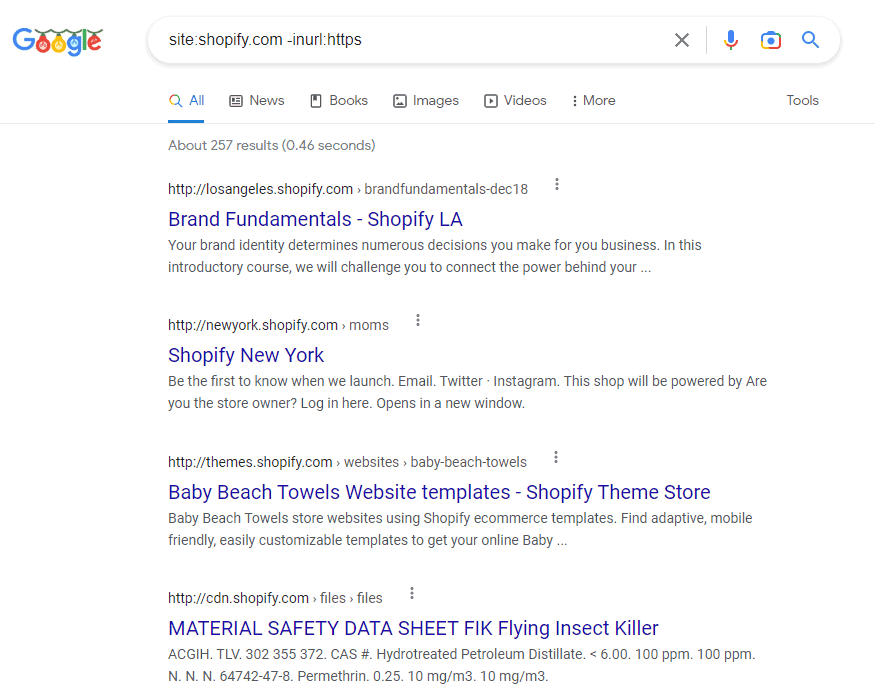
27. Find HTTP Pages
There is no doubt that HTTPS is a ranking factor. This JavaScript bookmarklet for SEO lets you find the non-HTTPS pages of the website that are indexed by Google.
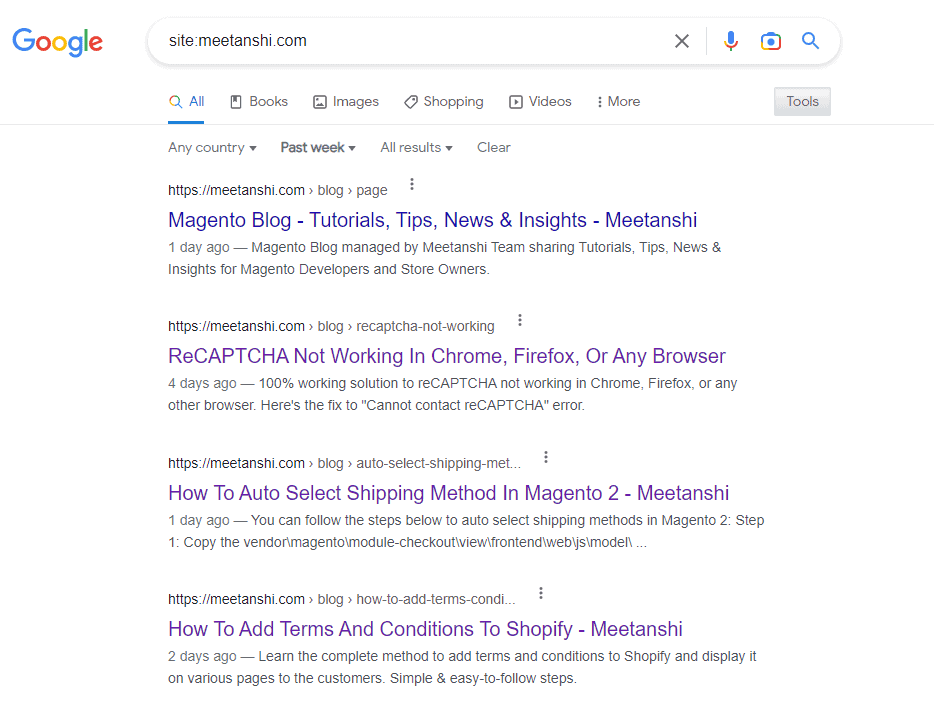
28. List of All Pages Indexed Last Week in Google
This quick SEO bookmarklet for Chrome lets you find all the pages of a website that were indexed last week.
It can be pretty useful while studying your competitor’s content strategy.
29. Google Search: 1 Result Per Page / 10 Results Per Page / 100 Results Per Page
Generally, Google shows ten results per page. You can use the above Google bookmarklets to change the number of results per page to 1, 10, or 100.
30. Removes Google Search Limit of 2 URLs per Site
It is a known fact that Google limits the number of search results from one domain on the SERP to two in order to display diverse results.
That means, not more than two results from one website will be shown on the search engine result pages.
You can use this bookmarklet to crack this limit and make Google display more than two URLs per site, if available, on the SERP.
III. SEO Tools Bookmarklets
From Google search console to Ahrefs — we all use multiple SEO tools in our day-to-day lives. They make our tasks more effortless!
Well, using these tools has become easier than ever using the SEO tools bookmarklets provided below.
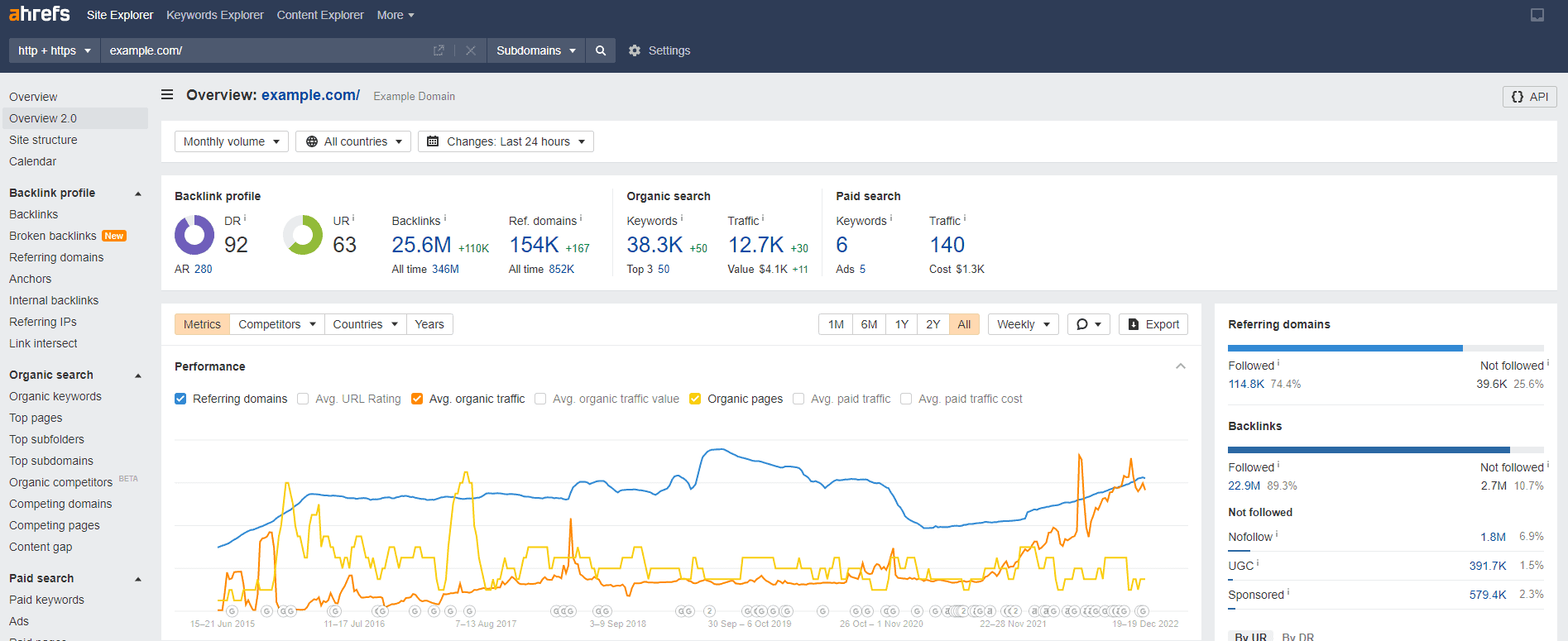
31. Ahrefs Domain / Ahrefs URL
The above bookmarklets are for you if you are an Ahrefs-fan!
They will directly take your current page to Ahrefs for the domain/URL overview section through a single click.
(Make sure to log into the tool before using the bookmarklet!)
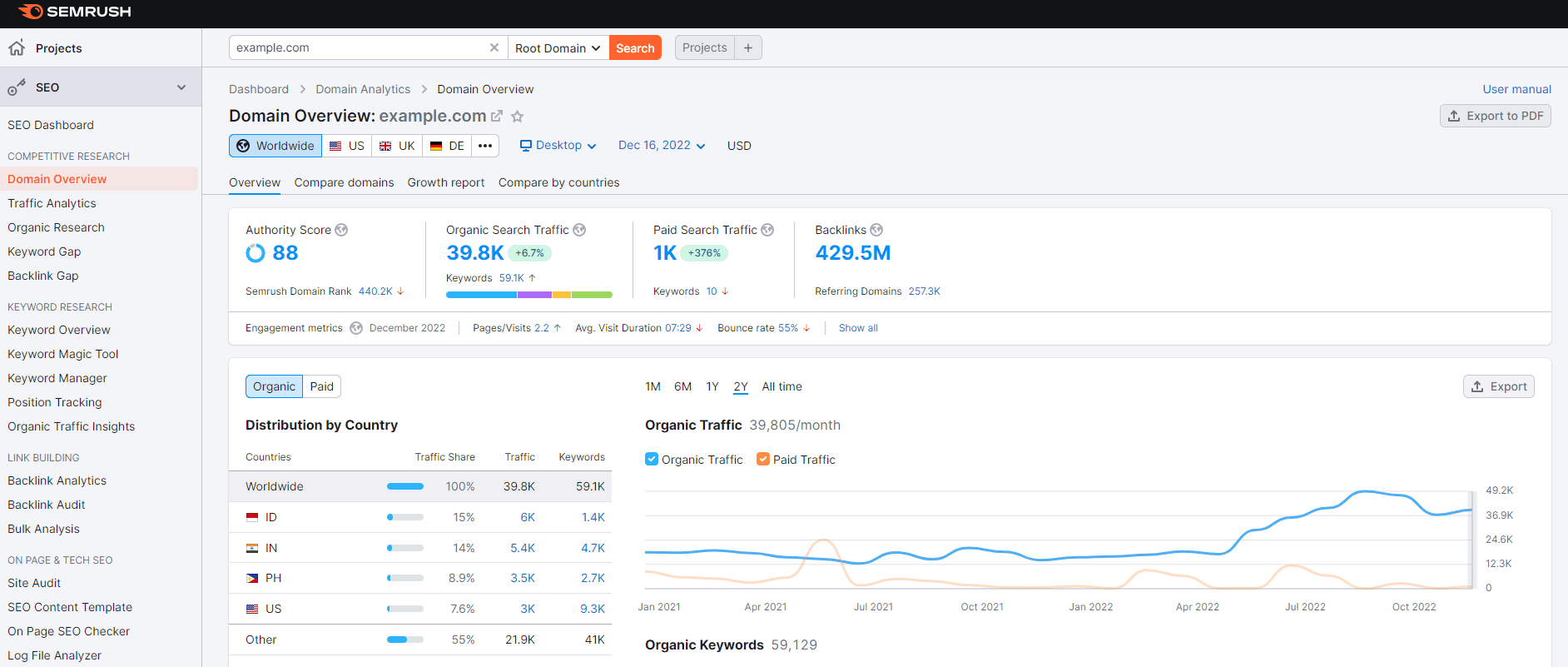
32. Semrush Domain Overview / Semrush URL
You can use these Semrush bookmarklets when you are reverse-engineering your competitor’s site!
It will open your current page’s domain in the Semrush domain overview tool for quick analysis.
You can use the Semrush URL bookmarklet to view the current URL in Semrush.
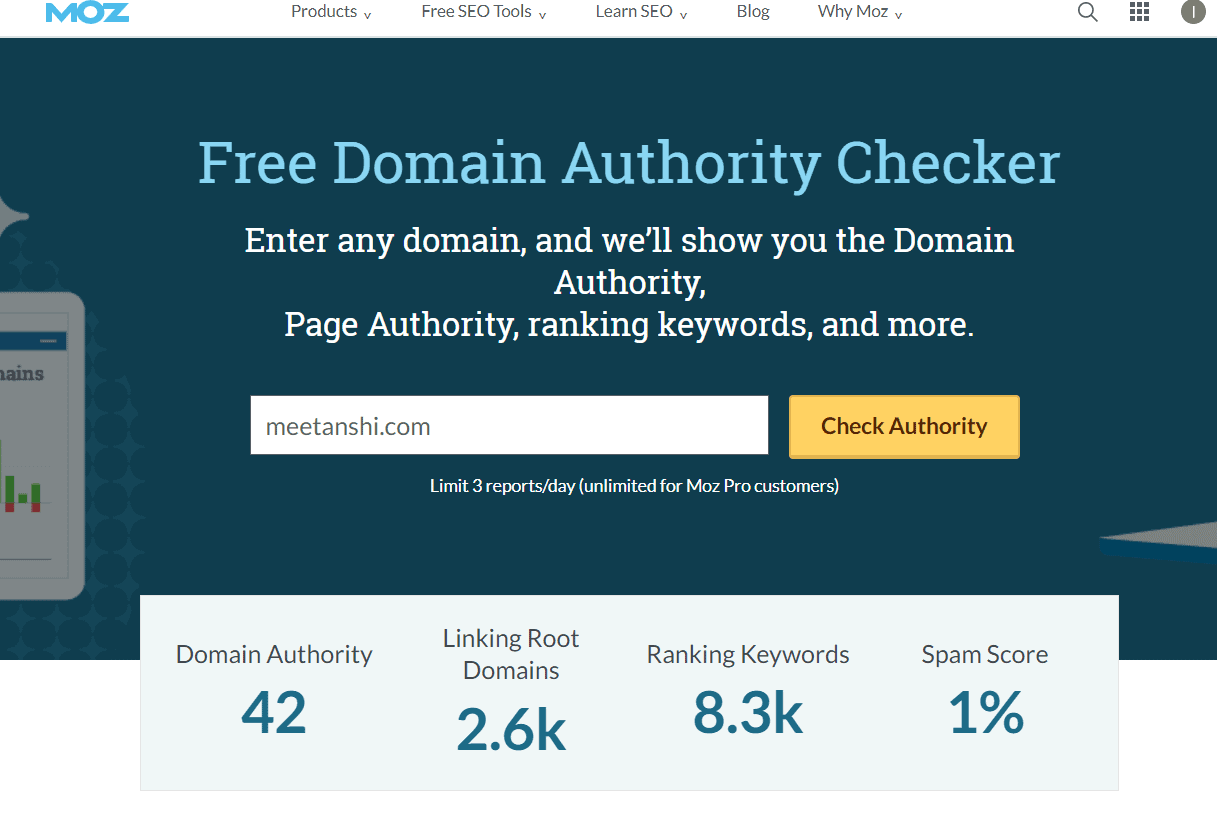
33. Moz DA Checker
This bookmarklet will directly take you to the Moz free domain authority checker tool with the website of the current page you’re visiting. You can use this tool for checking the domain’s DA, spam score, and backlink profile.
34. Moz Link Explorer
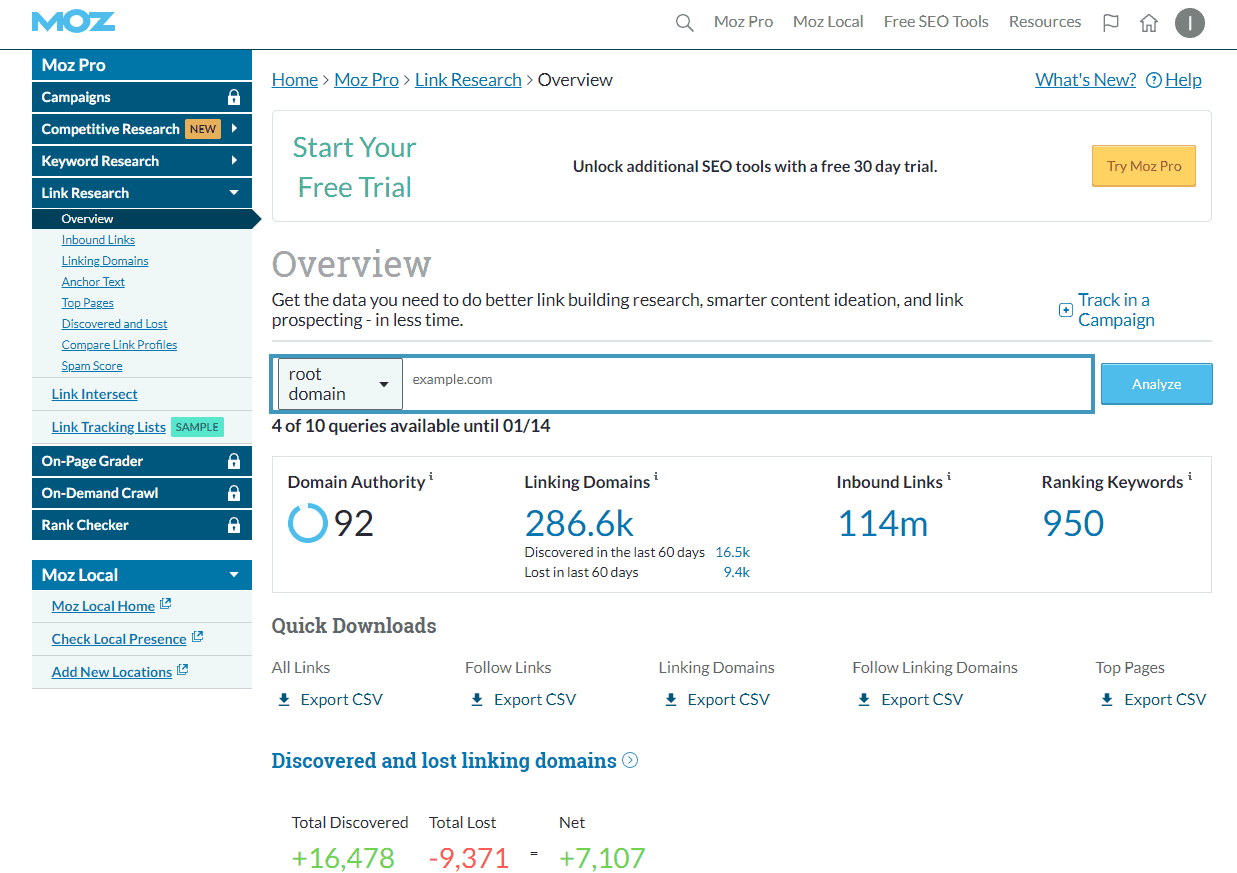
Sneak peek into your competitor’s backlink profile using the above SEO bookmarklet.
It lets you open the current website you’re visiting directly in the Moz link explorer tool.
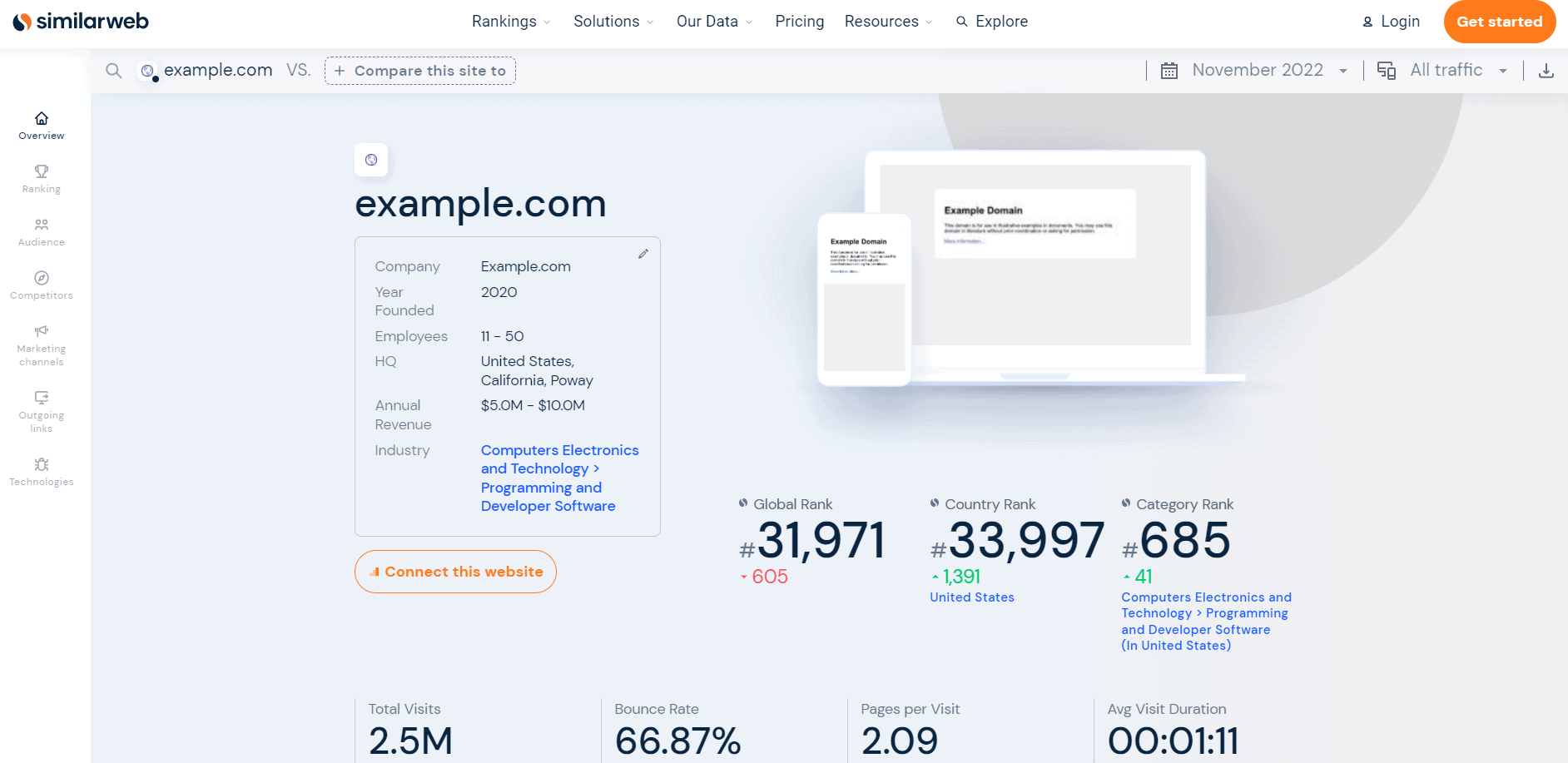
35. SimilarWeb Data
Analyze the traffic and engagement level of any website using the above SEO bookmarklet. It opens the current website domains in the Similarweb online tool and provides complete details about estimated traffic, bounce rate, average visit duration etc.
36. Wayback Machine
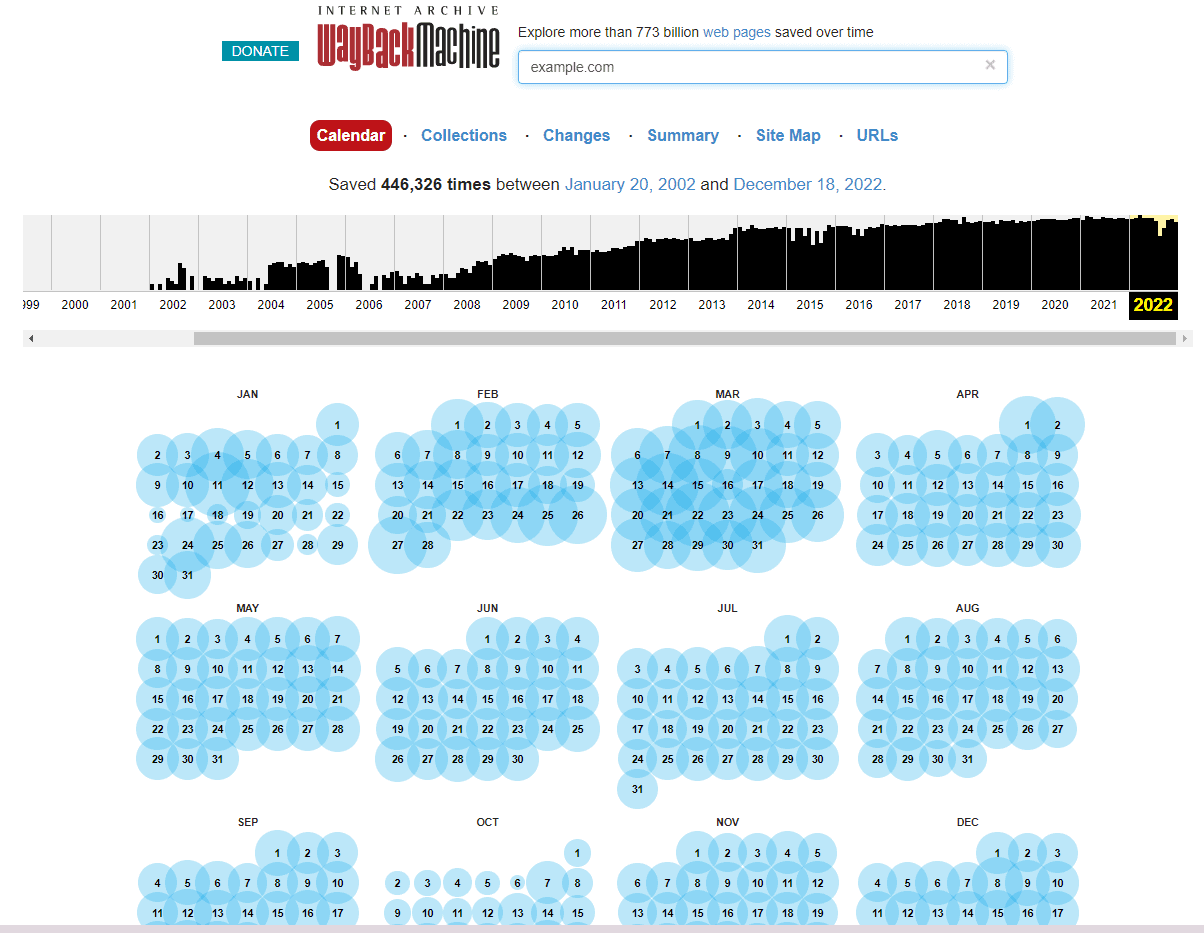
Internet Archive or Wayback machine is pretty useful for tracking your competitor’s moves!
You can use it to see how a page looked before and track if there have been any major changes.
This bookmarklet will take you to the Wayback machine and open the current URL.
37. Open Page in GSC Performance Report
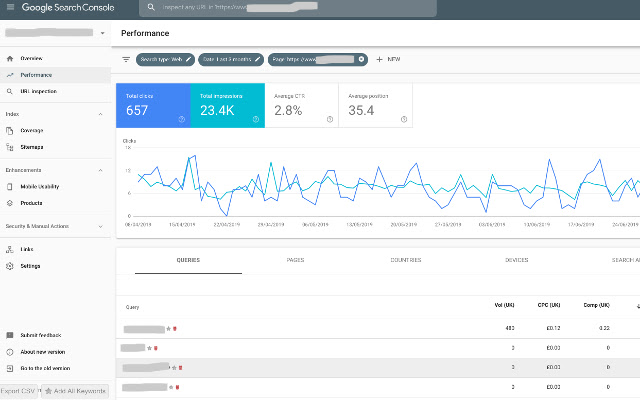
This bookmarklet is useful for everyone! It opens the current page you’re viewing in the Google search console performance tab where you can view its performance metrics on Google such as clicks, impressions, average CTR, average position, etc.
38. Siteliner Test
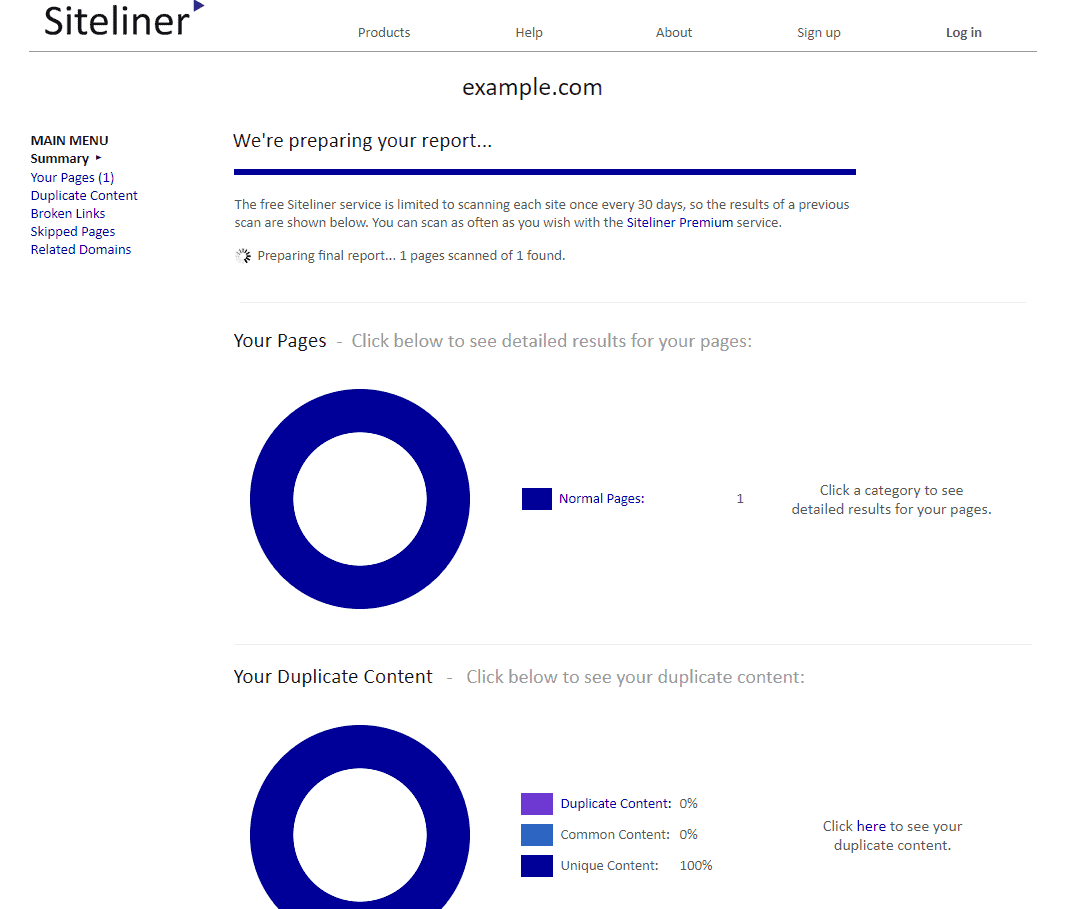
Siteliner by Copyscape is a free tool that lets you scan a site for duplicate content and broken page issues. This JavaScript bookmarklet for SEO lets you scan your website in the Siteliner tool and find the issues. The tool allows scanning up to 200 web pages for free.
Thanks to detailed.com for this amazing SEO bookmarklet!
39. Check Domain Name in Google Trends
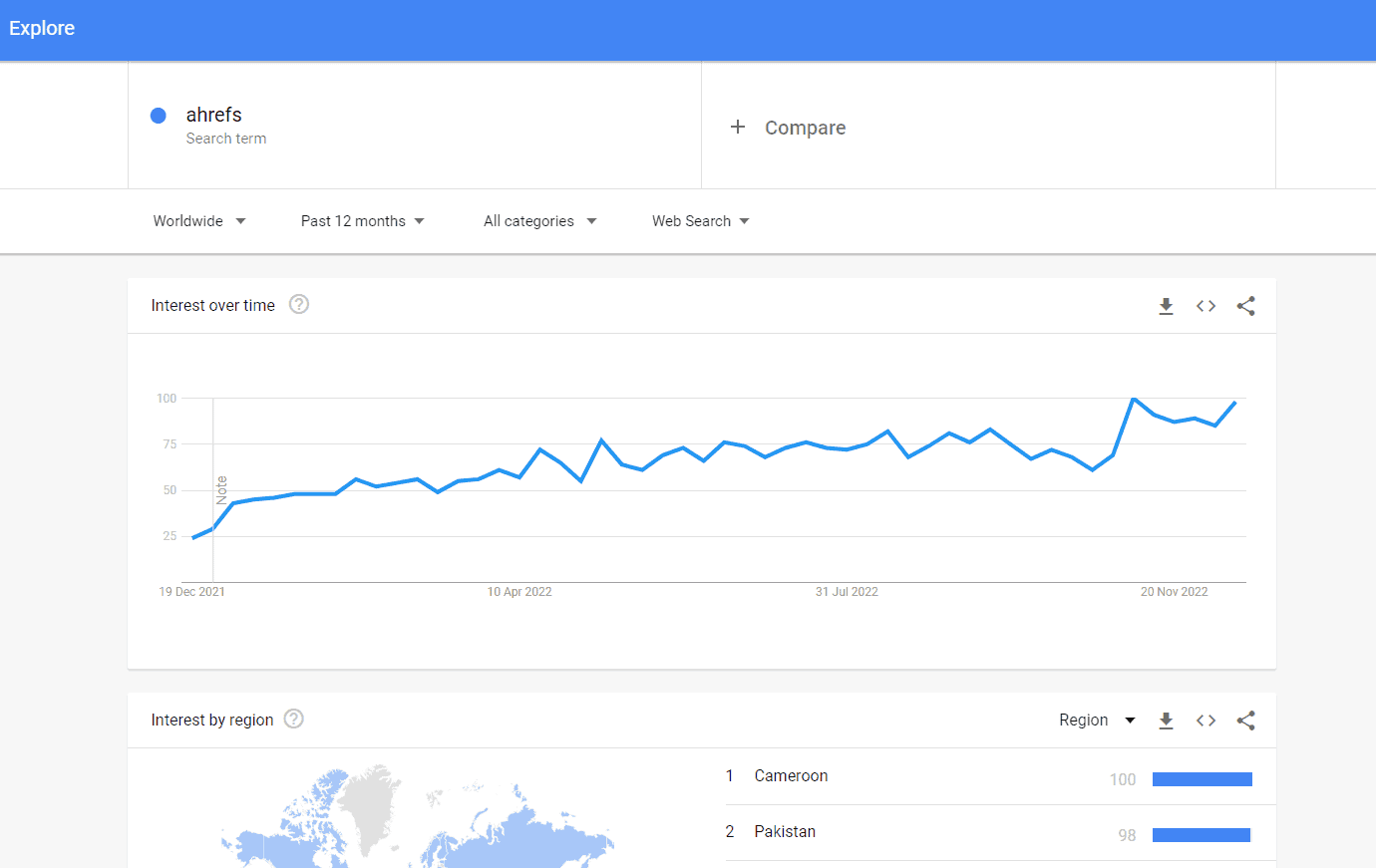
Quickly check if a site is popular or not — this JavaScript bookmarklet searched for the website name in the Google Trends tool.
Clicking on the bookmarklet takes you to Google Trends along with the website name to check whether users are searching for that branded keyword or not.
This can help you estimate the brand popularity of your competitor’s website.
IV. Other Useful SEO Bookmarklets
The list of SEO bookmarklets does not end here. We have a lot more to offer you!
Below are some more bookmarklets that will make your SEO tasks easier.
40. Duplicate Current Tab
Well, duplicating tabs is not rocket science, but this JavaScript can make it easier if you often require to open the same tab in multiple windows.
It simply opens the current tab in a new tab with a single click!

41. Remove URL Parameters
Many times, the website URLs contain additional parameters (after the ? sign) that are generally used for tracking purposes.
Removing these parameters is essential while using the URL for linking purposes. This JavaScript bookmarklet simply removes any part of the URL from the ‘question mark’ sign.

42. Sort Tables
Ever struggled to find specific data in a long never-ending table?
Well, not after using this favlet.
It lets you sort the tables in ascending or descending orders of the table so that you can easily find the information you want!
43. Create HTML Link
This one is one of my favourite SEO bookmarklets!
It simply creates an HTML code to link the current page with its title as the anchor text.

44. Wireframe Transform
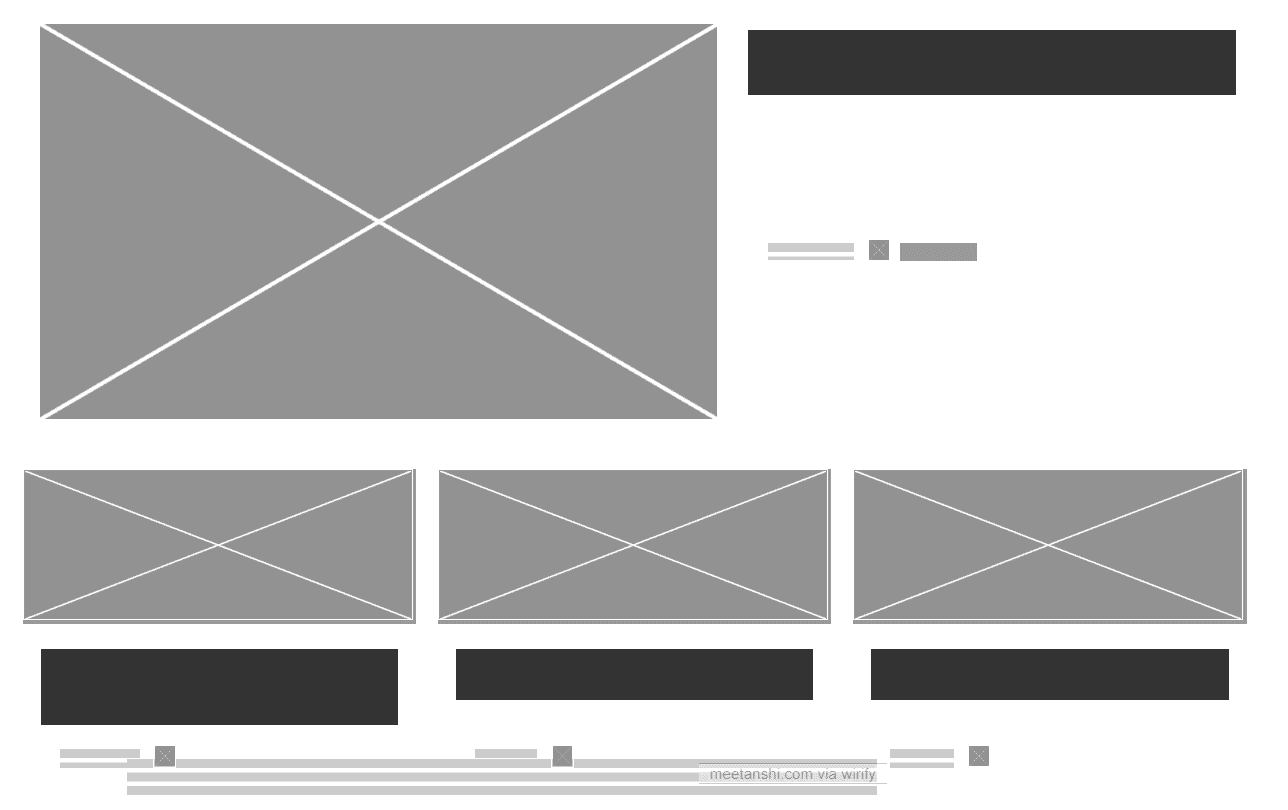
This one is an interesting bookmarklet by Wirify, which lets you transform the current page into Wireframe.
This can help you step back and see the bigger picture and open opportunities for improving the user interface of the website.
45. Remove Cookies
This JavaScript bookmarklet will clear all the cookies that are used by the current page.
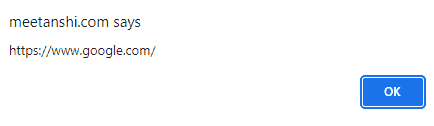
46. Page Referral URL
Website referrer is a page that sends visitors to another site. You can use this little JavaScript code to find the website that referred you to the current page.
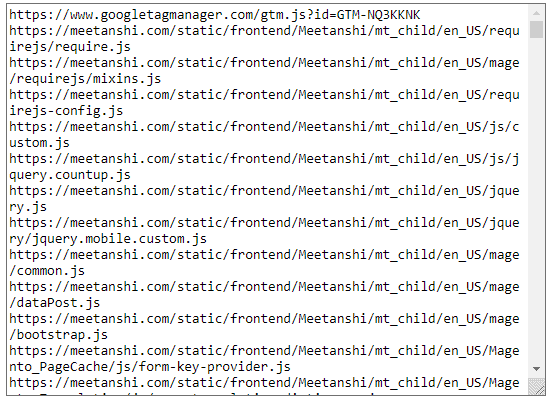
47. JavaScript Inspector
Pages use JavaScripts to make content interactive and track data. You can use this bookmarklet to get a list of the JavaScript cookies used by the current page.
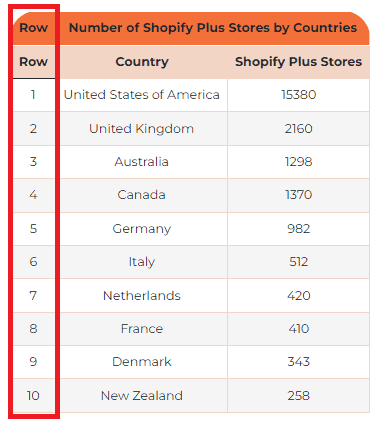
48. Add Numbered Rows to Tables
This JavaScript bookmarklet will add an additional column to the tables with serial numbers. This helps you count the number of rows a page has.
49. Convert Bullets to Numbers (UL to OL)
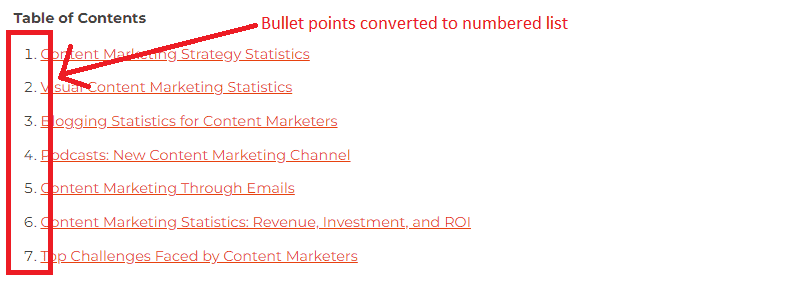
This bookmarklet will convert all the bulleted list items to a numbered list. This way you can quickly have an idea about the number of items a list has.
50. WhoIs Search
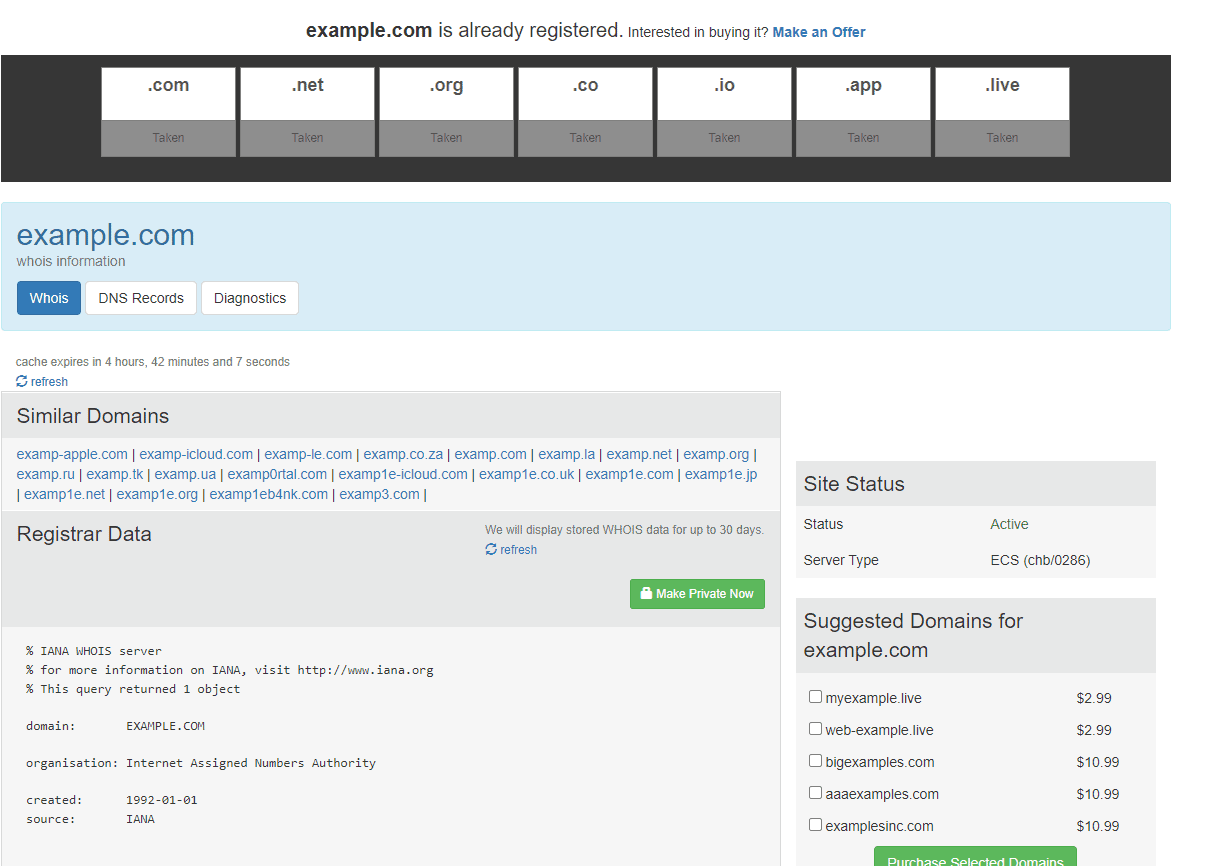
Last but not least, this Chrome bookmarklet will directly take you to the WhoIs data lookup site, where you can find Whois information and DNS records of the domain you are visiting.
Additional Resources
So, this was the list of the best SEO bookmarklets you can consider to level up your SEO game in 2026. Well, the list may seem long enough, but you can choose the ones that you find useful the most!
If you loved reading this blog post, here are links to some additional resources that you’d find helpful too:
Also, share this blog post with your SEO friends via social media.
Thanks for reading!

