

Are you looking to supercharge your Magento 2 store with a sleek, high-performance theme?
The Hyvä theme is just what you need. It is designed to enhance your store’s speed, user experience, and overall performance.
The best part about this theme is you don’t have to be a coding expert to install it. This guide will take you through the steps needed to install the Hyvä theme in Magento 2 in a way that is easy to follow, even if you are a beginner.
Let’s get started!
A Brief Overview Of The Hyvä Theme
The Hyvä theme is a frontend solution for Magento 2 that can make your life easier. Unlike the traditional Magento themes, which are often complex, Hyvä focuses on what really matters: speed, performance, and simplicity.
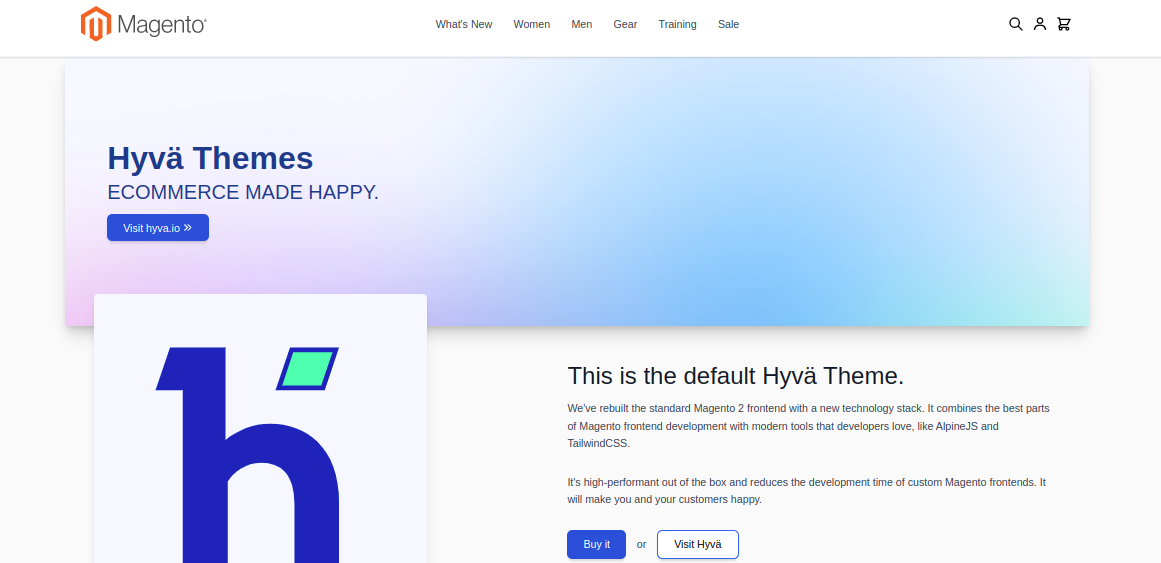
Built with modern technologies like Tailwind CSS and Alpine.js, it is much faster and easy to manage. With these, here are other benefits of using Hyvä:
- Makes your store loads faster, giving customers a better experience and boosting your SEO.
- With its simple and flexible framework, you can easily create unique designs that help your website stand out.
- It reduces the development and maintenance costs while delivering high-quality performance.
What Do You Need To Install Hyvä Theme In Magento 2 Store?
Installing the Hyvä theme on your Magento 2 store requires a few key components to ensure a smooth setup. Here’s what you need:
Magento 2.4.3 Version Or Higher:
Hyvä theme is designed to work with Magento 2.4.3 version or above. So, if you are working on an older version, you will have to update it before installing the theme.
Hyvä License:
Hyvä is a premium theme, and you will have to purchase the Hyvä license to obtain the theme. This will give you access to the theme package and a private Packagist key for installing it via Composer.
PHP Compatibility:
Since Hyvä only uses modern PHP features, make sure your server is running PHP 7.4, 8.1, or 8.2 for optimal performance and compatibility.
Backup:
Always backup your Magento store and its database to avoid any potential data loss. If anything goes wrong during the installation process, you can easily restore your site to a stable state.
How To Install Hyvä Theme For Licenses?
Here is a step-by-step Hyvä theme guide to install for merchants and businesses:
Step 1: Purchase your Hyvä license from the official Hyvä website. Once you do that, you will be given a private Packagist key, which is essential for installation.
Step 2: Now, add your Packagist credentials to Composer. Here’s the command –
Step 3: Next, add the repository to tell Composer where to find Hyvä –
Replace “yourProjectName” with your actual project name.
Step 4: After this, use the Composer to install the Hyvä theme and its dependencies-
This command will automatically install other required modules, including Hyvä’s email module and GraphQL tokens.
Step 5: Once the theme is installed, update your Magento’s database schema. Run this command- bin/magento setup:upgrade
This will ensure that everything is properly integrated and ready to use. Now it’s time to activate your Hyvä theme.

Select the store view where you want to apply the Hyvä theme. In the “Applied Theme’’ dropdown, choose “Hyvä/default”, then save your configuration.
Step 7: In case your store is running in production mode, deploy static content to make sure the theme works as expected
bin/magento setup:static-content:deploy
This ensures that all the CSS and JavaScript files are properly generated and ready for the frontend.
Step 8: For the changes to take effect, flush Magento’s cache: bin/magento cache:flush
With this, you can see your new Hyvä theme live in your store.
If you want to customize the look and feel of your store, you can do it easily with Hyvä using Tailwind CSS and a modular system that is highly customizable.
How To Install Hyvä Theme For Technology Partners?
Installing the Hyvä theme for technology partners takes a slightly different approach from regular merchants.
Step 1: For this, make sure you have access to the private Hyvä repositories on GitLab.
Step 2: Once you have access, Configure Composer to pull packages directly from GitLab. Run the following commands to authenticate and set up the necessary repositories:
composer config repositories.Hyvä-themes/magento2-theme-module git [email protected]ä.io:Hyvä-themes/magento2-theme-module.gitcomposer config repositories.Hyvä-themes/magento2-reset-theme git [email protected]ä.io:Hyvä-themes/magento2-reset-theme.git
composer config repositories.Hyvä-themes/magento2-email-module git [email protected]ä.io:Hyvä-themes/magento2-email-module.git
Step 3: Next, install the Hyvä theme along with its required modules. Simply follow the same installation steps given in the previous section.
Step 4: Then, proceed with updating Magento, activating the theme in the admin panel, and deploying static content just as described earlier.
Note: Installing the Hyvä Theme for technology partners is a straightforward process, but it becomes even more beneficial when integrated with the latest advancements in the Hyvä ecosystem. One such development is the recent Hyvä Commerce and Mollie collaboration, which offers seamless payment solutions for Magento stores.
Elevate Your Magento Store With Hyvä Theme Services
By choosing the Hyvä theme for your Magento 2 store, you are not just improving performance; you are redefining the shopping experience for your customers.
With its lean architecture, lightning-fast speed, and smooth integration with a wide range of extensions, Hyvä makes your e-commerce store customer-friendly. If you need any help, our team can help you with expert Hyvä theme development services for your store.
