

Finding the best CMS for SEO is a challenge, as many claim to be the best SEO-friendly CMS (Content Management System).
But most of the time, the truth is far from it.
Choosing the wrong CMS for your online store or website can make your SEO efforts go in vain. It may prevent your store from getting traffic. And if you don’t pay enough attention, it can break your business for sure.
Finding the best content management system for SEO for your business can be a hectic task, but not anymore.
In this blog post, we have analyzed the top SEO CRM platforms in the market in 2026 to help you choose the one that meets all of your key requirements.
So, let’s jump into it!
Best CMS For SEO: Features to Look For
When selecting a CMS for SEO purposes, consider features that contribute to search engine optimization. The CMS must ideally have all the features to help you optimize your store for better rankings and user experience.
Let’s discuss 6 crucial features to look for when choosing a CMS with a focus on SEO for your e-commerce business.
- Customizable URLs: A good CMS allows you to create short, descriptive, and keyword-rich URLs. Such URLs help accurately reflect the content of your pages.
- Meta Title And Description Control: Your CMS must let you set the meta title tags and descriptions for each page. The meta details are vital elements influencing how your pages appear in search results.
- XML Sitemap Generation: The ideal CMS must let you generate XML sitemaps automatically. This helps search engines like Google efficiently crawl and index your website’s pages.
- Image Optimization: A good CMS must have all the features, like compression, to make the image optimized for better SEO rankings, loading speed, etc.
- Redirection Management: Redirection is important when changing URLs or restructuring your site to avoid broken links. Hence, ensure that the CMS has enough features to manage the redirections.
- Schema Markup Support: Schema markup gives additional structured information about your content to search engines. A CMS that supports schema helps your store stand out in SERPS.
10 Best CMS for SEO in 2026
Now that we have looked at the top SEO features a CMS must have, let’s go through the best CMS platform having top-notch SEO features.
10 Best CMS For SEO In 2026: Quick Comparison
1. WordPress

WordPress is the world’s most popular Content Management System (CMS), powering millions of websites ranging from simple blogs to complex enterprise portals.
Renowned for its flexibility and ease of use, WordPress offers a user-friendly interface even for those without coding skills. Its core strength lies in the massive community that provides a wealth of free and premium themes, along with countless plugins extending functionality in every imaginable direction.
WordPress excels for content-driven websites, blogs, and business sites, and through its WooCommerce plugin, robust e-commerce stores.
Top SEO features of the WordPress CMS
WordPress itself provides a decent foundation for on-site SEO basics. However, its true SEO power comes from the vast selection of specialized SEO plugins.
Here are some of the top SEO features of WordPress:
- XML sitemap generation
- Breadcrumb navigation setup
- Plenty of image optimization tools
- Advanced schema markup implementation
- Customizable URLs, meta titles, and descriptions
- In-depth content analysis and optimization recommendations
Pricing
- Pay for the domain (USD 10-20 per month)
- Premium themes and templates
- Plugins and extensions
Reviews
- 4.6 from 14,814 votes on Capterra
- 4.4 from 780 reviews on Gartner
- 4.4 from 8,667 votes on G2
Interesting Read: 100 WordPress Statistics & Facts You Need To Know in 2024
2. Drupal CMS
Drupal is another powerful and highly flexible open-source CMS known for its robust security and scalability.
It is a top pick of developers and is used for complex websites, government portals, and large-scale web applications. Drupal offers extensive customization options, allowing for granular control over structure, content types, user permissions, etc.
Top SEO features of the Drupal CMS
Drupal provides strong built-in SEO tools and a solid framework that can be easily used with dedicated modules for advanced optimization.
Here are some of the top SEO features of Drupal CMS:
- XML sitemap generation
- Highly customizable URLs
- Excellent mobile optimization
- Integration with popular SEO modules
- Control over meta titles and descriptions
- Multilingual capabilities for localization
Pricing
Drupal CMS is a free, open-source platform, and you can use it without paying for it. However, you still need to purchase certain things to build a robust, customizable e-commerce store in Drupal.
- Pay for the domain (USD 10-20 per month)
- Premium themes and templates
- Plugins and extensions
Reviews
- 4.2 from 448 votes on Capterra
- 3.8 from 414 reviews on G2
- 8.6 from 378 votes on TrustRadius
3. Joomla CMS
Joomla is a versatile open-source CMS that strikes a balance between the user-friendliness of WordPress and the structural power of Drupal.
If you have some technical knowledge, Joomla offers flexible content management, intricate user access controls, and multilingual support. Joomla’s robust core features make it a good option for community sites, membership portals, and content-heavy websites.
Top SEO features of the Joomla CMS
Joomla provides essential SEO features out of the box and offers further optimization potential through specialized extensions.
Here are some of the top SEO features of Joomla CMS:
- Robot.txt management
- Image optimization tools
- XML sitemap generation
- Customizable and editable URLs
- Meta title and description control
- Integration with SEO analysis tools
- Extensions to support structured data markup
Pricing
- Free open-source platform
- Pay for the domain (USD 10-20 per month)
- Premium themes and templates
- Plugins and extensions
Reviews
- 4.0 from 381 reviews on G2
- 4.2 from 612 reviews on Capterra
- 7.4 from 287 reviews on TrustRadius
Love numbers? ❤️ Check this out: 10+ Joomla Statistics You Can’t Miss in 2024
4. CMS Hub
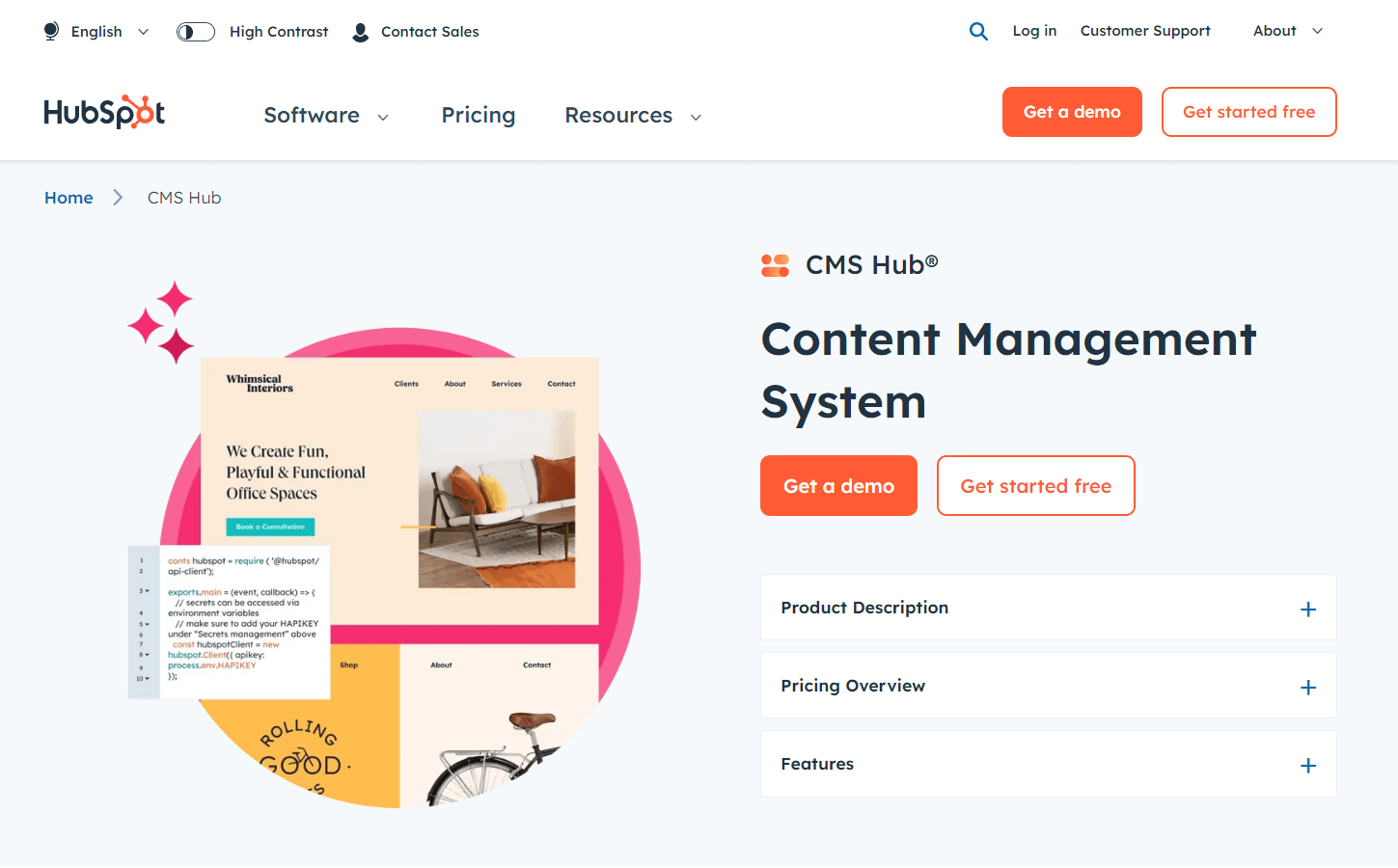
CMS Hub is HubSpot’s integrated content management system, seamlessly connected to its powerful marketing, sales, and CRM platform.
It’s designed for businesses prioritizing an all-in-one solution that combines marketing automation, data analysis, and content optimization. It boasts a user-friendly, drag-and-drop interface, making it an excellent choice for marketers who may have limited technical experience. Its key strength lies in how it integrates with contact data, allowing for website personalization, targeted content, and in-depth analytics to track the entire customer journey.
Top SEO features of the CMS Hub
CMS Hub provides integrated SEO tools and recommendations to guide your content strategy, making it easier for marketing teams to create search-engine-friendly content.
CMS Hub works best when used as part of the complete HubSpot ecosystem. If you rely heavily on HubSpot for marketing and sales automation, the CMS is a compelling choice.
Some of the top SEO features of CMS Hub include the following:
- Quick XML sitemap generation
- Image optimization tools and features
- Website performance and health monitoring
- Built-in SEO recommendations and topic clusters
- Customizable URLs, meta titles, and descriptions
- Integration with Google Analytics and Search Console
Pricing
CMS Hub offers three plans. Here are the details:
- Starter plan – $15/month per seat
- Professional plan – $360/month for 3 seats
- Enterprise plan – $1,200/month for 5 seats
Reviews
- 4.5 from 1,564 reviews on G2
- 4.7 from 74 reviews on Capterra
- 8.2 from 112 reviews on TrustRadius
5. Webflow CMS
Webflow CMS is a visually driven content management system that is popular for its exceptional design flexibility.
It has an intuitive drag-and-drop builder and focuses on CSS styling. This empowers designers to build custom websites without extensive coding knowledge. Webflow gives granular control over the look and feel of your website while offering robust CMS capabilities. As a result, it has become a favorite for businesses who prefer stunning websites with solid SEO foundations.
Top SEO features of the Webflow CMS
Webflow provides excellent control over core on-page SEO elements. In addition, it also offers the flexibility to implement advanced optimizations.
Here are some of the top SEO features of Webflow CMS:
- 301 redirect management
- Clean, semantic code structure
- Automatic XML sitemap generation
- Image optimization and alt text settings
- Customizable URLs, meta titles, and descriptions
- Integration with SEO tools and analytics platforms
Webflow may have a slightly steeper learning curve for those entirely unfamiliar with web design concepts. However, its extensive resources and community support make it accessible even for less technical users.
Pricing
General site plans
- Starter plan is available for free
- Basic plan – $14/month
- CMS plan – $23/month
- Business plan – $39/month
- Enterprise plan is available at custom pricing
Ecommerce site plans
- Standard plan available at $29/month
- Plus plan is available at $74/month
- Advanced plan is available at $212/month
Reviews
- 4.4 from 556 reviews on G2
- 4.6 from 236 reviews on Capterra
- 8.3 from 64 reviews on TrustRadius
6. Adobe Commerce (formerly Magento)

Adobe Commerce is a powerful, enterprise-grade ecommerce platform. It is popular for its extensive features, flexibility, and scalability. Adobe Commerce is adept for businesses with complex online stores, high-volume sales, and the need for deep customization.
Top SEO features of the Adobe Commerce
Adobe Commerce offers a wide variety of SEO features suitable for small and large businesses. The highly customizable nature of the platform makes it suitable for any business looking to grow using SEO and search traffic.
Here are some of the top SEO features of the platform:
- Automatic XML sitemap generation
- Easy and quick content management
- Access to many SEO plugins and extensions
- SEO-friendly design for a better user experience
- Optimization features for better site-loading speed
- Great control over URL structure, rich snippets, hreflang, etc
- Diverse integration capabilities with SEO and analytical tools
Adobe Commerce has a steeper learning curve. Hence, it requires more technical resources than other beginner-friendly platforms like WordPress or Shopify.
Pricing
Adobe Commerce offers two plans.
- Adobe Commerce Pro
- Managed Services
You need to contact the support team to get a custom plan based on your store and business requirements.
Reviews
- 4.0 from 501 reviews on G2
- 4.3 from 623 reviews on Capterra
- 8.1 from 238 reviews on TrustRadius
7. Shopify

Shopify is one of the leading ecommerce platforms in the world. It works the best for its ease of use, beautiful themes, and robust features. Shopify offers a streamlined setup process, even for those without technical expertise.
Businesses choose Shopify for its vast app store, marketing and sales tools, and scalability. The Shopify ecosystem makes managing inventory, processing payments, and SEO easy and quick. And it also has a short learning curve and is very easy to use.
Top SEO features of the Shopify platform
Shopify provides a solid foundation for on-page SEO. It has a load of SEO features that allow you to ensure top search engine rankings via diverse on-page SEO techniques. There’s no doubt Shopify is one of the best content management systems for SEO.
Here are some of the top SEO features of Shopify:
- Customizable URLs
- Image optimization tools
- Built-in blog functionality
- Integration with popular SEO apps
- Automatic XML sitemap generation
- Easy meta title and description management
- Access to numerous third-party SEO tools and plugins
Pricing
- Basic plan – $39/month
- Shopify plan – $105/month
- Advanced plan – $399/month
Shopify offers a 3-day free trial and then you can continue using it at just $1/month.
Reviews
- 4.4 from 4,499 reviews on G2
- 4.6 from 6,280 reviews on Capterra
- 4.4 from 419 reviews on Gartner
8. Wix
Wix is a popular website builder that prioritizes user-friendliness and visual design control. It has an intuitive drag-and-drop interface and a wide selection of beautiful templates. These make it a top choice for everyone looking to create a visually appealing website. It also offers basic ecommerce marketing and business management tools.
Top SEO features of the Wix Website Builder
Wix offers basic SEO features to ensure that businesses can optimize their sites for better search engine ranks. The features are not very extensive. But they are better than many other platforms in the field, like Squarespace CMS.
Here are some of the key SEO features of the platform:
- Quick and easy redirects
- Features to manage canonical tags
- XML Sitemap & mobile optimization
- Integration to all Google Analytics tools
- Automatic optimization for mobile friendliness
- Quick and easy implementation of rich snippets
- Optimize meta titles, descriptions, and image alt text
- Access to additional SEO-focused apps for extra SEO functionality
Pricing
- Offers a free plan with limited features
- Business Elite plan – $159/month
- Business plan – $36/month
- Core plan – $29/month
- Lite plan – $17/month
Reviews
- 4.2 from 1,648 reviews on G2
- 4.4 from 9,427 reviews on Capterra
- 7.8 from 340 reviews on TrustRadius
9. GoDaddy Website Builder
GoDaddy Website Builder is a drag-and-drop website creation tool focused on extreme simplicity and getting a website live quickly.
It prioritizes ease of use over in-depth customization, even for those with no prior web design experience. GoDaddy Website Builder includes integrated marketing tools like email marketing and social media integration. While it offers some basic control over SEO elements, it’s not designed for complex SEO strategies.
Top SEO features of GoDaddy Website Builder
- Built-in basic SEO help
- Automatic XML generation
- Standard site mobile optimization
- Access to Google Search Console
Pricing plans
- Basic plan – $10.99/month
- Premium plan – $14.99/month
- Commerce plan – $20.99/month
Reviews
- 4.1 from 182 reviews on G2
- 4.2 from 1,239 reviews on Capterra
- 8.0 from 189 reviews on TrustRadius
10. Squarespace CMS
Squarespace is a popular all-in-one website builder known for its beautiful templates and focus on design.
It offers a user-friendly interface with good visual customization options. Squarespace is excellent for showcasing visual content and a favorite for businesses that need a polished online presence. It includes core SEO features, ecommerce functionality, and integrated marketing tools.
Top SEO features of the Squarespace CMS
Squarespace has diverse SEO features that a business needs to improve its SEO performance and online visibility.
Here are some of the top SEO features of Squarespace CMS:
- Site analytics integration
- In-built blogging functionality
- Image optimization capabilities
- Customizable URLs, titles, and descriptions
- Automatic XML sitemap and mobile optimization
Squarespace CMS has enough SEO features and capabilities. But it may not be enough for businesses that want to grow using SEO techniques and organic search traffic.
Pricing
- Personal plan – $23/month
- Business plan – $33/month
- Basic Commerce plan – $36/month
- Advanced Commerce – $65/ month
Reviews
- 4.4 from 1,055 reviews on G2
- 4.6 from 2,920 reviews on Capterra
- 8.4 from 296 reviews on TrustRadius
Which is The Best CMS For SEO You Should Pick?
SEO is a crucial element that decides the success of your e-commerce store.
When you have more control over the on-page SEO elements, you are in a better position to optimize your site better. And the result is better rankings, more traffic, and improved sales.
But the right platform with adequate SEO features is the first thing you need. And we hope that our breakdown of the 10 best CMS for SEO helps you pick the right one.
And if you are looking for an easy-to-use CMS platform with extensive SEO capabilities and a shorter learning curve, Shopify is the best. It has everything going for it—it is affordable, has a massive community to help each other, and has the right features to make your brand visible on search results.

