Are you sure your Magento store is running properly?
While Magento 1 has reached its end of life, many stores still rely on it due to heavy customizations and legacy dependencies. Unfortunately, the lack of official updates leaves sites highly vulnerable to hacking and crashing.
Here are five effective ways to secure a Magento 1 store. Let’s first understand the issues with Magento stores.
Common Magento 1 Store Issues
Running a Magento 1 store is highly risky because Adobe stopped supporting the platform in June 2020, leading to major security issues for stores using this version.
Here we have listed out the common ones:
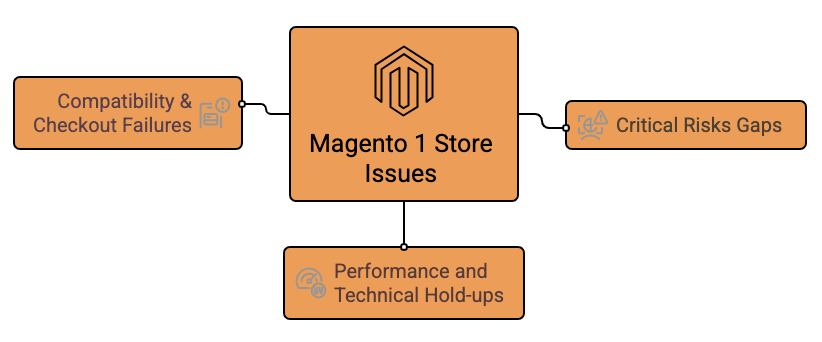
Critical Risks Gaps
Hackers target unpatched vulnerabilities to insert destructive scripts, such as Magecart, which steals customer credit card data during checkout. The platform is no longer secure, and maintaining PCI DSS compliance for processing credit card payments is extremely difficult and often requires expensive third-party security services.
New pitfalls are discovered constantly, but there is no official team fixing them for you; you must rely on community patches like OpenMage.
Performance and Technical Hold-ups
Magento 1 sites often suffer from slow performance and functional issues; this includes the database growing large and slowing down the site, especially searches and the admin area if logs aren’t cleaned regularly, and products failing to update on the frontend due to stuck cron jobs or indexers crashing from memory exhaustion.
Additionally, slow load times (over 3 seconds) driven by poor code, large images, and inefficient database usage lead to high bounce rates, and incorrectly configured caching systems like Varnish or Redis can result in outdated content or delayed price/stock reflection.
Compatibility & Checkout Failures
Many modern payment providers have updated their APIs or discontinued older integration methods used by Magento 1, leading to frequent checkout failures.
Moreover, old Magento 1 checkouts often fail with “Something went wrong” errors when banks or payment providers update security protocols, such as TLS 1.3.
5 Ways to Secure Magento 1 Store in 2026
Implement these five Magento security best practices to protect your store and keep it running.
1. Migrate OpenMage LTS
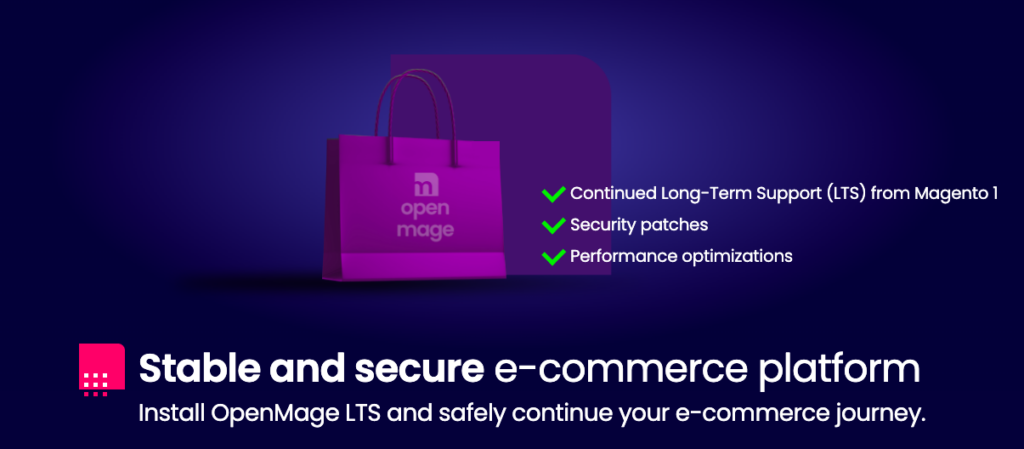
OpenMage LTS is a community-driven fork of Magento 1 that continues where Adobe left off. It is the most important step for any M1 merchant who isn’t ready to migrate to Magento 2.
Moving to OpenMage LTS provides ongoing security updates and protects your store from uncertainties. It also improves stability and performance with better compatibility for newer PHP versions and server environments.
Additionally, it usually costs much less than a full migration to Magento 2 or another system.
2. Hardening the Admin Panel
This is the way to prevent attacks and unauthorized access on a legacy Magento 1 store. Since hackers often use automated scripts to find vulnerabilities, these ensure that even if they find your site, they can’t get in.
Use strong passwords and restrict admin login to specific IP addresses. Implement extra login security like HTTP authentication, CAPTCHA, or 2FA to prevent unauthorized access. Also, review and delete inactive admin accounts. This tightens security by reducing potential backend access points.
3. Server-Level Security
Securing the server is necessary for protecting a Magento 1 store from risks that application-level fixes alone can’t address. Keep the server OS, PHP version, and all installed services updated with the latest security patches.
Set up a firewall to limit access and turn off services you don’t use. Configure file and folder permissions correctly to stop unauthorized changes. Additionally, enable malware scanning, detection, and regular server monitoring to identify threats early.
A well-hardened server environment adds a strong security base and significantly lowers the risk of exploitation.
4. File and Database Integrity
File integrity means to ensure that the website’s source code remains as it was intended. Hackers often modify files like index.php, app/Mage.php, or your payment gateway files to steal credit card data.
Back up your files and database frequently so you can quickly restore them if something goes wrong. Secure database access with strong passwords, limit user privileges, and avoid using the root account for daily operations.
Use file and database monitoring to quickly spot and fix doubtful activity, keeping your Magento 1 environment clean and secure.
5. Third-Party Extensions
Third-party extensions are the entry point for hackers to get into a Magento 1 store. Since many original developers are gone, these modules often have security holes or old code that doesn’t meet today’s security rules.
Regularly review extension code and permissions, and keep only those that are necessary for your store. Where possible, apply available security patches from extension providers or replace unsupported extensions with safer alternatives.
By keeping the third-party extensions lean, updated, and reliable, it reduces the attack surface of your Magento 1 store.
You can totally keep your store safe by following these secure Magento 1 best practices.
Should You Switch to Magento 2?
Protecting your store with the above-discussed ways to secure a Magento 1 store can reduce risks temporarily, but it doesn’t change the fact that the platform is no longer supported. Switching to Magento 2, you move from the limitations of the M1 and get a completely new architecture that delivers better scalability.
Besides this, the Magento 2 version is faster than M1 due to better indexing, full-page caching, and database optimization, which improves SEO, conversions, and user experience.
One of the biggest advantages of migrating to Magento 2 is the security.
While Magento 1 leaves you to find and fix holes on your own, Magento 2 provides a structured environment that actively alerts you to possible risks and offers security patches to install for safeguarding your store. These updates can be applied easily without manually modifying the codebase, reducing human error and compatibility issues.
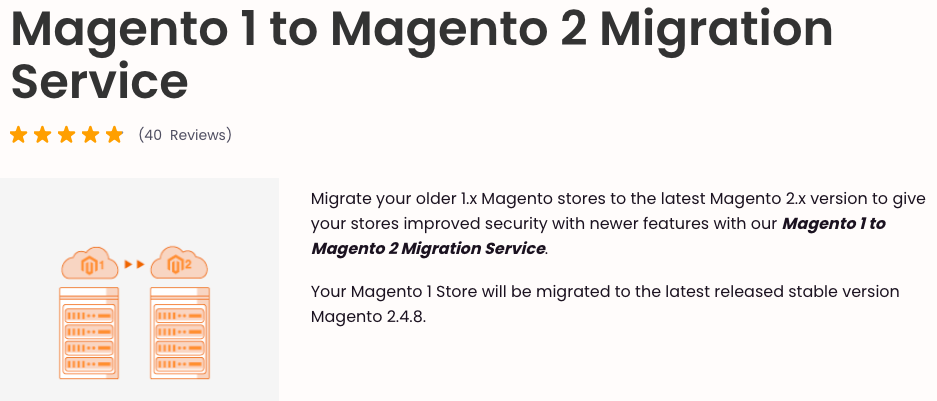
Migrate from Magento 1 to Magento 2 has become a safe and scalable solution for many merchants who have made the switch.
If this process feels overwhelming, our experts can help you migrate.
We’ve successfully upgraded over 200 stores to Magento 2, moving all products, customers, and orders. We ensure your store is optimized for future growth. With 3-5 day delivery and a 1-month warranty, your upgrade is fast and secure.
Our professional service provides you with:
- Complete preservation of your order history, SEO settings, and customer data
- 100% secure transition with the latest patches pre-installed
- Identify legacy features to keep and add modern Magento 2 capabilities
Consult us today and move to a better version of Magento to keep growing your business without any limits.
Leave the migration worries to us — let our Magento experts handle everything.
Migrate Now