

Deleting your customer’s account feels like saying goodbye to your favorite restaurant in your city.
A sad feeling, right?
Just like certain things are out of our control, after the GDPR came into effect, your customers can ask you to delete their account information from your store or do it themselves for security reasons.
Today, I will show you how to delete customer accounts in Magento 2 permanently.
Read till the end and know:
- Ways of Deleting a Customer Account in Magento 2
- How to Delete Customer Accounts in Magento 2 (Easiest Way)
- Effectively Remove Customer Account in Magento
Ways of Deleting a Customer Account in Magento 2
There are two ways of removing customer accounts in Magento 2:
- Delete customer account programmatically: Here, you can delete customer and customer address manually in Magento 2 using a code, which can be helpful for a short period as it doesn’t offer your customers the functionality to delete their accounts. This means that you will have to put more effort into it.
- Delete customer accounts using an extension: This method comes with better flexibility. It saves you time and allows your customer to delete their account themselves without hindering your work day with extra tasks.
How to Delete Customer Accounts in Magento 2 (Easiest Way)
The easiest way to delete accounts in Magento 2 is using the Meetanshi Magento 2 Delete Account Extension.
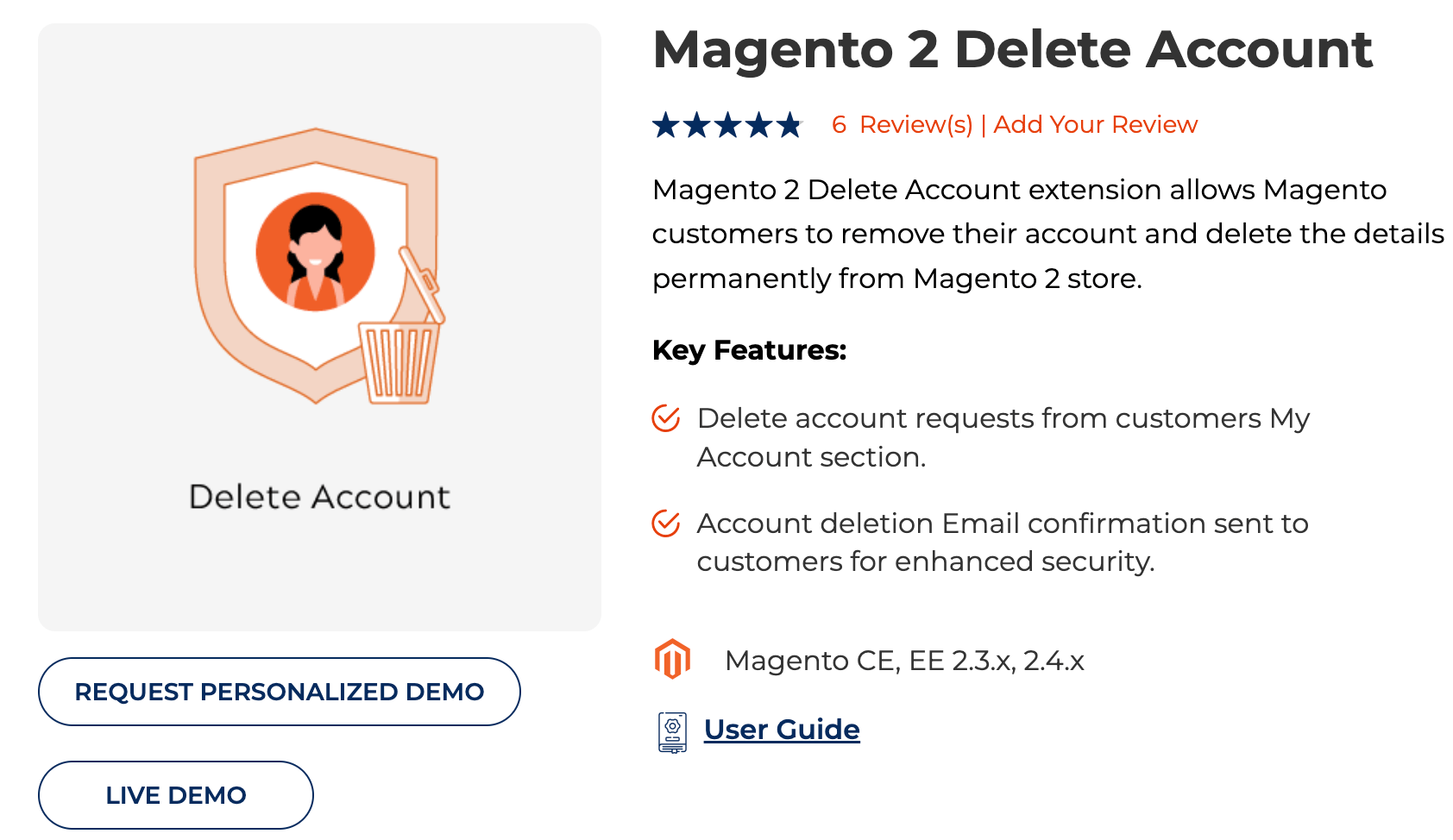
It simplifies your daily work tasks and lets customers quickly delete their accounts with two-step verification.
You only need to follow these three simple steps to enable this feature in your store:
- Step 1: Install The Meetanshi Magento 2 Delete Account Extension
- Step 2: Configure The Extension in Your Store
- Step 3: Give Option to Delete the Account in The Frontend
Step 1: Install The Meetanshi Magento 2 Delete Account Extension
Firstly, download and install the Magento 2 Delete Account extension. Here are the steps to do so:
- Extract the zip folder and upload the extension to the root of your Magento 2 directory via FTP.
- Login to your SSH and run these commands step by step:
- php bin/magento setup:upgrade
- For Magento version 2.0.x to 2.1.x –
php bin/magento setup:static-content:deploy - For Magento version 2.2.x & above –
php bin/magento setup:static-content:deploy –f php bin/magento cache:flush
Step 2: Configure The Extension in Your Store
After installing the Magento 2 delete customer account extension, it is time to configure it.
Log in to your Magento 2 backend, and head to Stores > Configuration > Delete Account.
Here, you will find various configuration settings. Enter them and Save Config.
- Delete Account: Easily enable or disable the Delete Account extension from here.
- Email Sender: Select the Email sender from the drop-down.
- Email Template: Select the template you can send as a delete account confirmation email.

Step 3: Give Option to Delete the Account in The Frontend
After you have successfully configured the extension, your customers can delete their account from the “My Account” tab.

And that is it! You have successfully set up and configured the functionality to delete customer account Magento 2.
Now, let us see what removing a customer account permanently in Magento 2 will look like for your customers.
- The customer clicks the “Delete My Account” checkbox and submits the delete request.
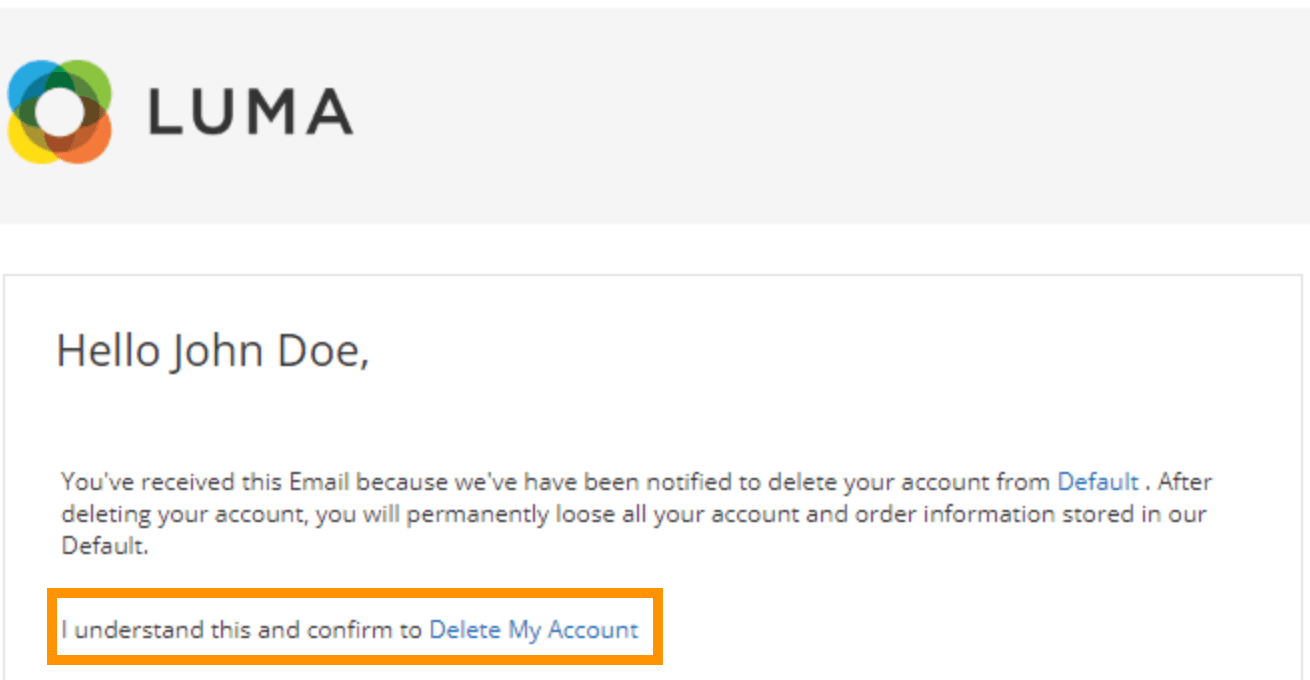
- Then, a confirmation email is sent to the customer.
- As the customer clicks on the confirmation link, the account will be deleted permanently.
Make it easy for the customers to directly delete their account without any help.
Start Now
Effectively Remove Customer Account in Magento 2
There is no need to add extra tasks to your day when you can easily allow your customers to take the action they need.
Now that you know how to delete customer accounts in Magento 2 in the easiest way, it only needs minimum effort from your end and, in return, saves your productive hours to focus on other tasks to grow your store.
