

Using custom Shopify sections is one of the ways to make your store “look” better. Currently, tens of sections app are available on the app store, making it harder for merchants to pick.
But, we as a developer, have tried most of them. Therefore, we know the top ones that offer responsive, well-coded sections.
First, the basics.
What are Shopify Sections?
Shopify sections are ready-to-use design blocks that you can add anywhere to your website. Merchants can add these components to their themes and customize them without any coding.
Once added, these sections are available within theme editor and can be added by using + Add section option in the left sidebar.
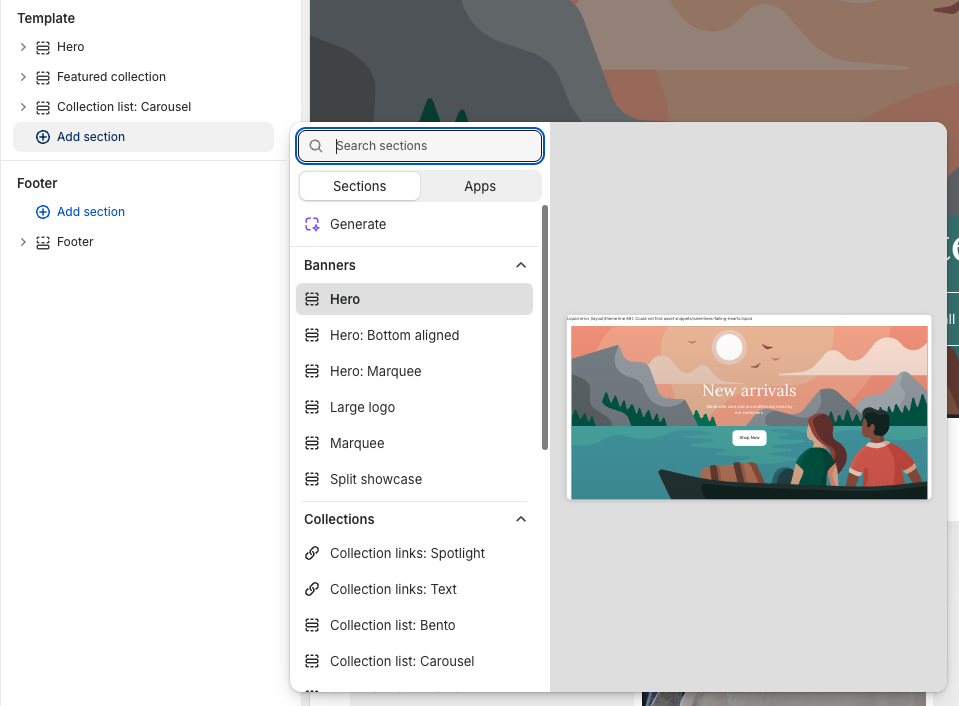
Popular examples include collection sliders, product carousels, forms, etc.
List of Top Section Store Apps
We ranked the following section store apps based on the variety, quality, and usability of the sections they offer:
- MIT Sections Pro
- Section Store: Theme Sections
- Puco Sections
- Design Packs
- WishIt: Theme Sections Library
Now, let’s explore each of these apps in more details.
1. MIT Sections Pro
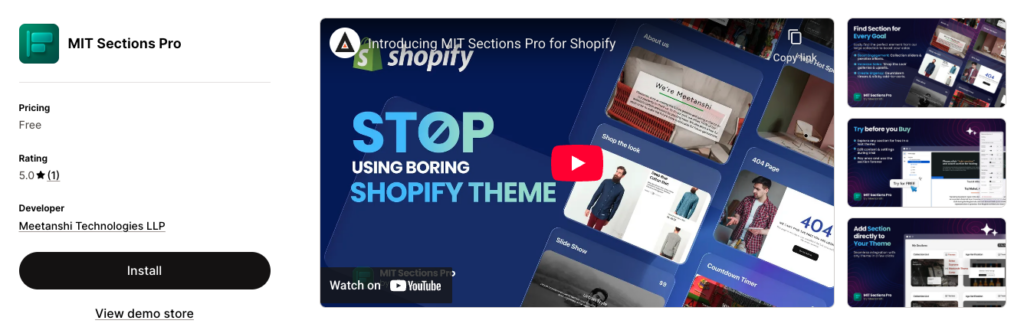
This section store app by Meetanshi offers a powerful library of 130+ sections that works on any theme. It’s ease of use lets you add any section of your choice in less than a minute.
Inside the app interface, you can find sections from various categories like collection sliders, about us, image hotspots, shop the look, etc. Each and every section is optimized to offer the best UX and improve conversions.
The MIT Sections Pro app also offers many of the sections for free!
Pricing – Free to Install
Your all-in-one solution to create a professional Shopify store
Install App Now
2. Section Store
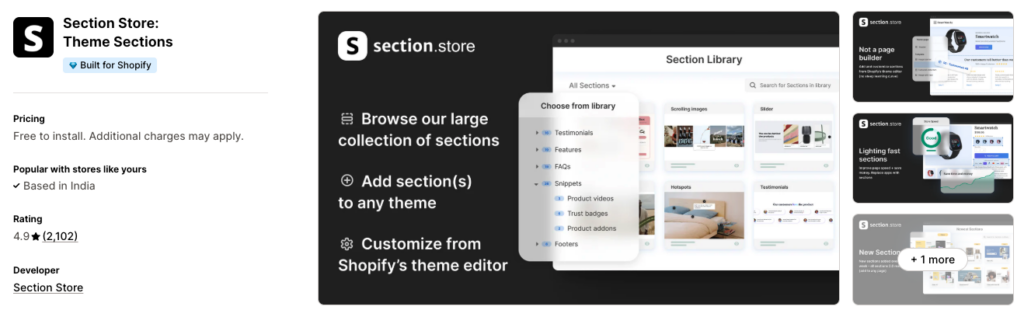
When you’re looking for best Shopify theme apps that make store design optimization easy and Customizable, you need look no further than Section Store.
It’s one of the top Shopify theme apps that let you expand your sections library and tweak sections in the theme editor in minutes.
If you’re looking for ways to elevate your store design, you won’t be disappointed in Section Store.
Key Features:
- 1-click add sections to any page
- Upgrade existing themes without starting from scratch
- Pages load faster with optimized sections
- Try sections before committing changes
- New sections added every week
Pricing – Free to Install
3. Puco Sections
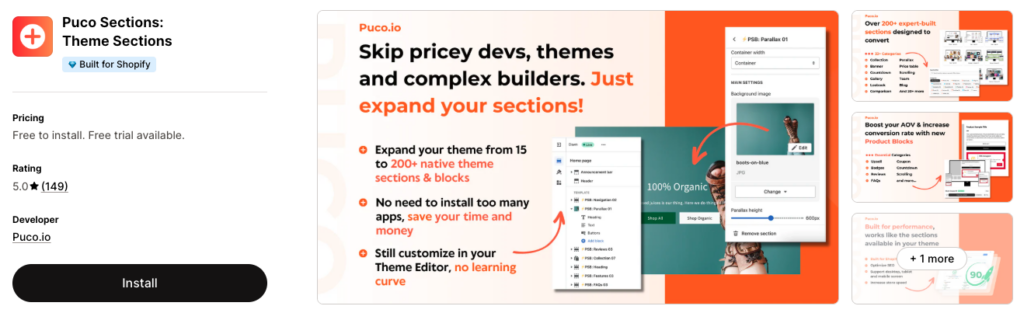
Take your store to the next level with Puco Sections! With this app, you can make your store stand out from the competition and optimize your design to attract more customers.
Enjoy easy customization with 140+ pre-built sections in over 29+ different categories, which not only increase the functionality of your theme but also increase your conversion rates.
Imagine creating an eye-catching design and launching it quickly – without having to pay extra to hire developers or spend hours struggling with Page Builder tools.
Now that’s possible with the best Shopify theme apps on the market: Puco Sections!
Key Features:
- Easily add & customize sections to any page or theme
- Pre-designed sections and templates, quickly installed
- Regularly updated with new sections and addons
- Performance-focused design & speed optimization
- Excellent customer support & customizations
Pricing:
- Free To Install
4. Design Packs
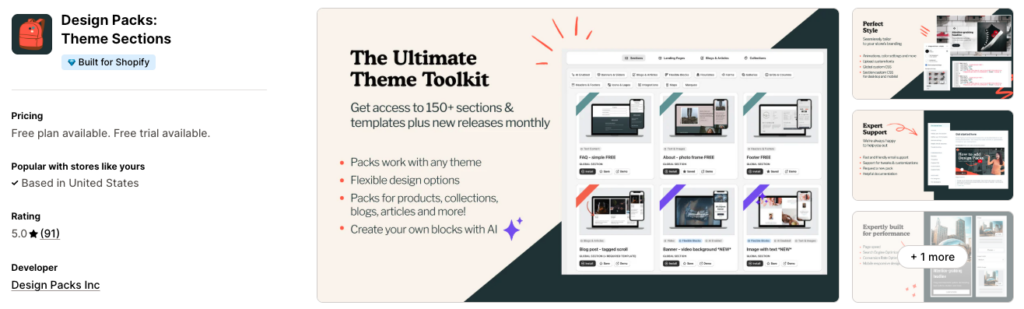
Design Packs by Shopify are the must-have apps for optimizing your Shopify store design. With an abundance of customizable and modern options, they are the best Shopify theme apps for business owners who want to do more with less.
Create professional-looking template designs for landing pages, sales promotions, and more using a host of features like video backgrounds, featured collections, parallax effects, and custom font uploads.
With Design Packs, you can achieve a modern professional look without expensive web development services – making them the top Shopify theme apps on the market for store owners.
Key Features:
- Collection of unique, professional design sections
- Customization of size, fonts, colors, animation, & mobile settings
- Fast & light setup won’t slow down your store
- Expert support available via email & live chat
- New releases & updates added monthly
Pricing:
- Starter Pack Plan: Free
- Monthly Plan: $24.99/Month
- Annual Plan: $16.58/Month
5. WishIt: Theme Sections Library
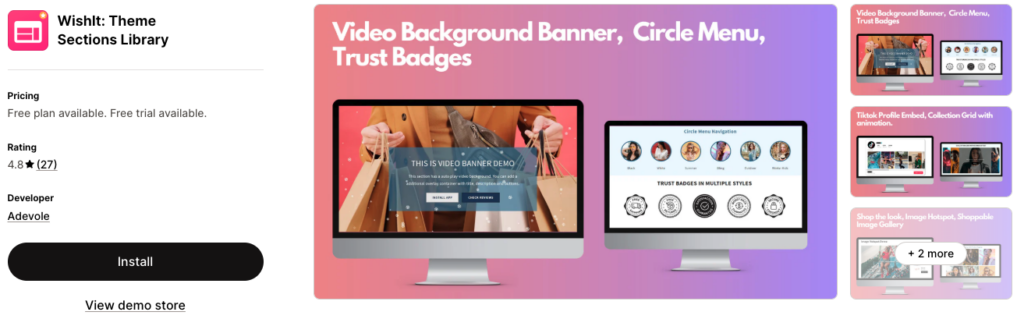
WishIt is a one-stop solution for all your theme-related needs. With the WishIt Theme Sections Library included as one of the top Shopify theme apps, you can easily install and customize pre-built sections and landing pages to any theme.
From logo lists, FAQ sections, payment icons, video background banners, and image galleries, to custom HTML/CSS/JS implementations, trust badges, shoppable images, and more, WishIt makes it easy to create stunning designs for your store, quickly and hassle-free.
Expand your design potential today with WishIt’s Theme Sections Library, one of the best Shopify theme apps for store optimization.
Key Features:
- 20+ beautifully designed light-weight sections
- Page templates without header/footer
- Custom section development
- Copy/paste html/css/js snippets
- Explore effects like snow/valentine/heart
Pricing:
- Free Sections: Free
- All Access Plan: $4.95/Month
Shopify Page Builder Apps vs. Sections
Many Shopify owners think sections and page builders apps are the same thing. While they both help you design your store, there’s a big difference in how they affect your site.
Think of a page builder apps like a giant sticker you put over your page.
Shopify page builder apps offer easy to drag and drop elements exactly where you want them, and it doesn’t change your theme’s code. But like a heavy sticker, it can slow things down so be extra careful with your SEO.
Sections, on the other hand, are like the bricks used to build the house.
They are written in Shopify’s native language (Liquid and CSS) and live directly inside your theme. With the Shopify section app in picture, you don’t need to edit any code – you need to just implement.
They might be a bit more structured, but they keep your store fast, clean, and professional.
Frequently Asked Questions
Are Shopify Sections Customizable?
Yes, absolutely. Many Shopify themes offer a few customization options like color and text adjustments. Alternatively, the MIT Sections Pro Shopify app comes with 20+ customizations per section.
Can I Use AI to Create Custom Shopify Sections?
Yes, you can use AI tools like ChatGPT or Gemini to create code to paste into your theme. Make sure to keep testing the section to meet the quality design standards.
How to Add Sections to Shopify Theme?
Go to Online Store > Themes and click the Customize button on your active theme.
Then, navigate to the page where you want the new design (Home, Product, or About page).
Click “Add Section”: In the left-hand sidebar, scroll to the bottom of the list and click Add Section.
Select the section you want from the menu. You can then click and drag the six-dot icon next to the section name to move it up or down on your page.
Finally, Our Take on Best Section Store App
Adding sections to your Shopify is easier than ever thanks to the mentioned app above. While they add an attractive design to your desired page, your page speed and other SEO elements are kept in mind.
This means your search traffic stays intact and your store design looks impressive!
Your all-in-one solution to create a professional Shopify store
Install App Now
