

Running a Shopify store comes with a lot of financial transactions and manually tracking everything can put you in a lot of work, which may lead to accounting errors.
But, with QuickBooks, you can easily track, manage, and ensure accurate bookkeeping.
In this blog, you’ll find the best Shopify apps for QuickBooks integration that can simplify your accounting. These apps are available in both free and paid versions.
Why Connect Shopify Store With QuickBooks?
When your Shopify store grows, managing your finances can become a burden.
This is where you can integrate QuickBooks into your Shopify to speed up your record-keeping of financial data and keeping them updated.
When you choose the right QuickBooks Shopify app, you can:
- Sync your sales and expenses automatically in a report
- Easily track taxes, GST, and other compliances
- Get real-time financial insights like sales, margins, shipping charges, etc.
- Automate invoice generation and reconciliation
And, by keeping your Shopify store linked with your finances, you can eventually see what’s affecting your profit.
Best Shopify Apps For QuickBooks Integration – Free & Paid Apps
We’ve compiled a list of the 5 best Shopify apps for QuickBooks integration, including their key features, pricing, and reviews.
| App Name | Key Features | Pricing | Ratings |
| QuickBooks Online Global by Intuit | – Track income and expenses – Import Shopify sales dataSync stock levels | Free trial, Paid plans start at $30/month | 4.9/5 |
| QuickBooks Sync by Webgility | – Real-time sync for orders and taxes – Match depositsMultichannel inventory sync | Starts at $59/month | 4.9/5 |
| QuickBooks, Xero Sync – Synder | – Auto-sync sales, inventory, and taxes – Choose between daily or individual sync | Starts at $65/month | 4.7/5 |
| A2X for QuickBooks | – Track Shopify payouts – Assign tax rules to transactions | Paid plan from $29/month | 4.9/5 |
| QuickBooks Bridge by Parex Technologies | Paid plan from $10/month | Free trial, Paid plans starts at $30/month | 4.8/5 |
1. QuickBooks Online Global by Intuit
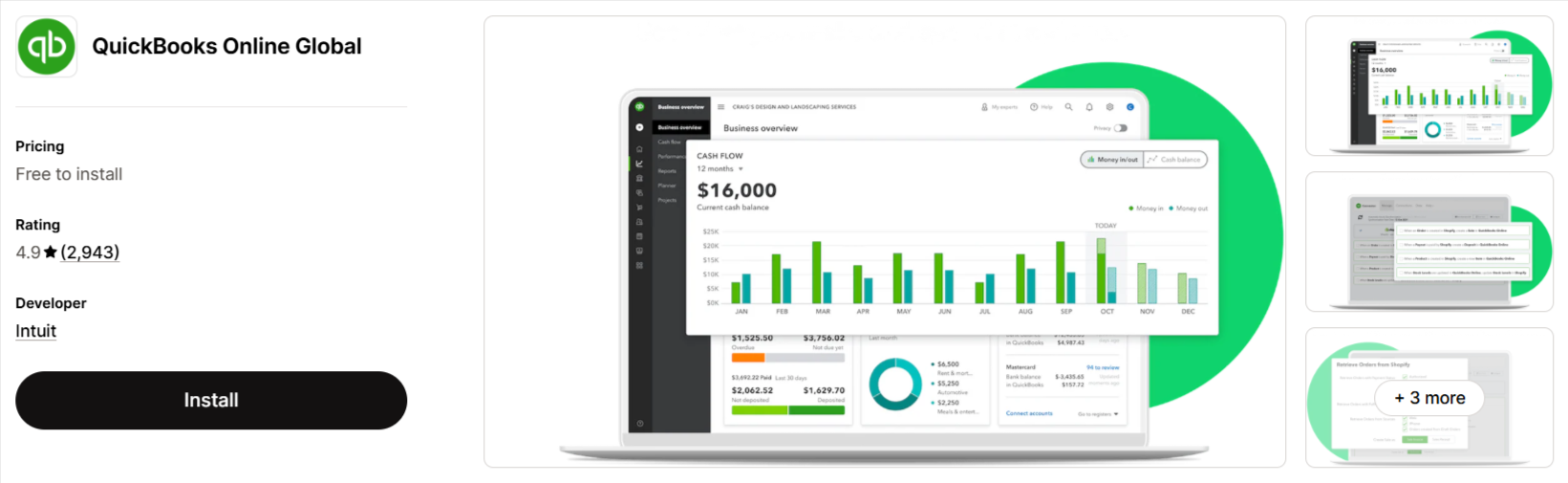
It is a popular option among Shopify store owners who want to automate accounting and financial tracking.
With this app, you can connect multiple Shopify storefronts to QuickBooks Online to track income and manage tax deductions. It also simplifies invoice creation and helps keep financial data up to date.
What’s good about this app?
- Automates invoice, customer, and product entry from Shopify to QuickBooks
- Synchronizes inventory and accounting data for accurate financial tracking
- Provides real-time insights into income, expenses, and tax deductions
Pricing:
- QBO Essentials – $30/month
- QBO Plus – $55/month
- QBO Advanced – $85/month
2. QuickBooks sync by Webgility
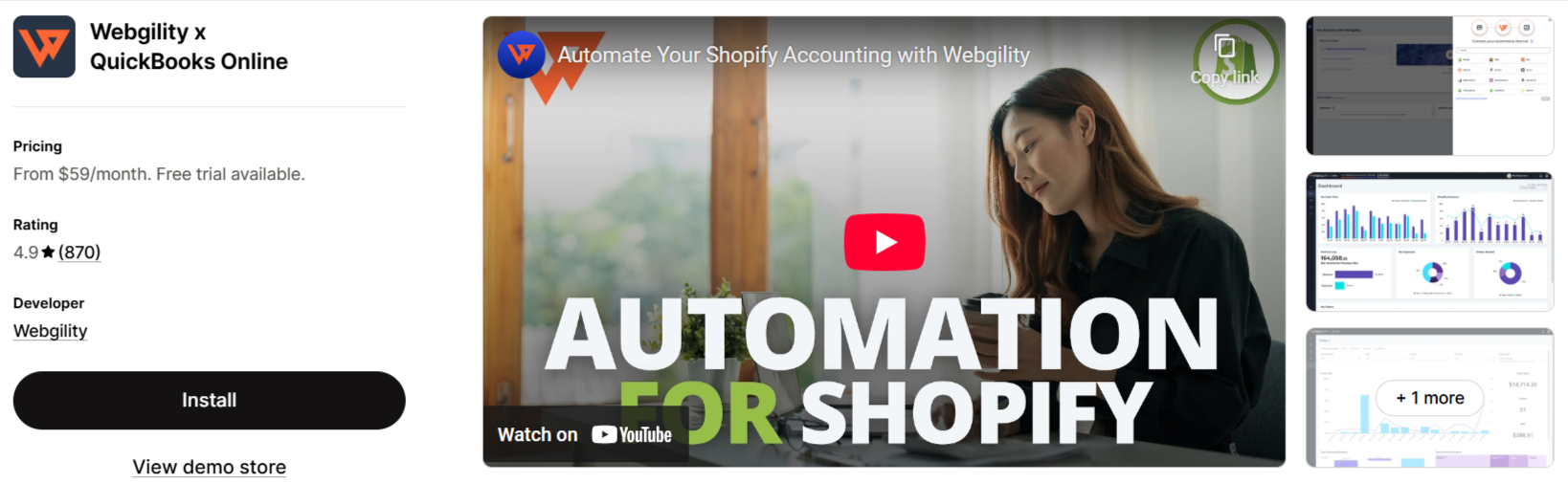
This app simplifies eCommerce accounting by syncing Shopify with QuickBooks Online, QuickBooks Desktop, and 30+ marketplaces. It can automate your orders, tax, inventory, and refund tracking.
And, with real-time reconciliation, it matches your sales, deposits, and fees automatically.
What’s good about this app?
- Match Shopify deposits and fees for easy reconciliation
- Keeps your inventory updated across all sales channels
- Offers AI-driven insights into revenue, expenses, and profitability
- Supports B2B transactions with PO#s, syncing, and payment term mapping
Pricing:
- Basic – $59/month
- Pro – $119/month
3. QuickBooks, Xero sync – Synder by CloudBusiness Inc
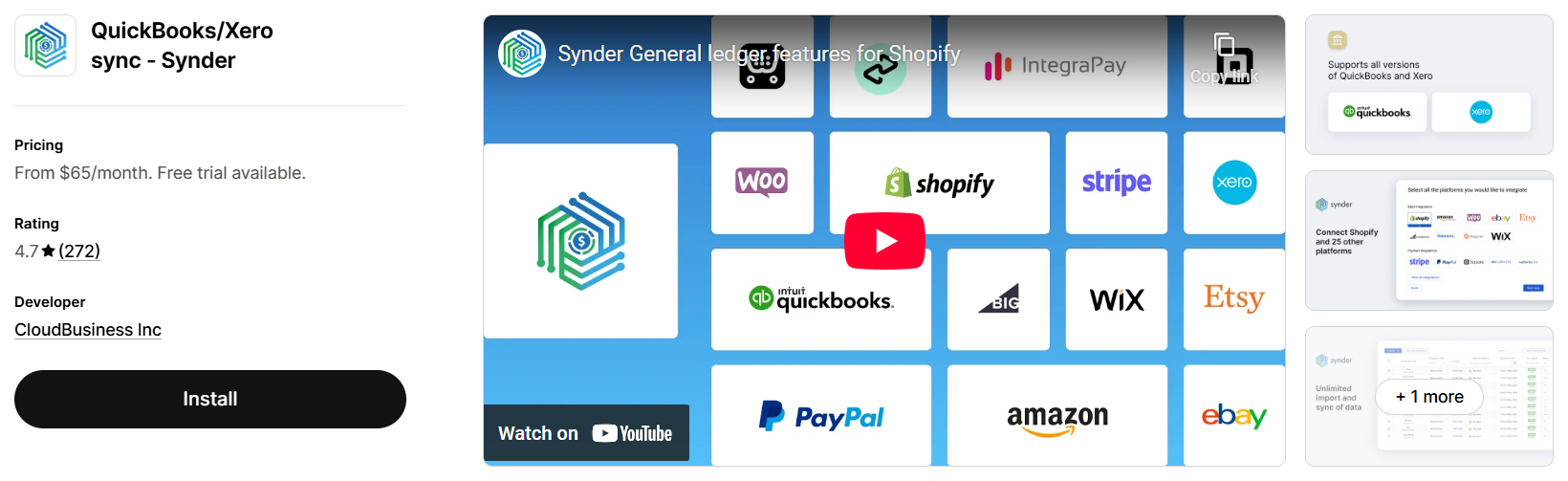
Synder by CloudBusiness helps eCommerce in a great manner by syncing Shopify sales, taxes, fees, and inventory with QuickBooks, Xero, or Sage Intacct.
With Synder, you can reconcile transactions effortlessly, import historical data, and manage multi-currency sales. It also connects with multiple sales channels, making accounting easier as your business scales.
What’s good about this app?
- Instantly transfers Shopify order details, fees, and taxes
- Offers flexible syncing: daily summaries or individual sale entries
- Securely imports years of historical data without duplicates
- Handles multiple currencies and keeps inventory updated
- Integrates with 25+ platforms for unified sales tracking
Pricing:
- Basic – $65/month
- Essential – $115/month
- Pro – $275/month
- Free 15-day trial available
4. A2X for QuickBooks
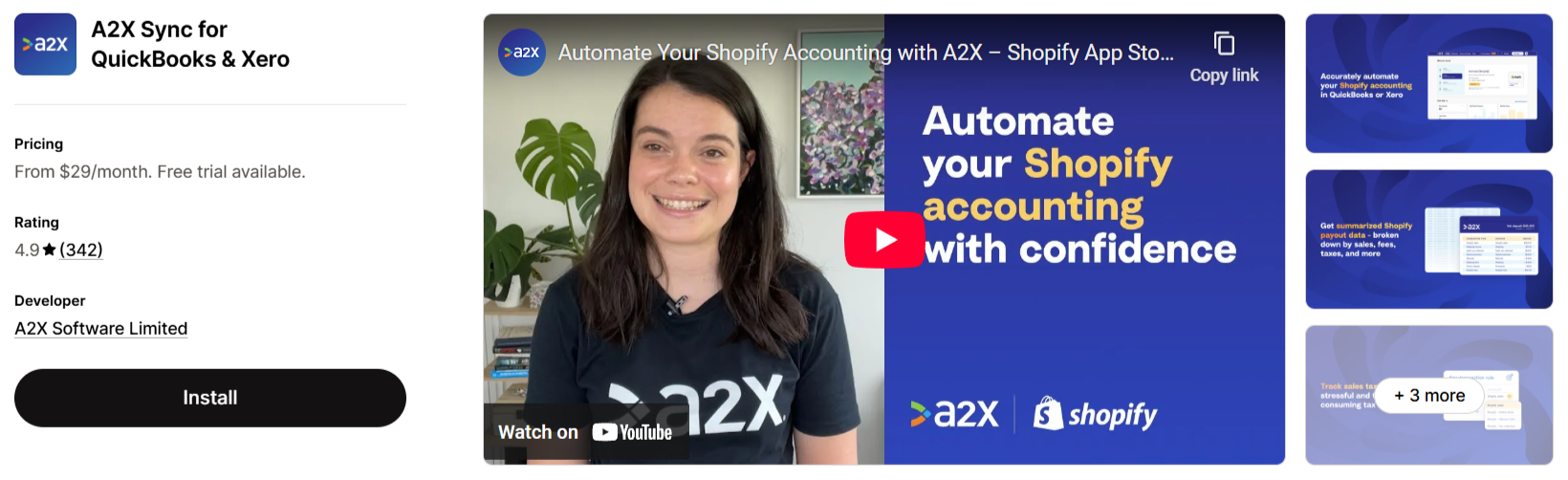
If you want a QuickBooks Shopify app that automates accounting by syncing payouts with QuickBooks, Xero, or Sage to ensure accurate tax tracking and bookkeeping, then A2X is a great option.
It categorizes your sales, refunds, and fees into clear summaries, making reconciliation effortless and saving you hours on accounting.
What’s good about this app?
- Breaks down Shopify payouts into easy-to-read financial summaries
- Updates COGS, so you always know your profit margins
- Works with POS and wholesale orders for a smoother workflow
Pricing:
- Mini – $29/month
- Basic – $45/month
- Professional – $79/month
- Advanced – $115/month
5. QuickBooks Bridge by Parex Technologies
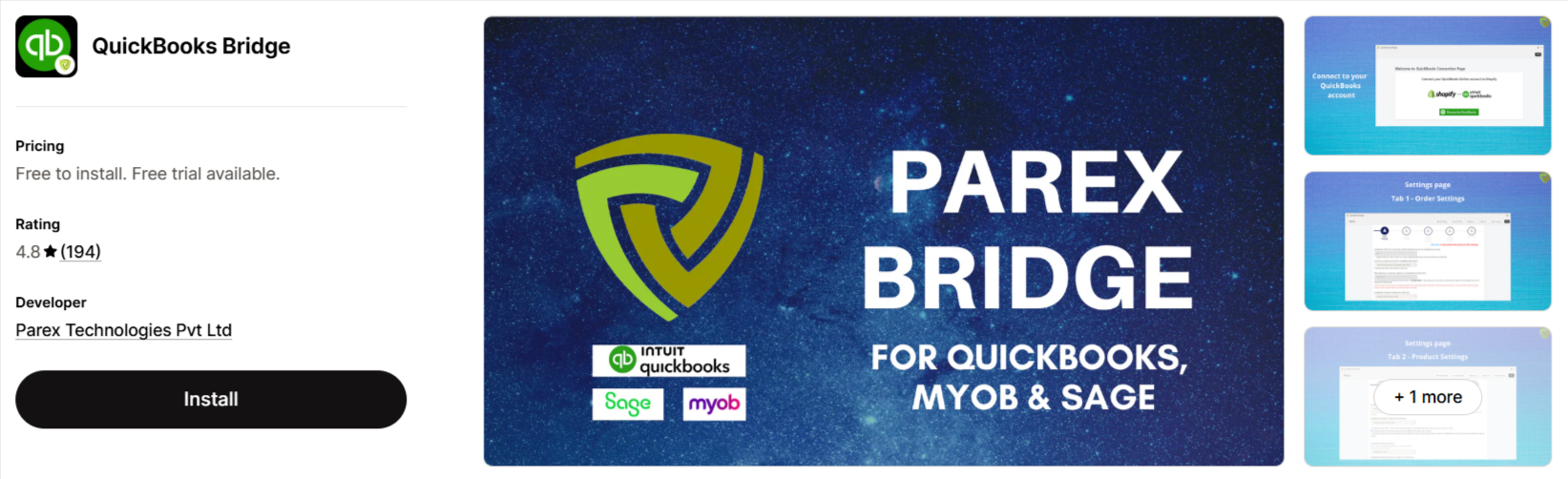
QuickBooks Bridge syncs your Shopify sales data with QuickBooks Online, letting you automate bookkeeping with individual or summary sync options.
It exports orders, products, and customer data automatically while also offering manual sync when needed.
What’s good about this app?
- Syncs individual orders with full details, including customers and taxes
- Offers summary sync for simpler reconciliation by payment method
- Choose between automatic or manual syncing
- Includes refunds, payouts, and fees to keep records accurate
- Supports MYOB along with QuickBooks Online
Pricing:
- Pay As You Go – Free to install
- Silver – $10/month
- Gold – $20/month
- Platinum – $30/month
Features to Look For In Shopify QuickBooks Integration Apps
When you choose the best Shopify QuickBooks integration app, look for these essential features:
- Check if the app provides real-time syncing for orders, refunds, taxes, and inventory.
- Offer a multi-platform compatible with Amazon, eBay, Etsy, and other sales channels.
- Accurately track tax & cost to ensure correct tax filings and clear profit margins.
- Recording transactions immediately to avoid any payment issues.
So, when you consider these certain features, it will help you save time, reduce accounting errors, and keep your records organized. Start with these QuickBooks Shopify apps, start exploring each, and see which one can make all the difference!
