

In e-commerce, small changes can make a huge impact like product review, badges, and more.
These well-refined Shopify apps for product badges and labels will turn these prompts into powerful sales drivers.
Foremost, let’s understand why it is a smart move to add them.
Why Add Them?
Adding these can be a game-changer way to enhance sales and the shopping experience. Here’s the closer POV for it.
- Highlight your product and capture attention among similar listings
- Add discounts, offers, and deals so customers can immediately spot value without scrolling
- Create urgency and scarcity with low stock, limited-time, or flash sale that pushes faster purchase decisions
- Draw attention to new arrivals so loyal customers can quickly find the latest products
- Promote bestsellers and trending items to build social proof and increase purchases
- Display important attributes like “organic”, “handmade”, “eco-friendly” to gather the correct audience
- Guide buying behavior visually without overwhelming shoppers with too much text
Top 10 Shopify Apps Product Badges & Labels
Here we’ve gathered the best 10 apps for product badges and labels, which are tested and used by our experts.
| App name | Key features | Pricing |
| Hextom: Upsell Sales Boost | – Add countdown, trust badges, & inventory timers – Easy to use & customizable – Codeless discount integration | Free |
| Avada Trust Badges Sale Pop-up | – Create various trust badges with innovative designs – Offers recent sale pop-ups – Display free shipping bar notification | Free |
| ShopClimb – Trust Badges | – Display badges in checkout – Badges for geolocation – Multiple designs & fully customizable | Free |
| Trust Badges Bear | – Detailed options for styling – Add badges to any page – Faster load times | Free |
| SEOAnt – Trust Badges & icon | – Single-click selection for badges – Mobile responsive badges – Custom placement of badges | Free |
| TA Product Labels & Badges | – Supports a variety of badges and labels – Add multiple conditions – Custom text label and badges | Free |
| DECO Product Labels & Badges | – AI generated labels and badges – Calculate & display % for sales products – Get free designs from their designer | Free |
| Sami Product Labels & Badges | – Unlimited product badges and labels – Add any type of promotion – Set rules by tags, collection, etc | Free |
| Easy:Stock ‑ Product Labels | – Use badges for the collection page – Flexible display options – Custom badges with any text, color, etc. | $4.99/month |
| ShineTrust ‑ Product Badges | – Show badges in the product details and the product list – Enable auto promotion based on various elements – No design experience required | Free |
1. Hextom: Upsell Sales Boost
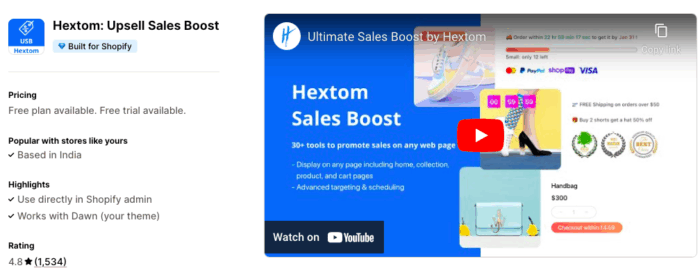
Hextom: Upsell Sales Boost is one of the best apps for adding trust badges and product labels.
You can expand your store with 30+ tools that drive sales from landing to checkout.
Add upsells, BOGO, bundles, discounts, product recommendations, countdowns, low-stock alerts, trust badges, labels, and delivery timers to engage shoppers at every step and increase revenue.
Key features:
- Increase order value with upsells, BOGO, bundles, discounts, and recommendations
- Create urgency and trust using countdowns, stock alerts, and badges
- Set up promotions easily in just a few clicks and without any coding
- Target offers by product, customer, time, and more to improve ROI
Pricing:
- Free plan available
- Basic plan: $9.99/month
- Professional Plan: $29.99/month
2. Avada Trust Badges Sale Pop-up
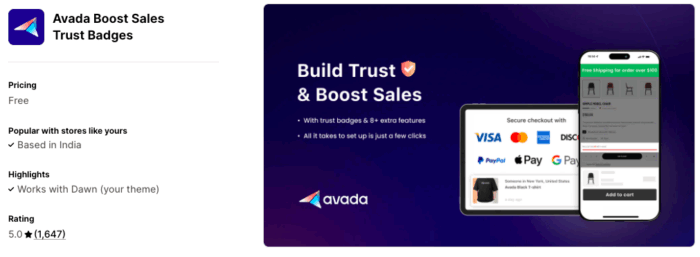
Avada is the go-to platform for adding product labels or trust badges. This fits with every kind of customization and is easy to use.
Easily create real-time sales notifications to build urgency and social proof, and use trust badges to enhance conversions by assuring customers your store is reliable.
Key features:
- Create trust badges with attractive designs
- Show recent sales popups to turn visitors into buyers
- Display a free shipping bar to encourage larger orders
- Customize everything to match your brand
Pricing:
- Free to use
3. ShopClimb – Trust Badges
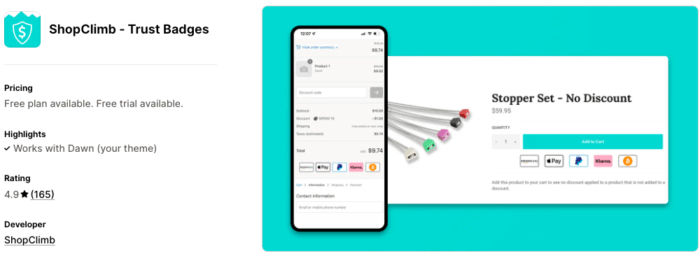
This app lets you quickly build trust with your customers by adding reliable payment badges, which are a proven way to do it.
With easy setup and multiple designs, the trust badge helps boost your store’s conversions by showing the right badges to the right customers.
Key features:
- Show badges at checkout to reduce abandoned carts (Shopify Plus only)
- Use geolocation badges so shoppers see familiar local payment options
- Install easily with drag-and-drop, no coding needed
- Choose from multiple designs and customize to match your store
Pricing:
- Free plan available
- Premium: $5.99/month
- Plus: $19.99/month
4. Conversion Bear Trust Badges
Trust Badges Bear is well-suited for every Shopify store and is very easy to use and highly flexible. It can let you add badges and labels in seconds.
Add trust badges and payment icons to show your store is secure and reliable. Choose from 300+ designs, customize every detail, and place them in cart, footer, hero, or product page, all with simple one-click copy/paste.
Key features:
- Style badges with original colors or match them to your brand
- Get new trust badges and payment icons added on request
- Set different badge sizes for desktop and mobile
- Ultra-light design loads fast, under 30KB
Pricing:
- Free to use
5. SEOAnt – Trust Badges & icon
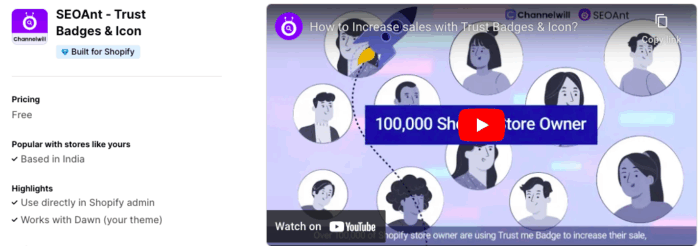
With SEOAnt, you get to choose and customize trust and payment badges to fit your needs. The addition of trust badges has been proven to reduce bounce rates and encourage sales.
Additionally, have a preview on mobile or desktop, adjust styles anytime, and display them in your store to reduce bounce rates.
Key features:
- Select your favorite badges in one click, no extra steps
- Add payment badges on mobile and adjust icon size for any screen
- Build trust and give customers a sense of security
- Boost sales with a variety of shipping badges
- Customize badge placement anywhere in your store
Pricing:
- Free to use
6. TA Product Labels & Badges
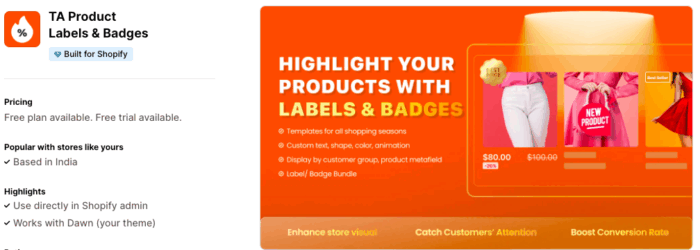
TA Product Labels & Badges (by BSS) helps boost conversions with interactive labels and badges. Use your own images or choose from a library of seasonal designs like Summer Sale, BFCM, etc.
Display by customer segment, product, collection, discount range, or campaign time. Show multiple labels in a single image and easily customize position, size, and display settings.
Key features:
- Badges and Labels library, including discount label, sale badge, product sticker, and new label
- Various conditions such as label or badge by product, customer, discount, stock status
- Custom text product labels and badges with color, background, animation, and tooltips
- Label Group with 2 to 3 product labels to show all discounts and features in one image
- Label or Badge per variant to display labels on selected variants on the product page
Pricing:
- Free plan available
- PRO PLAN: $9/month
- ADVANCED PLAN: $19/month
- PLATINUM PLAN: $29/month
7. DECO Product Labels & Badges
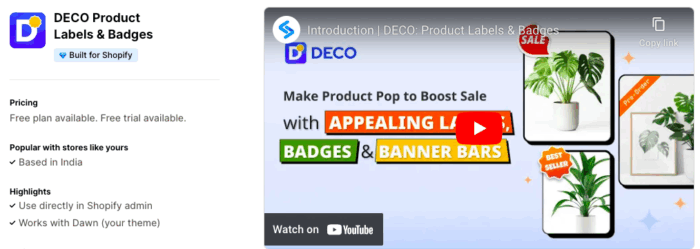
DECO helps you create custom badges, labels, and banners that match your brand and make your Shopify store stand out.
Plus, use advanced targeting to show the right promotions to the right customers at the right time. Install it to improve your store’s conversions and sales.
Key features:
- AI Generator to create ideal labels and badges in just one minute with diverse options
- Display by condition such as variant, collection, discount, inventory, or product reviews
- Label and Badge group to show multiple labels and badges in one product image
- Dynamically calculate and display the percentage discount for sale products
- Free designs from our designer to match your brand look
Pricing:
- Free plan available
- Starter: $7/month
- Growth: $17/month
8. Sami Product Labels & Badges
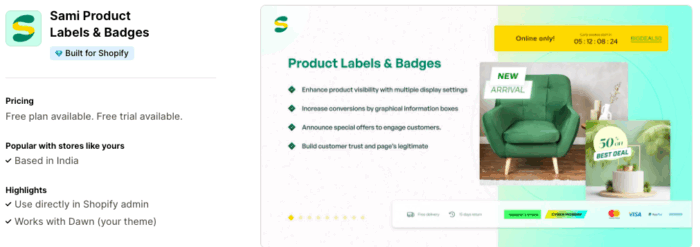
Sami Product Badges & Labels lets you add visual labels to product images using a wide range of pre-designed collections.
Highlight sales and discounts, show out-of-stock or low-stock badges to create urgency, and promote free shipping offers. All badges are customizable with flexible display rules.
Key features:
- Unlimited product badges and labels with custom and upload options
- Badge library for sale labels, stock, out of stock, Valentine’s Day, new labels, and more
- Feature visibility within a set period with lifetime updates for new label images
- Raise any promotion, including pre-orders, new arrivals, combo offers, and best seller badges
- Set rules by tags, collection, variants, inventory, vendors, type, price, and more
Pricing:
- Free plan available
- GOLD: $9.90/month
- DIAMOND: $14.90/month
9. Easy:Stock ‑ Product Labels
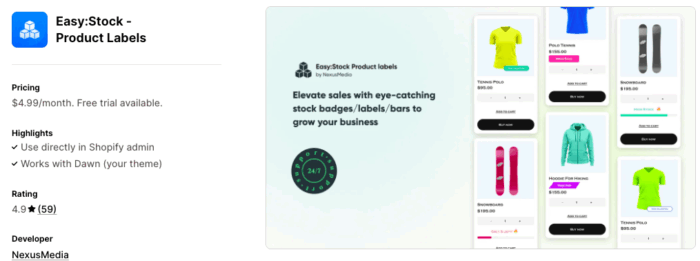
EasyStock Labels & Badges boost sales with eye-catching labels and real-time inventory counters.
Easily showcase stock badges, product page stock bars, emojis, and custom titles like ‘Only 1 left’ or ‘Low stock’ to create urgency and drive purchases through FOMO.
Key features:
- Shows product demand with powerful call-to-action titles and product labels
- Custom Badges with any text for any product/collection regardless of inventory
- Flexible display options with color, position, shape, stock bars, and emojis
- Use badges for the Collection page and customizable stock bars for the Product pages
Pricing:
- PREMIUM PLAN: $4.99/month
10. ShineTrust ‑ Product Badges
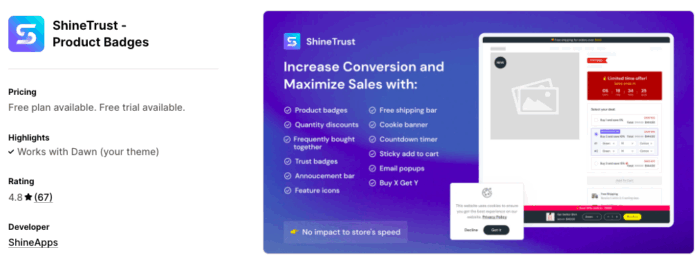
ShineTrust encourages sales by automatically highlighting product value, free shipping, scarcity, inventory, and discounts with a large library of pre-designed badges and labels.
It also includes 11 tools like Bought Together, Volume Discounts, Buy X Get Y, Sticky Add to Cart, Feature Icons, Announcement Bar, Free Shipping Bar, Countdown Timer, Trust Badges, Email Popups, and Cookie Banner.
Key features:
- Use for BFCM, pre-orders, low stock, wholesale, B2B, collections, and new arrivals
- Customize and flexibly display badges in product details or product lists
- Enable auto promotions based on availability, price, savings, product, or variant
- Comes with robust support so you can be worry-free
Pricing:
- Free plan available
- Basic: $10/month
- Advanced: $15/month
Best Practice for Using Custom Product Badges
So that’s a wrap-up for the Shopify apps for product badges & labels. To make the most out of it, consider the followings:
- Match colors and style with your brand
- Use badges to highlight urgency or value
- Avoid clutter, focus on key products
- Ensure visibility on desktop and mobile
- Revamp designs for seasonal and new campaigns
Smartly placed, well-designed badges grab attention and build trust, turning casual visitors into paying customers.
