

Rather than displaying images one by one, a Shopify gallery brings them together in a structured and interactive format. With gallery apps, you can showcase products, collections, or brand visuals in a way that looks polished, modern, and easy to explore. Here we have gathered the best Shopify apps for gallery to help you create beautiful galleries that attract interactions.
This is how an image gallery probably looks.

Let’s start by understanding its types.
Types of Shopify Image Gallery
Here are the basic, common types of galleries you can implement using specialized Shopify apps.
- Instagram Feed Galleries – Displays your latest posts or tagged photos in a grid or slider
- TikTok Video Galleries – Showcases short-form video reviews and tutorials directly on your site
- UGC Hubs – A curated gallery of photos submitted by customers
- Shoppable Galleries – These allow you to tag multiple products within a single lifestyle image, so customers can buy the entire outfit or set with one click
- Variant-Specific Galleries – Automatically filters images to show only the color or style a customer has selected
- Video Sliders – Integrates product videos and tutorials alongside static photos in the main product carousel
11 Best Shopify Gallery Apps [Top-Picked]
Based on their features, pricing, and user ratings, these are the leading Shopify apps for product page galleries.
| App name | Key features | Pricing | Rating |
| Essential Grid Gallery | – 80+ gallery templates – Grid, Masonry, & Collage Styles | Free | 4.9 |
| SA Variant Image Automator | – Works with product images in all themes – Supports color swatch, 3D, and more | Free | 4.9 |
| Enorm Image gallery + Video | – Add links, title & alt tags – Fully customizable video gallery | Free | 4.8 |
| Covet Instagram Feed & Reviews | – Automate & display Instagram feed – Offers Shoppable Gallery & Lookbooks | Starts $9.99/month | 4.6 |
| RPTR – Instagram Feed Connect | – Slider or grid layout options – Live, auto-updating Instagram content | Starts $5.99/month | 4.9 |
| POWR Lookbook Gallery | – Lookbook with shoppable product images – Lightbox features and hover effects | Free | 4.4 |
| Wave Connect Instagram TikTok | – Impressions & conversions analytics – Tag relevant products on images | Starts $4.95/month | 4.8 |
| Photo Gallery | Robin PRO | – Link photo galleries with products – Add watermarks to protect gallery images | Free | 5.0 |
| EVM YouTube Video Gallery | – Create YouTube & Vimeo video galleries – Create video sliders & multiple galleries | Starts 7.99/month | 4.4 |
| Like2Have.it | – Add product & collection-specific galleries – Link Instagram photos to many products | Starts $20/month | 5.0 |
| Generate images AI Images | – Assign multiple images per product – Generate images with AI | Free | 4.8 |
1. Essential Grid Gallery
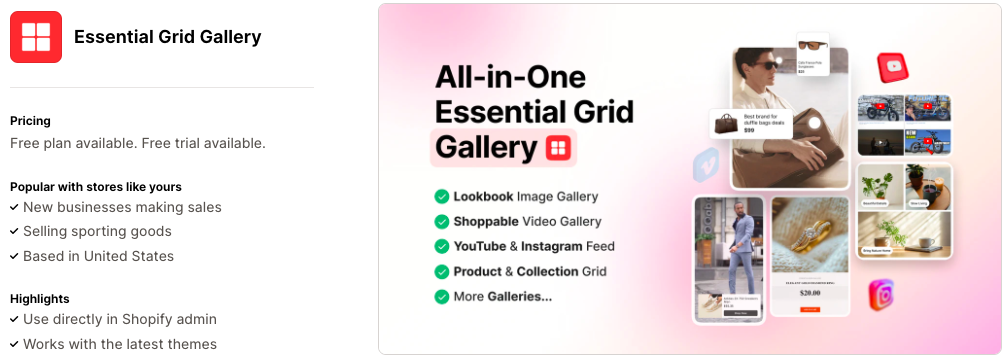
This gallery app helps you showcase product and brand visuals. It lets you create engaging, sales-focused galleries with mixed images and videos, hotspot tagging, YouTube Shorts, playlists, and social feeds. The flexible design makes building attractive galleries easy, improving the shopping experience and boosting sales.
Key features:
- More than 80 high-converting, ready-to-use gallery templates
- Image galleries in grid, masonry, and collage layouts
- Shoppable videos using YouTube Shorts or Shopify-hosted videos
- Lookbook galleries with hotspot product tagging for shop-the-look experiences
Pricing:
- Free plan available
- BASIC: $5.99/month
- STANDARD: $12.99/month
- BUSINESS: $29.99/month
2. SA Variant Image Automator
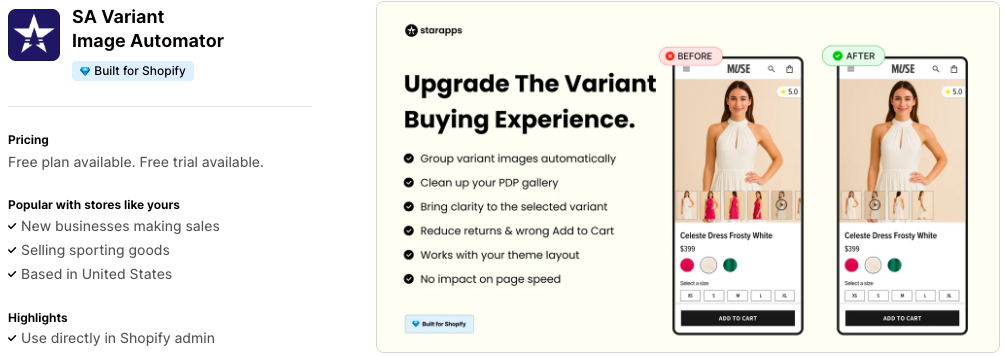
SA Variant Image Automator automatically shows the right images for each product option. Instead of manually setting images for each variant, you organize your product images, and the app does the rest. It works with your existing store design, supports multiple images per variant, zoom, and simplifies migrating from other variant image apps.
Key features:
- Instantly displays multiple variant images when a variant is selected to improve conversions
- Automatically groups and assigns multiple images per variant without manual tagging
- Supports color swatches, 3D images, variant image zoom, videos, and advanced variant options
- Compatible with all Shopify themes, landing page builders, and custom themes
Pricing:
- Free plan available
- PAY AS YOU GROW: $5/month
3. Enorm Image gallery + Video
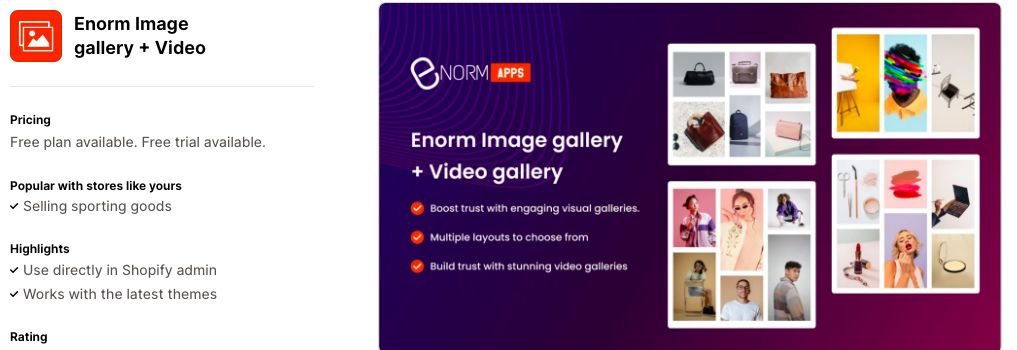
Enorm creates unlimited image and video galleries for a visually rich experience. Images open in a full-screen pop-up for clear, up-close viewing. Enhance galleries with titles, captions, and links. SEO-friendly alt tags boost search visibility and visual appeal.
Key features:
- Create image and video galleries with or without pop-up view
- Add links, titles, and SEO-friendly alt tags to images
- Build fully customizable video galleries using YouTube or Vimeo videos
- Create a main (parent) gallery layout and link multiple child galleries to it
Pricing:
- Free plan available
- Starter Plan: $1.99/month
- Basic Plan: $5.99/month
- Premium Plan: $12.99/month
4. Covet Instagram Feed & Reviews
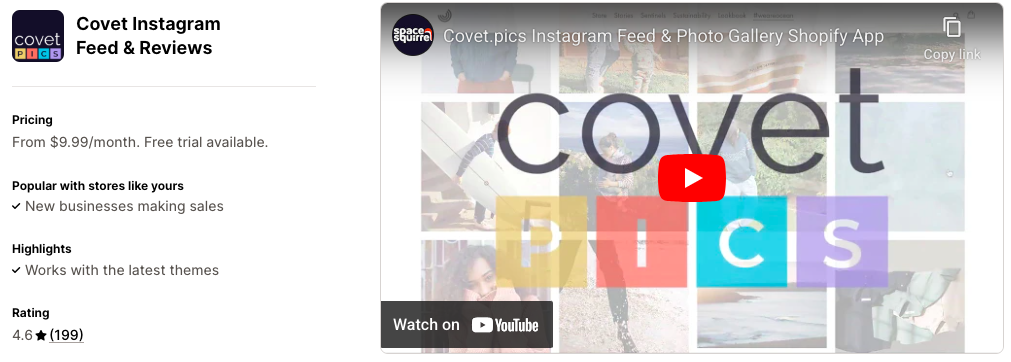
Covet is a powerful visual marketing app that collects and displays authentic customer photos and videos. It automatically imports images and reels from Instagram or hashtags, and allows shoppers to upload visual reviews. It lets you manage submissions, approve content, and reward contributors with discounts via built-in email campaigns.
Key features:
- Upload your own photos for lookbooks and run photo contests to build a community with UGC
- Collect photo and video reviews by inviting customers to upload their own content
- Create shoppable galleries that let customers browse and purchase directly from images
- Build curated lookbooks using high-quality product and lifestyle photos
- Showcase products in real-life, aspirational settings through dynamic product galleries
Pricing:
- Lite: $9.99/month
- Growth: $29.99/month
- Premium: $79.9/month
5. RPTR – Instagram Feed Connect
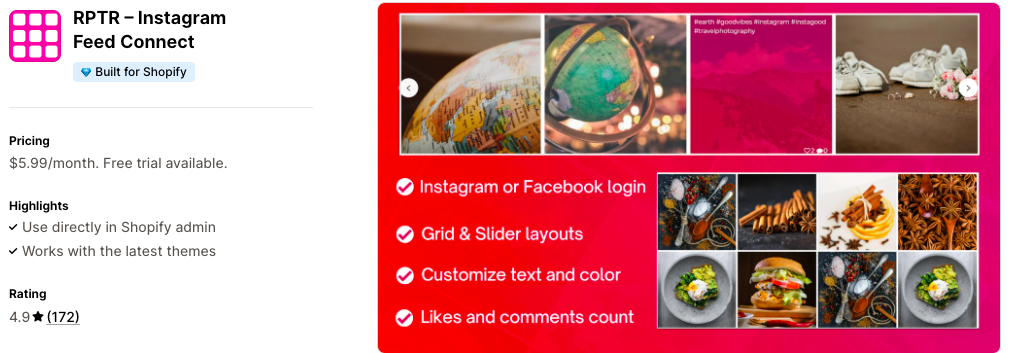
Using this app, you can easily display your Instagram feed on your Shopify store. This builds trust, boosts engagement, and increases sales by showing real photos. It’s customizable, links back to Instagram, requires no coding for quick setup, and includes dedicated support.
Key features:
- Real-time Instagram feed to boost trust and customer engagement
- Customizable fonts, colors, and layouts to match your store design
- Slider or grid layout options with adjustable overlay and text colors
- Auto-refreshing feed to keep content updated automatically
Pricing:
- Basic plan: $5.99/month
6. POWR Lookbook Gallery
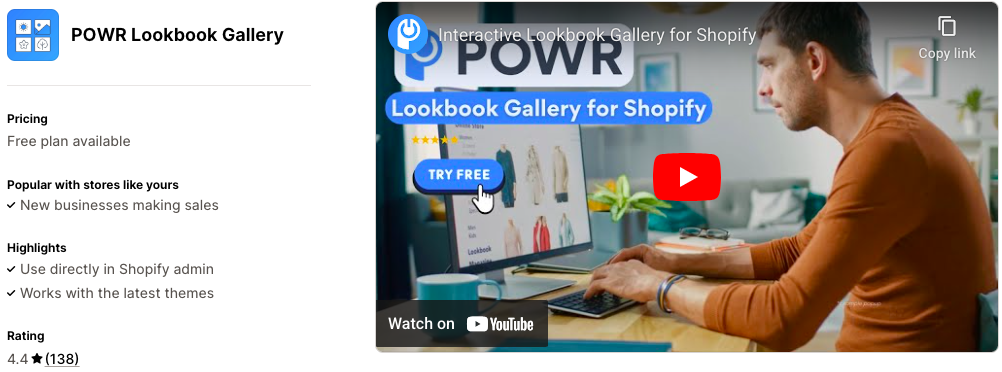
POWR Lookbook Gallery easily showcases products with appealing visuals to increase customer interaction. You can add images, design with Canva, or embed videos from YouTube, TikTok, and Vimeo. Use it to highlight products, articles, events, and other unique content to make your brand memorable.
Key features:
- Create shoppable lookbook galleries and carousels with product images
- Enable likes and social sharing to boost engagement and brand loyalty
- Enhance visuals with lightbox viewing and hover effects
- Add keyword search for easy gallery navigation and improved user experience
Pricing:
- Free plan available
- Starter: $6.04/month
- Pro: $14.84/month
- Business: $98.99/month
7. Wave Connect Instagram TikTok
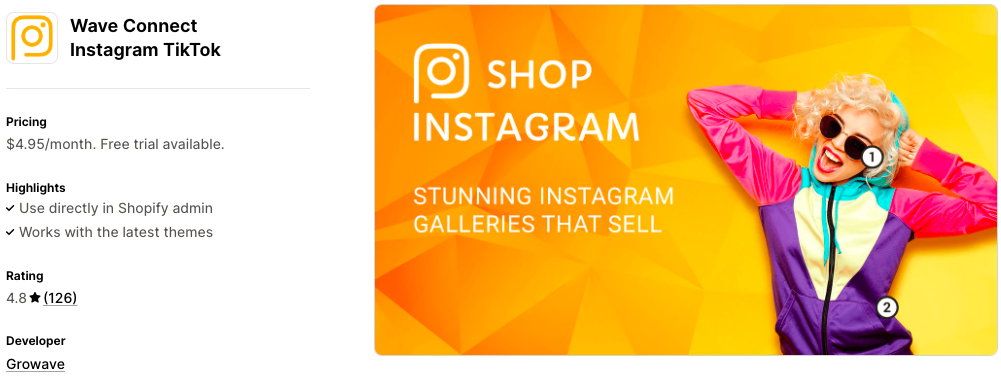
This app displays Instagram photos using various layouts (grid, masonry, slider, list) and supports TikTok videos. It builds social proof and keeps the gallery fresh by pulling and approving user-generated content via hashtags, enabling contests and performance tracking to convert visitors into followers.
Key features:
- Tag products directly on photos to simplify the shopping experience
- Create unlimited galleries for various occasions and campaigns
- Gain insights with analytics, tracking impressions, and conversions
- Auto-approve and seamlessly hide photos and videos as needed
- Easily build and display shoppable galleries on dedicated pages
Pricing:
- PRO: $4.95/month
8. Photo Gallery | Robin PRO
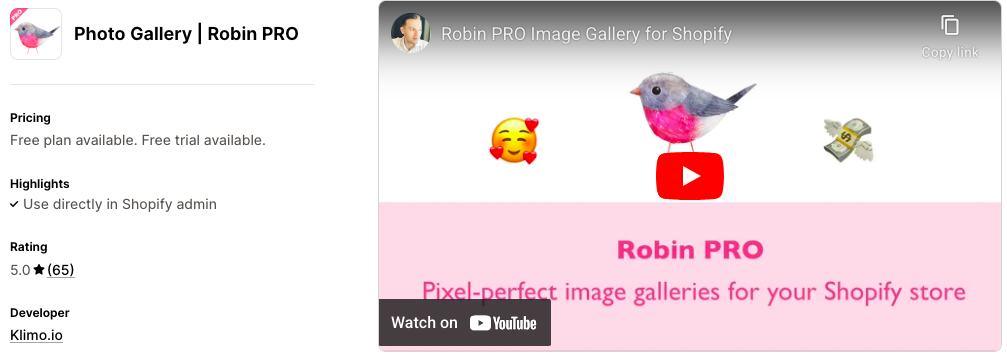
Robin PRO lets you quickly create stunning, mobile-friendly photo galleries with pixel-perfect grid and masonry layouts. Protect your images with watermarks and link them to products to boost sales. Easily upload images in bulk and publish instantly, with helpful support to import from Cozy Image Gallery and other apps.
Key features:
- Fast gallery loading with image optimization, lazy loading, smart sizing, and CDN support
- Drive sales by linking gallery images directly to products
- Protect images with watermarks and prevent right-click downloads
- Add SEO-friendly alt tags to improve search engine visibility
Pricing:
- Free plan available
- Pro: $5/month
9. EVM YouTube Video Gallery
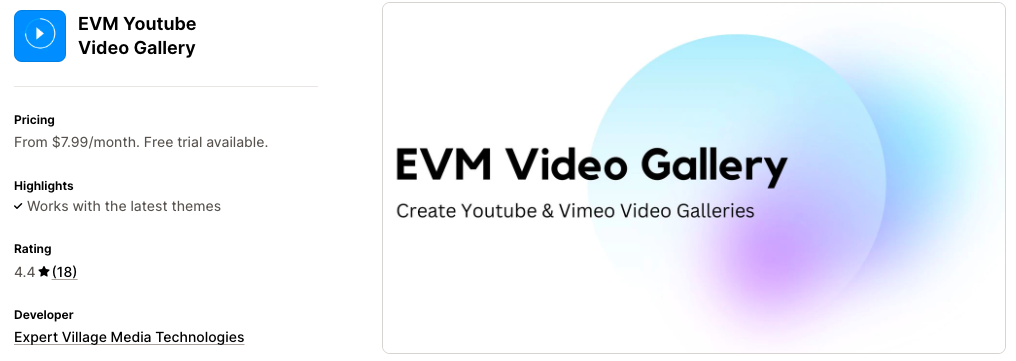
EVM Video Gallery lets you easily create video galleries using your YouTube and Vimeo content. Videos are a powerful way to showcase your products, and this app makes setup quick and simple. Get fast-loading galleries that enhance your store’s visual appeal and engage customers effectively.
Key features:
- Easily create YouTube and Vimeo video galleries for your store
- Create multiple galleries and add them to pages
- Build video sliders to display on your site
- Fast-loading galleries with support for video banners
Pricing:
- Pro Plan: $7.99/month
- Premium Plan: $15.99/month
10. Like2Have.it
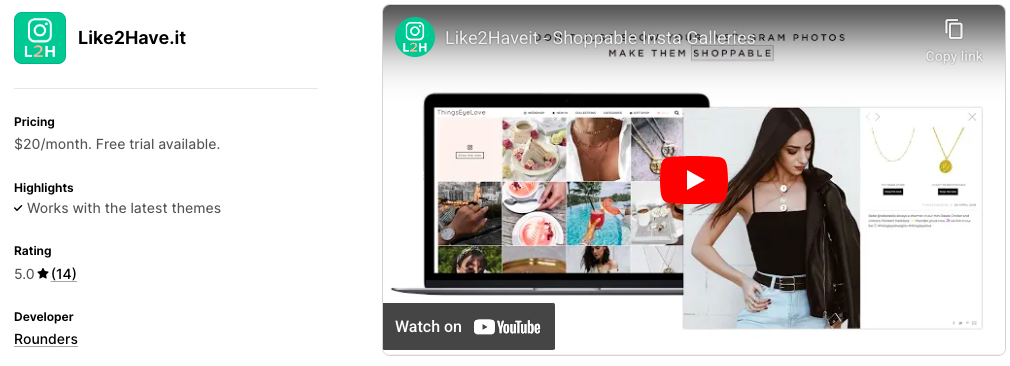
Easily add Instagram galleries to your homepage, product, or collection pages using your brand’s or user-generated content. Showcase galleries linked to products or collections for an interactive experience that boosts engagement and drives direct shopping.
Key features:
- Showcase stunning Instagram galleries on your homepage, collection, or product pages
- Add product-specific galleries directly to product pages
- Link each Instagram photo to one or more products featured in the image
- Display collection-specific galleries on any collection page
Pricing:
- Basic Plan: $20/month
11. Generate images AI Images
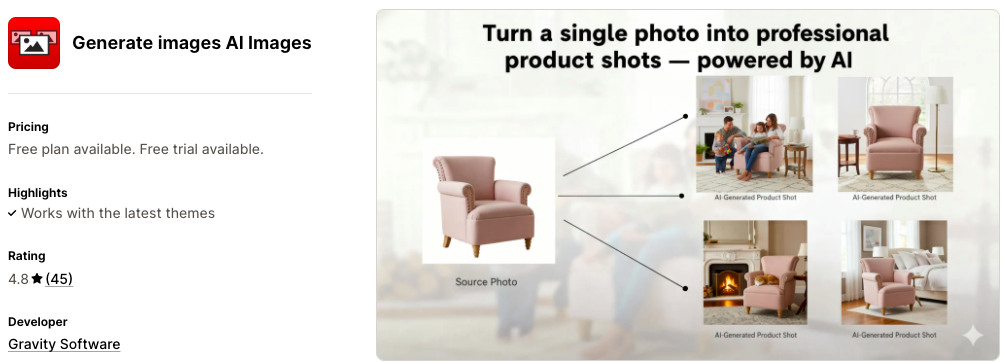
This app replaces your product page images with a sleek, mobile-friendly gallery (thumbnails, carousels, sliders). Assign and dynamically display multiple images per product variant. It also features one-click generation and editing of AI-powered product images via Nano Banana.
Key features:
- Assign multiple images per variant to display only the selected variant images
- Enable image zoom on hover and in lightbox popups
- Choose from carousel, slider, or gallery with thumbnails for product presentation
- Resize the image section, including full-width options for your website
- Generate AI-powered images from your source images for enhanced visuals
Pricing:
- Free plan available
- Full Access +20: $9.99/month
- Full Access +100: $19.99/month
- Full Access +300: $49.99/month
How to Add the Gallery App to Shopify?
You can add any of the Shopify gallery apps discussed above to your store by following this general process.
First, find and install a suitable image gallery app from the Shopify App Store. Once installed, open the app within your Shopify admin and upload the images or videos you wish to display. Next, select a gallery layout that fits your design and customize any necessary elements like captions or external links. Finally, integrate the gallery into your storefront by adding it to your theme, using a section, app block, or custom code provided by the app.
Instantly Showcase Your Products via Galleries
Here are some bonus tips to make the most out of the Shopify gallery apps:
- Display multiple products in clean, organized galleries to help shoppers browse faster and discover more items
- Showcase products in real-life settings to inspire buyers and increase purchase confidence
- Highlight new or seasonal products in dedicated galleries to grab attention instantly
- Build trust by showcasing customer photos and reviews in shoppable galleries
- Turn social content into product discovery tools by linking gallery images directly to products
- Use image galleries to show product variants, close-ups, and usage angles for better clarity
And it’s the end for the best Shopify apps for galleries. Using the correct app, you can present products more visually, guide shoppers naturally toward purchases, and create a more engaging shopping experience that drives conversions and brand trust.
