

Keeping your content safe should be your number #1 priority in 2026.
There are ways someone can copy your store details and start selling at a cheaper price. A Shopify content protector app helps to prevent content and image theft, helping you to safeguard your store from unauthorized use.
Here are the 5 best Shopify content protector apps to get started instantly.
Content Protector Apps for Shopify: Quick Look
| App Name | Free Plan | Paid Plan | Data & Actions Disables |
| MIT Content Protector | ✅ | Forever Free | Developer Tools, Right-click, Text selection, Drag-and-drop, Keyboard shortcuts, and Print. |
| Photolock | ✅ | Starts at $5 | Source Code, Image dragging, Right-click, Text selection, and indexing. |
| Cozy AntiTheft | ✅ | Forever Free | Right-click, Image drag-and-drop, Keyboard shortcuts , and basic Developer Tool access. |
| MenuLock – Disable Right Click | ✅ | Starts at $2 | Right-click menu, “Save Image As,” Text selection, Image dragging, and mobile “long-press” saving. |
| Aegis – Anti Copy & Blacklist | ✅ | Starts at $2.99 | Best-Selling Product Data, Right-click, Text selection, and Keyboard shortcuts. |
Best Shopify Apps For Content Protector
1. MIT Content Protector
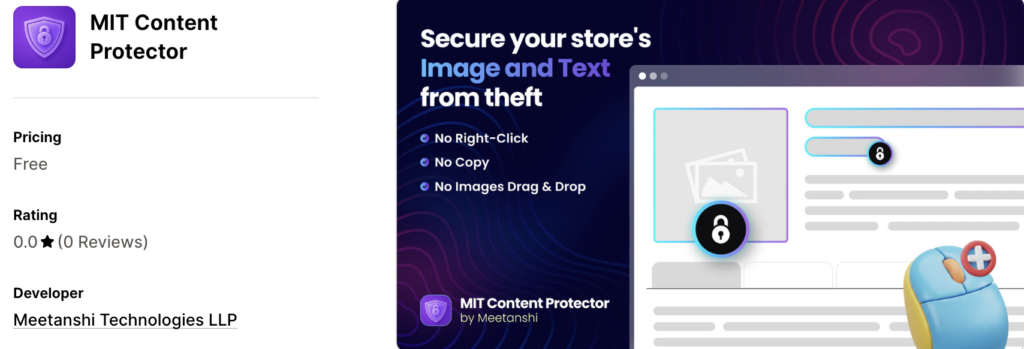
The newly launched MIT Content Protector safeguards your store at multiple levels to
stop both casual copycats and technical scrapers.
Unlike basic blockers, this Shopify content protector app actively monitors the browser console and sends a theft alert to the hacker attempting to open the developer tool.
Here is an example:

What Actions Does The App Take?
- Completely disables right-click, text selection, and image drag & drop.
- Restricts high-risk shortcuts like Ctrl+C (Copy) and Ctrl+U (View Source).
- Disables the print function and renders a blank page if a print attempt is made.
- Actively detects when a user attempts to open Developer Tools (F12) and displays a custom copyright warning message in the console.
Top Features
- Simple toggles to activate protection instantly.
- Restricts access to your site’s underlying HTML/CSS.
- Stop technical scraping at the source.
Pricing:
- Forever Free
Install the FREE MIT Content Protector app and secure your store in seconds.
Install Now
2. Photolock
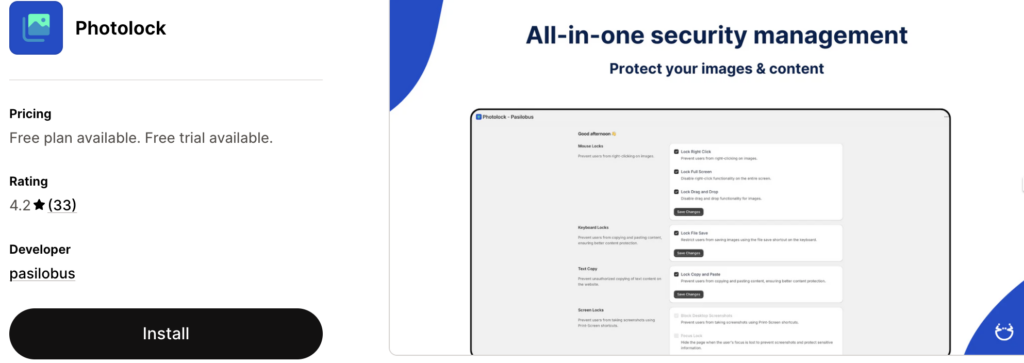
If you are looking for an all-in-one content protector solution, Pasilobus Photolock AntiTheft is the best in the market.
Ranked among the top content protector apps for Shopify, the app helps you prevent images from being used without your knowledge or stolen. It also allows you to add customizable watermarks and disable right-click on your site. These security features make it hard for anyone to steal content from your Shopify store.
Top Features
- Prevent mouse right-clicks and lock keyboard shortcuts to make it harder to steal images or text content from your Shopify store.
- Hide your site’s image source code with the app by blocking the browser inspector and making it hard to steal from you.
- Add location limits to stop the store from being shown to certain countries or users where you don’t sell or ship.
- Block search engines and social media from taking images and content from your site to display.
Pricing
- Essentials: Fee
- Advanced: $5/month
- Premium: $12/month
3. Cozy AntiTheft
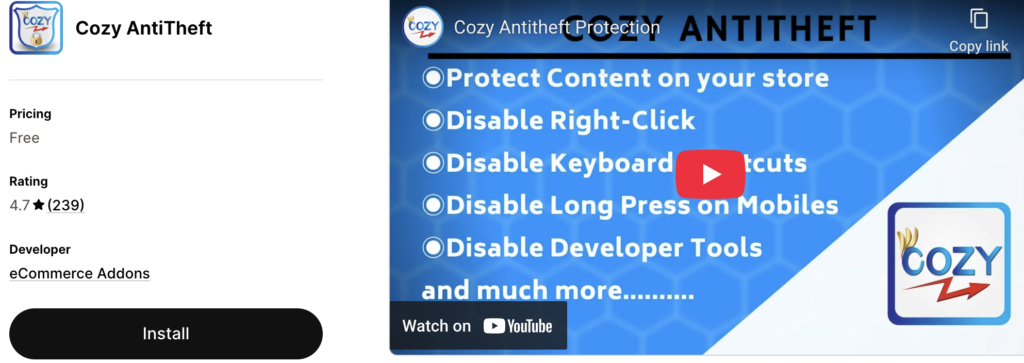
One of the best content protection apps for Shopify, Cozy AntiTheft offers comprehensive content protection for your Shopify stores.
The app has a variety of features that enable you to safeguard your text and image content from being stolen. Unlike other apps in the market, Cozy AntiTheft is extremely easy to install on your Shopify store. With a few clicks, you can now protect your site’s content from anyone looking to steal it. This makes the app one of the top Shopify privacy apps.
Top Features
- Disable right-click, which is the most used means to copy or download content from your store.
- Cozy AntiTheft disables the option to drag and drop images to desktops or other file destinations.
- Protect your background images from being downloaded or copied by content thieves.
- Ensures that shortcuts like CTRL+A, CTRL+C, CTRL+A, etc., are disabled, preventing copying from your store.
Pricing
- Free: Free forever
4. MenuLock – Disable Right Click
MenuLock – Disable Right Click for Shopify is another comprehensive content protector app.
What makes this app unique from other similar apps is that MenuLock ‑ Disable Right Click provides the best security without affecting the user experience of your Shopify store. The app offers sitewide protection of your content. Hence, you need just this app to safeguard your text, images, and other content assets from content theft.
Top Features
- Disable right-click on your Shopify store to prevent copying, downloading, dragging and dropping, etc.
- Available to use on mobile and desktop devices.
- Prevent text selection and shortcuts on your store.
- An easy user interface and dashboard to manage the app quickly.
Pricing
- Free: Free forever
- Pro: $2/month
5. Aegis – Anti Copy & Blacklist
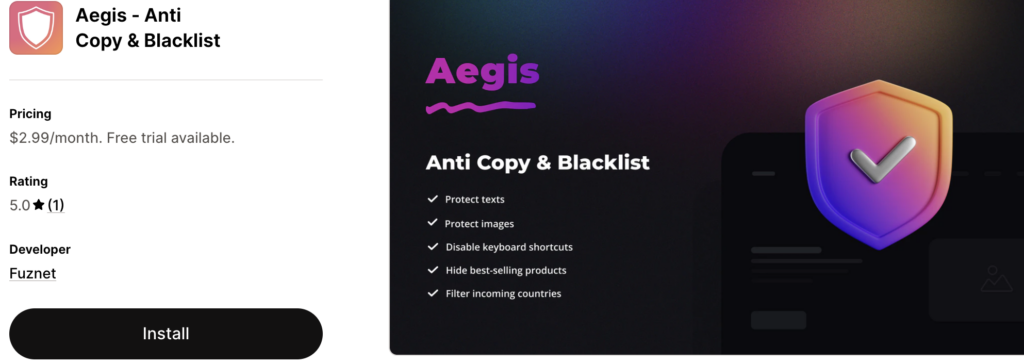
Aegis Anti Copy & Blacklist is among the top Shopify content protector apps.
The app allows you to protect all your content resources on your store, such as images, text, videos, etc. You also get more control over who accesses your website and its content. With the app protecting your content, you can now focus on more important aspects like growing your business, improving customer satisfaction, etc.
Top Features
- Disable keyboard shortcuts on your Shopify store to prevent users from copying content or downloading images.
- Track and blacklist suspicious activities automatically on your site.
- Ensure more location control and prevent your site from being accessed in countries where you don’t serve.
- Protect your bestselling products and filters with the app.
Pricing
- Basic: $2.99/month
Features to Look for in a Shopify Content Protection App
Here are the must-have features for a Shopify content protection app:
- Protect content by adding watermarks
- Location-based access restriction on your website
- Disable text selection and copy/cut shortcuts
- Disallow unidentified crawlers and bots
- Automatic backups of website content at regular intervals
The set of features you require depends on your protection requirements.
Why protect content on your ecommerce store?
The content on your e-commerce store is the result of your hard work, extensive research, and constant efforts. Hence, it is natural to protect them from unauthorized access.
However, here are a few reasons from a business perspective to protect your ecommerce content.
- Your product descriptions, images, videos, etc., represent your IP, and protecting it with content protection apps prevents competitors from using it on their own sites.
- The content on your store is exclusive to your store. If your product content is freely available, it diminishes the exclusivity and competitive advantage of selling those products on your site.
- When pricing, inventory levels, and other operational data are publicly accessible, competitors could use pricing bots and other tools to systematically overthrow your business.
- Many brands and manufacturers require ecommerce sellers to protect product content per their distribution agreements. Not doing so could violate contracts and lead to lawsuits.
- Search engines reward original content. Hence, unique, protected content is better for SEO than duplicated content found elsewhere on the web.
- A well-protected site with exclusive content looks more professional and trustworthy to customers than one with content plagiarized everywhere.
Other Ways to Protect Your Store Content
While adding Shopify content protector is one way to safeguard content security blends automated prevention with manual optimizations and legal safeguards.
Alternately, use manual code tweaks if you want basic right-click protection without affecting page load speeds. Watermarking and Hotlink protection to ensure your original photography remains yours.
Lastly, use DMCA documentation and Copyright notices to establish a legal paper trail.
We hope that this list of top content protector apps has helped you address the challenges of protecting your store’s content.
Install the FREE MIT Content Protector app and secure your store in seconds.
Install Now
